Remove background, Denoise, Character enhancement – Plustek Opticpro A320E Flatbed Scanner User Manual
Page 62
The TWAIN Interface
27
All rights are reserved.
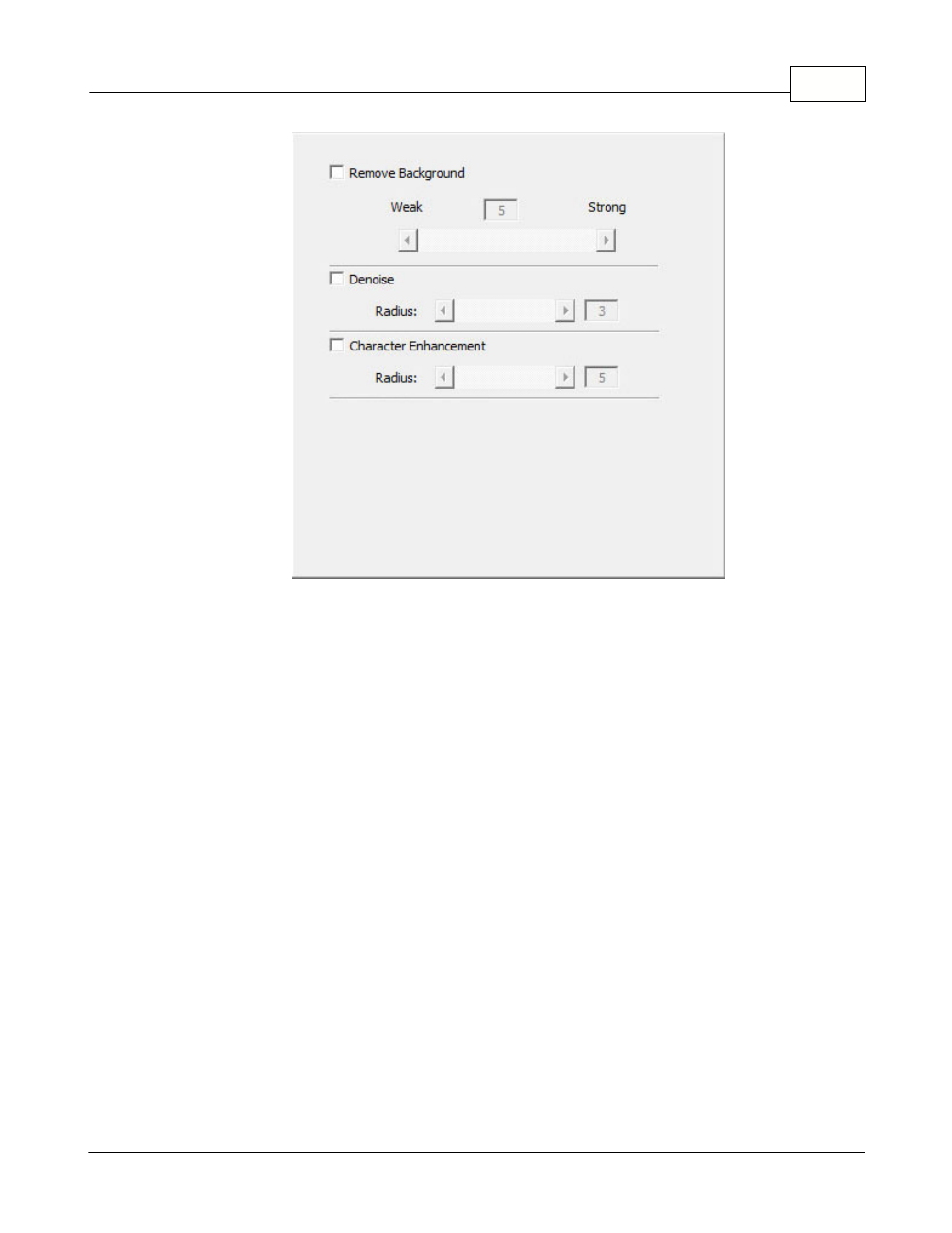
Remove Background
Tick this check box to remove the colored background of the scanned
documents. This feature is used to adjust the remove condition of colored
background. The higher the value, the greater the effect will be. Slide the thumb
of the scroll bar to the right or left, and the current value is shown above the
scroll bar.
Denoise
Tick this check box to remove noises from the scanned images. This feature is
used to adjust the reduce condition of noises. The higher the value, the more
noises will be reduced. Slide the thumb of the scroll bar to the right or left, and
the current value is shown to right of the scroll bar.
Character Enhancement
Tick this check box to enhance text characters in the scanned documents. This
feature is not available when
Black & White
is selected as Scan Mode. This
feature is used to adjust the enhancement value of text characters. The higher
the value, the sharper the text character will be. Slide the thumb of the scroll
bar to the right or left, and the current value is shown to right of the scroll bar.