To delete unwanted profile, To rename an existing profile, To save an existing profile as a new one – Plustek Opticpro A320E Flatbed Scanner User Manual
Page 42
The TWAIN Interface
7
All rights are reserved.
2.1.1
Profile Management
To delete unwanted profile
1.
Click the
Manage
button.
2.
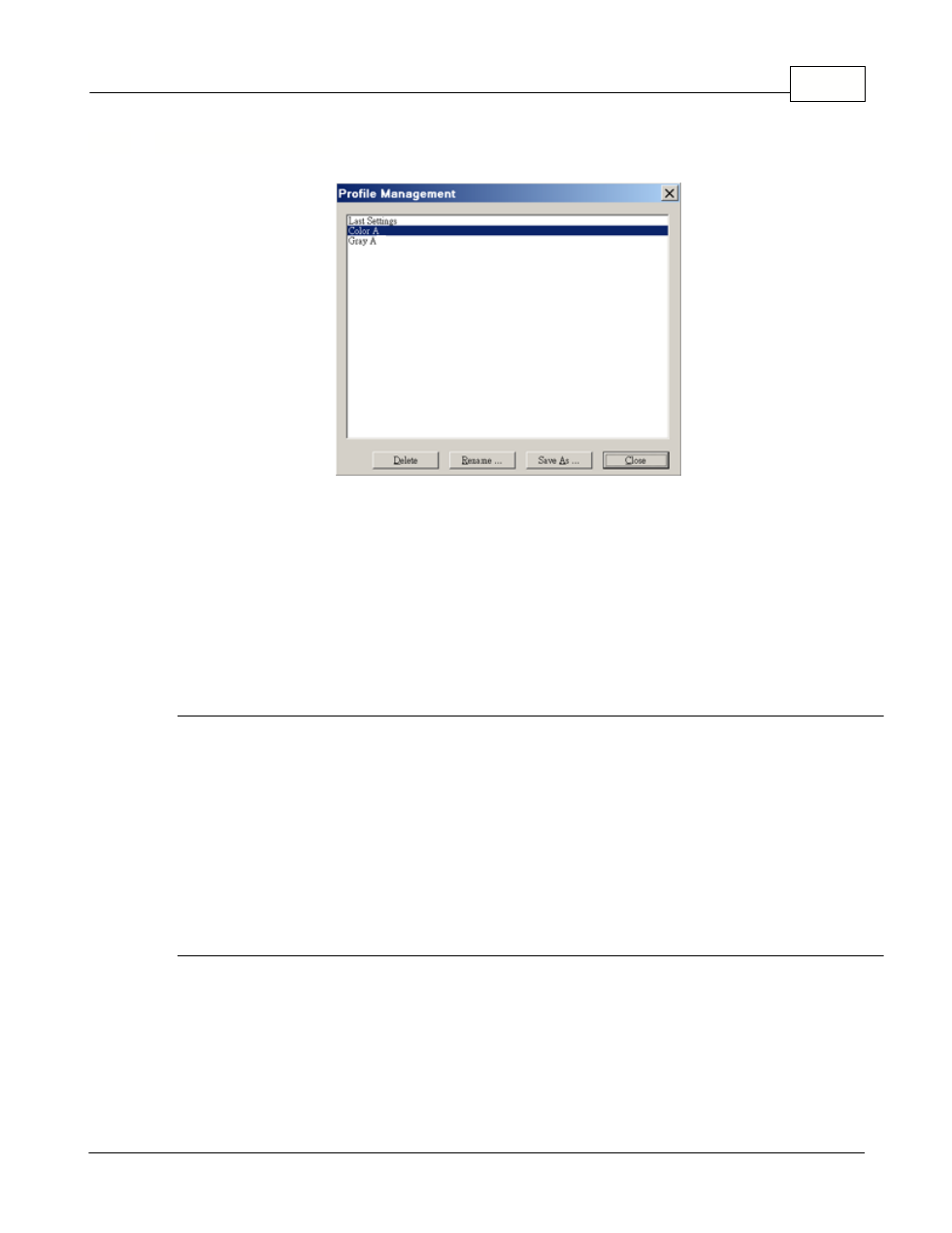
Within the Profile Management window that opens, select the profile you
want to delete and then click the
Delete
button.
3.
Click the
Close
button to exit this window.
To rename an existing profile
1. Click the
Manage
button.
2. Within the Profile Management window that opens, select the profile you
want to rename and then click the
Rename
button.
3. Type the new name in the "Profile - Rename" dialog box and then click
OK
button.
4. Click the
Close
button to exit this window.
To save an existing profile as a new one
1. Click the
Manage
button.
2. Within the Profile Management window that opens, select the profile you
want to save as a new one and then click the
Save As
button.
3. Type the new name in the "Profile - Save As" dialog box and then click
OK
button.