Name, Unit – Plustek Opticpro A320E Flatbed Scanner User Manual
Page 45
TWAIN Help
10
All rights are reserved.
2.2.1.2
Split (This function may or may not be available depending on the scanner model you
purchase)
Tick the check box of
Split
, a scanned image will be split in two equal halves
and each equal half is called a page.
Check the radio button of
Horizontally
and the scanned image can be split
horizontally. Check the radio button of
Vertically
and the scanned image can
be split vertically. You can make the selection of
Horizontally
or
Vertically
only
when the function of
Split
is enabled
.
2.2.1.3
Page Size
Adjust this setting to tell the scanner the size of paper to scan, which is
displayed on the
immediately.
Popular paper sizes have been preset in this TWAIN program. If you select
Custom...
from the drop-down list, a
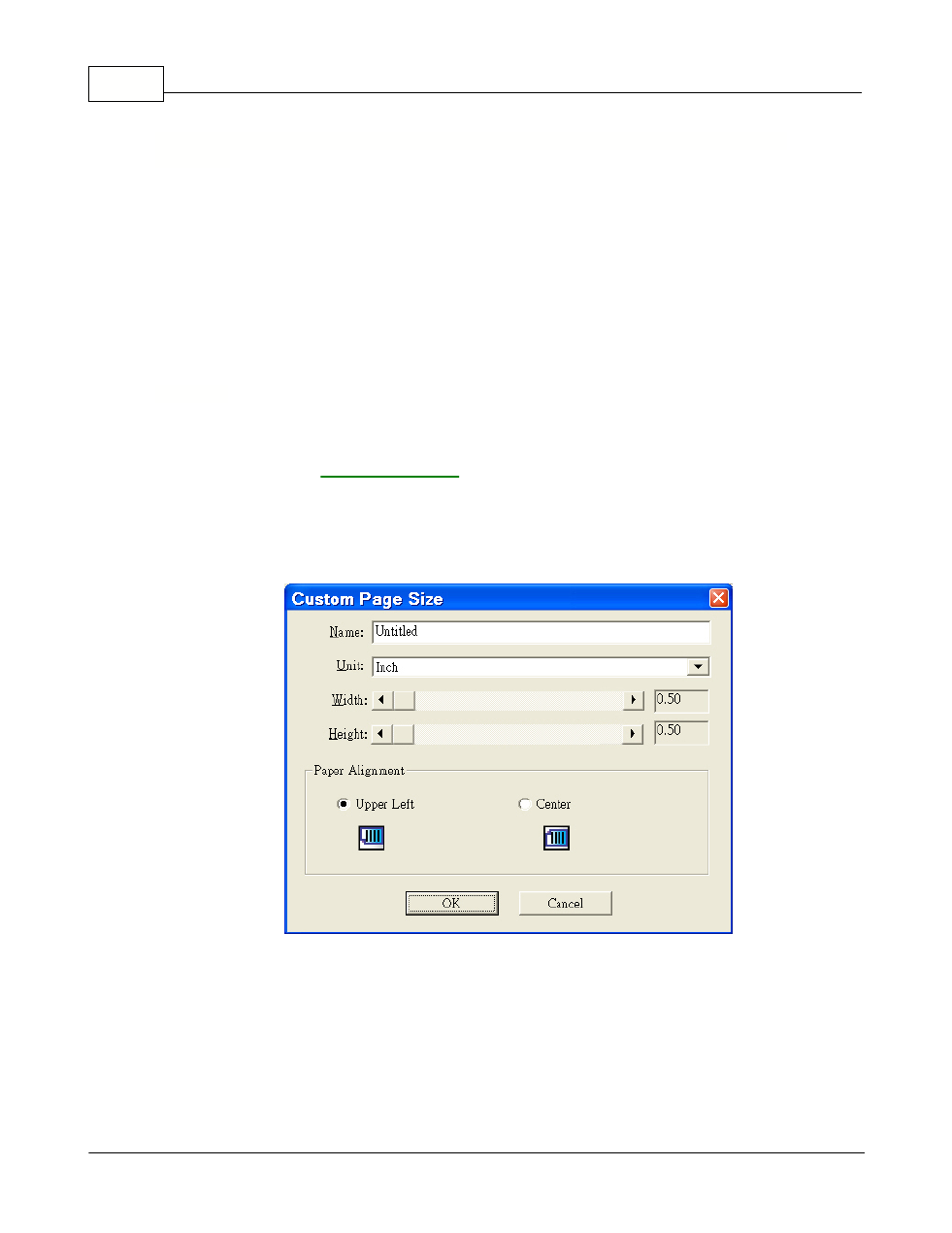
Custom Page Size
dialog box opens and
you may tailor the page size for documents frequently scanned.
Name:
Give a name to this customized page size. After you configure the page size
and click the
OK
button, this name will appear in the
Page Size
drop-down list.
Unit:
Defines the measurement unit for the page size.