Plustek Opticpro A320E Flatbed Scanner User Manual
Page 22
Advertising
17
Click the
Help
button within the Button Configuration window for more information
about the settings.
Scan from the Buttons
Scanning documents or images from this scanner is very easy. Follow the two
steps described below:
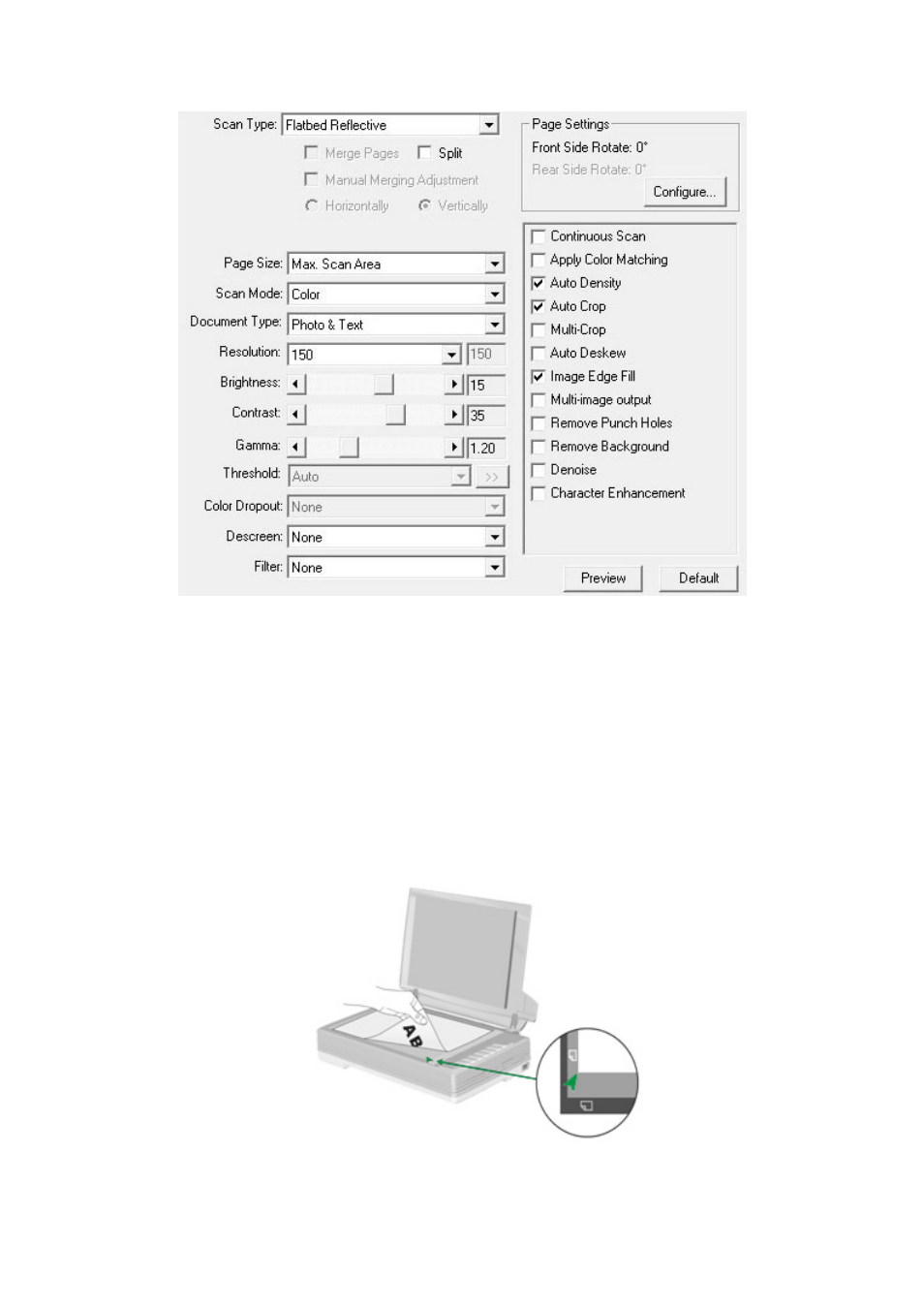
1. Place the document or images onto the scanner. (Refer to “Chapter II.
Scanning” of this guide for more information in placing paper on the flatbed
glass properly.)
Advertising