Gamma, Default – Plustek Opticpro A320E Flatbed Scanner User Manual
Page 55
TWAIN Help
20
All rights are reserved.
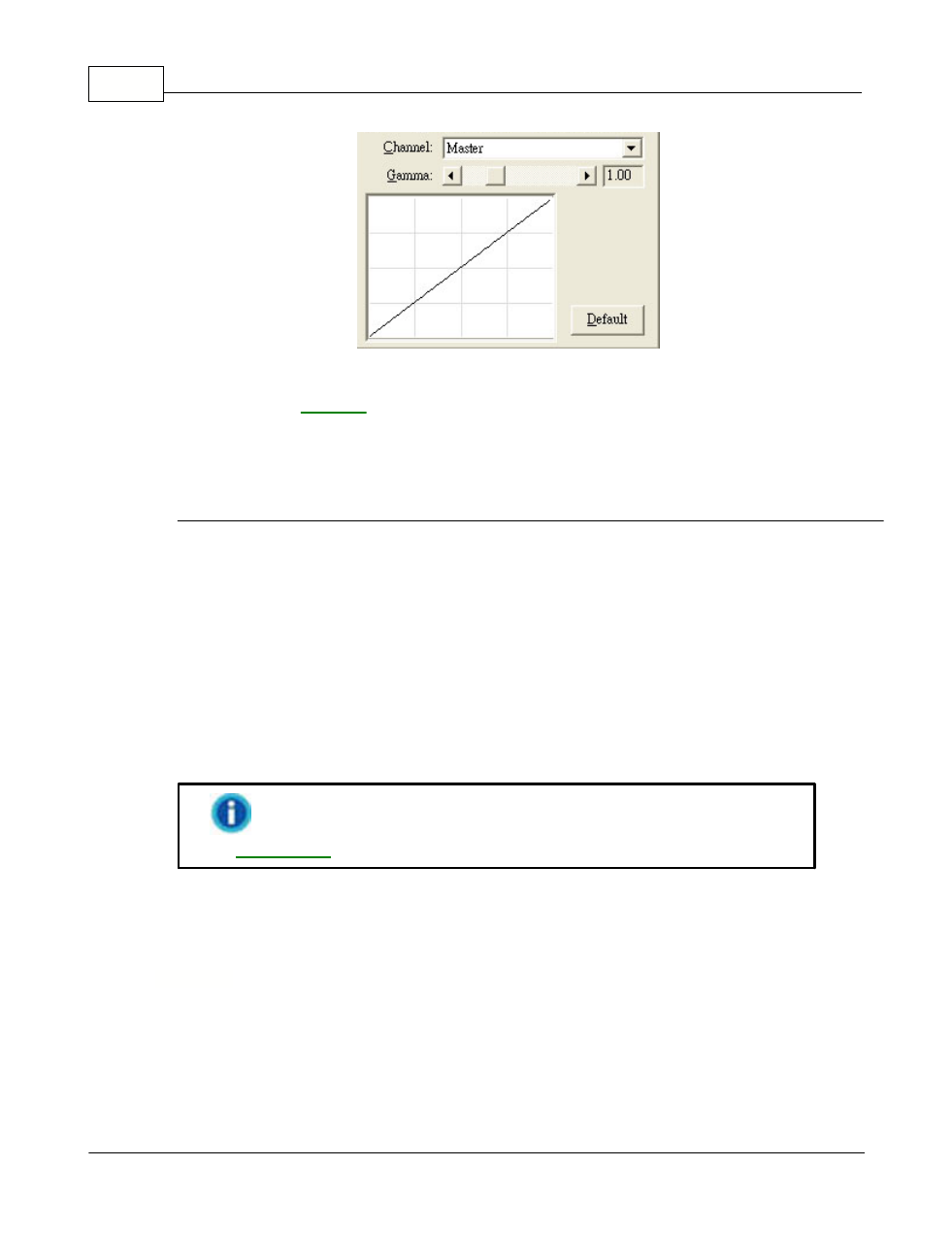
To adjust the image gamma:
1.
.
2.
Slide the thumb of the scroll bar to the right or left, or click the arrow signs
on the right and left ends.
The current value is shown to right of the scroll bar.
Gamma
Adjusting the gamma on the Master channel affects the tonal range for all
colors equally.
Adjusting the gamma for the individual Red, Green or Blue channels only
affects pixels containing that color.
Default
Clicking the Default button on the lower right corner revert the settings to its
original values and discard all adjustments you have made.
This feature is not available when
Black & White
is selected
.
2.2.2.6
Histogram
If the colors in a scanned image appear garbled or unclear, the histogram can
be used to make them more to your liking. A histogram shows how bright or
dark colors in the image are, and can be used to adjust these levels.