2 qcl configuration wizard – PLANET SGSW-24040 User Manual
Page 181
User’s Manual of SGSW-24040 / 24240 Series
181
4.
Apply a QoS profile to a port(s).
4.9.2 QCL Configuration Wizard
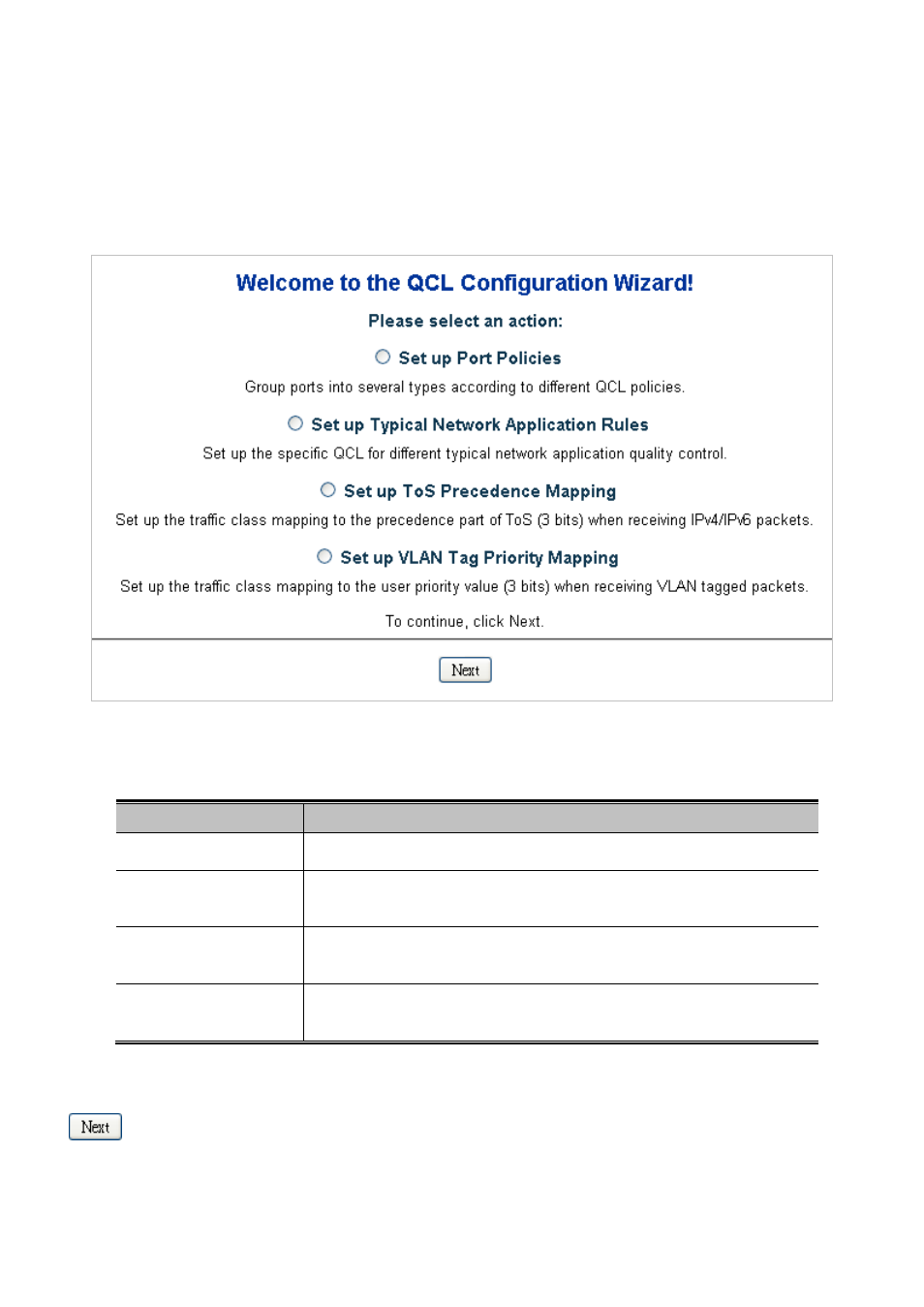
This handy wizard helps you set up a QCL quickly. The QCL Configuration Wizard screen in
Figure 4-9-1
appears.
Figure 4-9-1 Welcome to the QCL Configuration Wizard page screenshot
The page includes the following fields:
Object
Description
•
Set up Port Policies
Group ports into several types according to different QCL policies.
•
Set up Typical Network
Application Rules
Set up the specific QCL for different typical network application quality control.
•
Set up ToS Precedence
Mapping
Set up the traffic class mapping to the precedence part of ToS (3 bits) when
receiving IPv4/IPv6 packets.
•
Set up VLAN Tag
Priority Mapping
Set up the traffic class mapping to the User Priority value (3 bits) when receiving
VLAN tagged packets.
Buttons
: Click to continue the wizard.