4 port qos configuration – PLANET SGSW-24040 User Manual
Page 190
User’s Manual of SGSW-24040 / 24240 Series
190
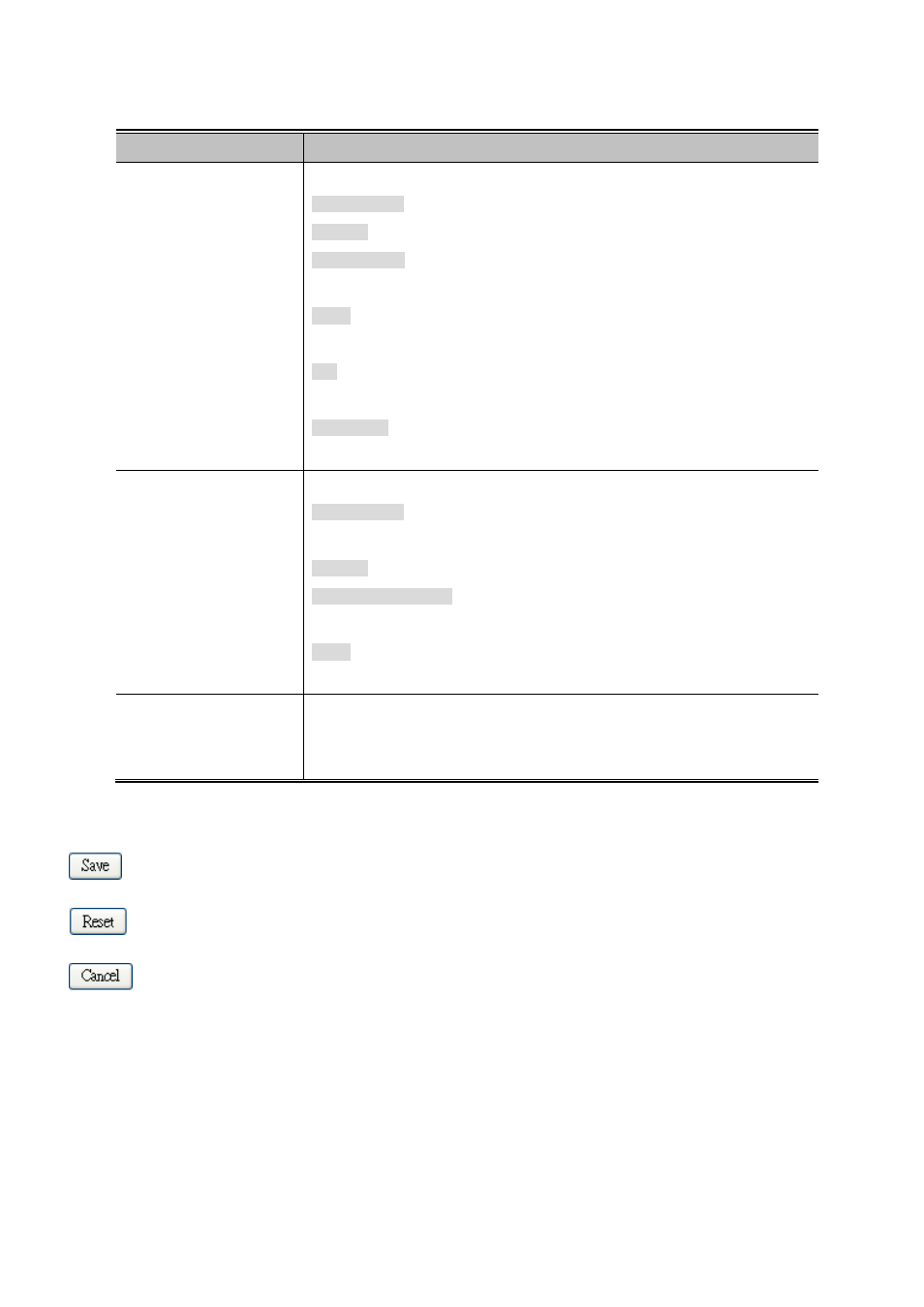
The page includes the following fields:
Object
Description
•
QCE Type
Select the available type for the specific QCE.
Ethernet Type: Matches the received frame's EtherType against the QCE Key.
VLAN ID: Matches the frame's VID against the QCE Key.
TCP/UDP Port: Matches the destination port and the source port against the
QCE Key.
DSCP: Matches the received IPv4/IPv6 DSCP value (6 bits) against the two
DSCP values in the QCE Key.
ToS: Uses the precedence part of the IPv4/IPv6 ToS (3 bits) as an index to the
eight QoS Class values in the QCE Key.
Tag Priority: Uses the User Priority value (3 bits) as an index to the eight QoS
Class values in the QCE Key.
•
Type Value
Configure the values according to the QCE type you select.
Ethernet Type: The allowed values for this type range from 0x600 (1536) to
0xFFFF (65535).
VLAN ID: The allowed values for this type range from 1 to 4095.
TCP/UDP Port Range: Specify whether there is a range or a specific port
number. The port range allowed is from 0 to 65535.
DSCP: The allowed range is 0 to 63. ToS or Tag Priority do not have type value
settings.
•
Traffic Class
Select a traffic class of Low, Normal, Medium, or High to apply to the QCE.
If the QCE type is ToS or Tag Priority, there are 8 rows of traffic class that can be
configured for each priority.
Buttons
: Click to save changes.
: Click to undo any changes made locally and revert to previously saved values.
: Return to the previous page.
4.9.4 Port QoS Configuration
This page allows you to configure QoS settings for each port.
• Frames can be classified by 4 different QoS classes: Low, Normal, Medium, and High.
• The classification is controlled by a QCL that is assigned to each port.