PLANET SGSW-24040 User Manual
Page 214
User’s Manual of SGSW-24040 / 24240 Series
214
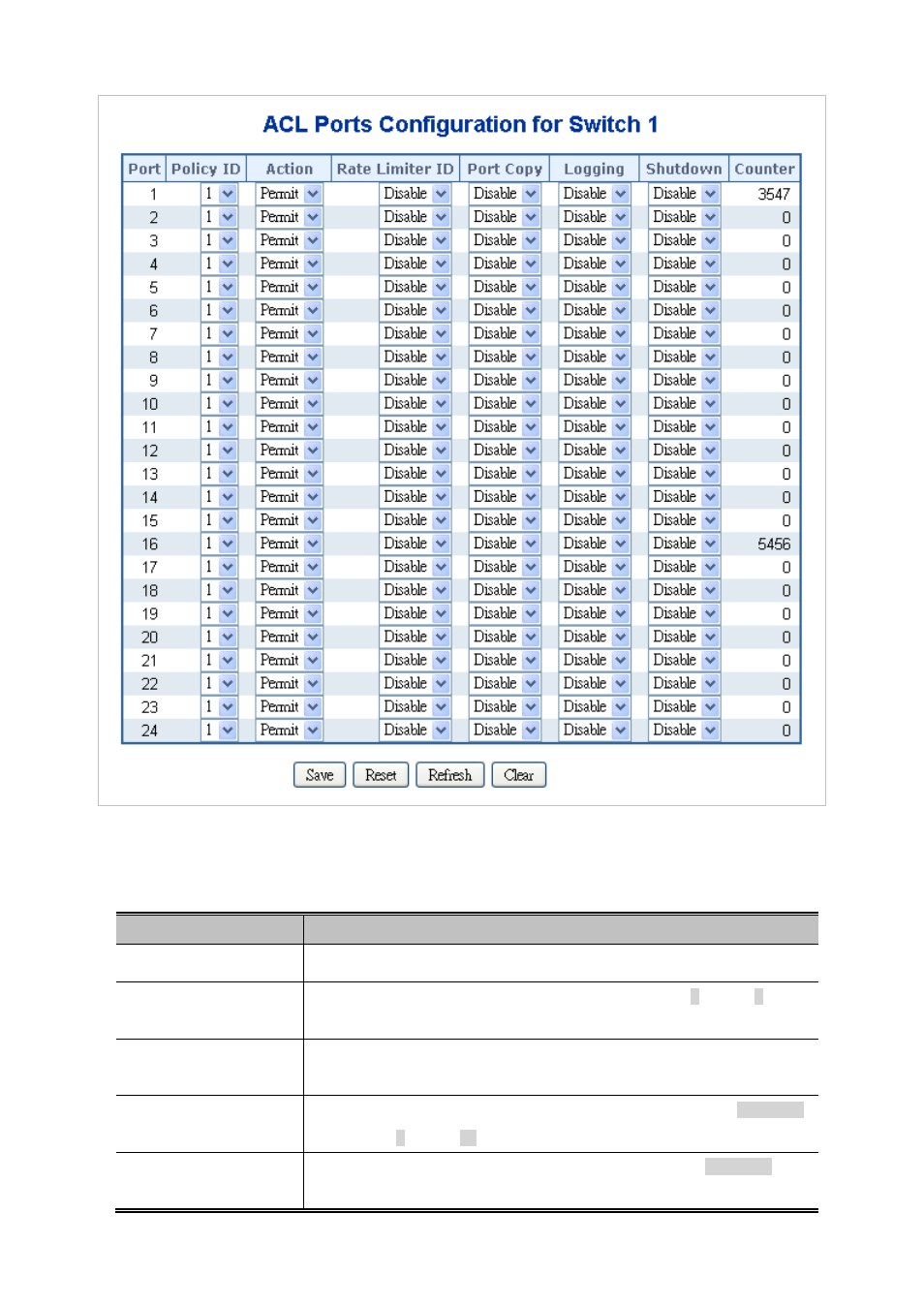
Figure 4-10-4 ACL Ports Configuration page screenshot
The page includes the following fields:
Object
Description
•
Port
The logical port for the settings contained in the same row.
•
Policy ID
Select the policy to apply to this port. The allowed values are 1 through 8. The
default value is 1.
•
Action
Select whether forwarding is permitted ("Permit") or denied ("Deny"). The default
value is "Permit".
•
Rate Limiter ID
Select which rate limiter to apply to this port. The allowed values are Disabled
or the values 1 through 15. The default value is "Disabled".
•
Port Copy
Select which port frames are copied to. The allowed values are Disabled or a
specific port number. The default value is "Disabled".