PLANET SGSW-24040 User Manual
Page 68
Advertising
User’s Manual of SGSW-24040 / 24240 Series
68
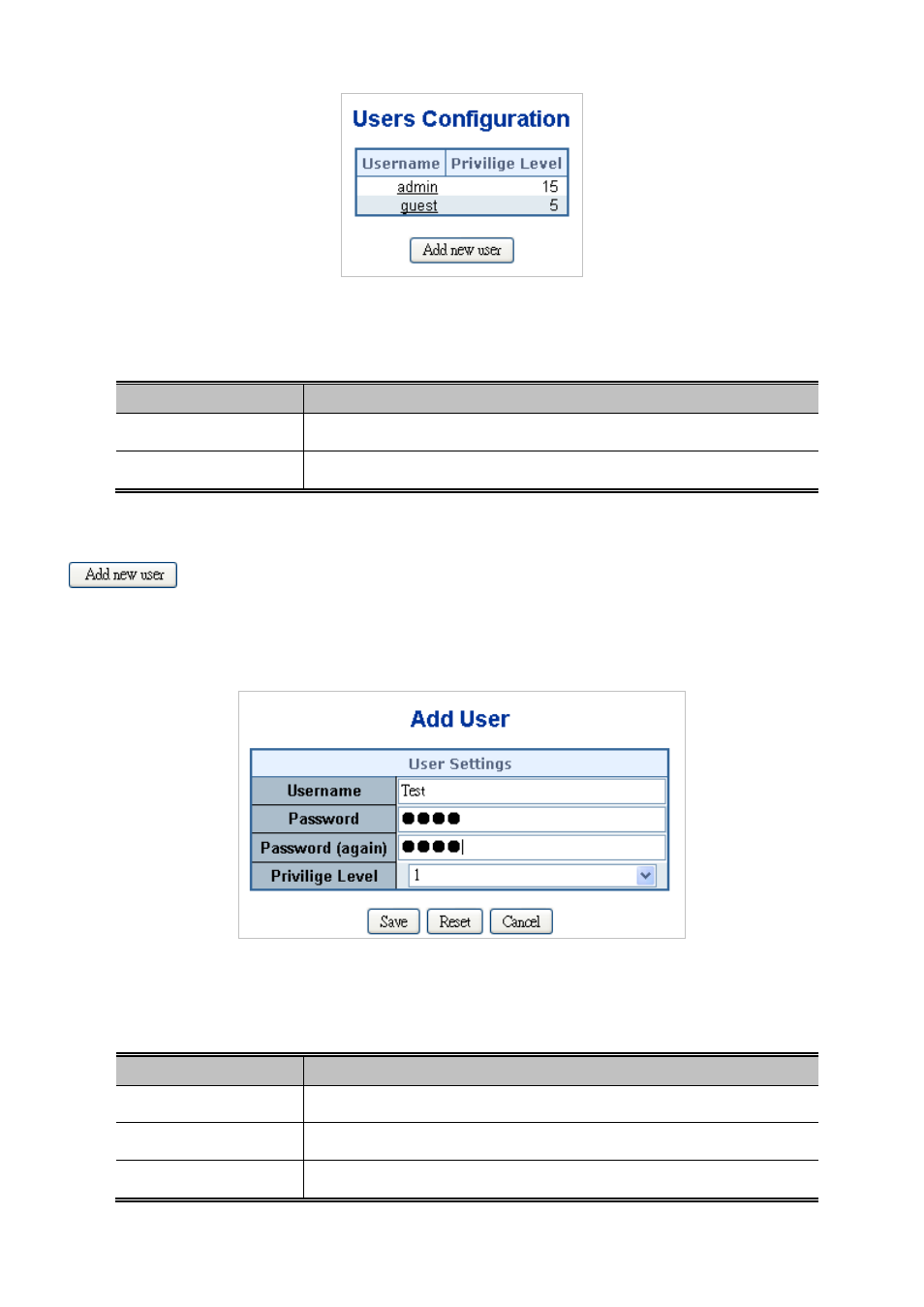
Figure 4-2-4 Users Configuration page screenshot
The page includes the following fields:
Object
Description
• Username
The name identifying the user. This is also a link t
•
Privilege Level
The privilgeg level for the user.
Buttons
: Click to add a new user.
Add / Edit User
This page configures a user – add, edit or delete user.
Figure 4-2-5 Add / Edit User Configuration page screenshot
The page includes the following fields:
Object
Description
• Username
The name identifying the user.
• Password
The password of the user.
• Privilege Level
The privilgeg level for the user.
Advertising
This manual is related to the following products: