Brother ADS-2400N User Manual
Page 131
Advertising
Scan Using Your Computer
115
6
NOTE
• If you do not want to see the settings dialog box again, select the Don’t show me again. check box.
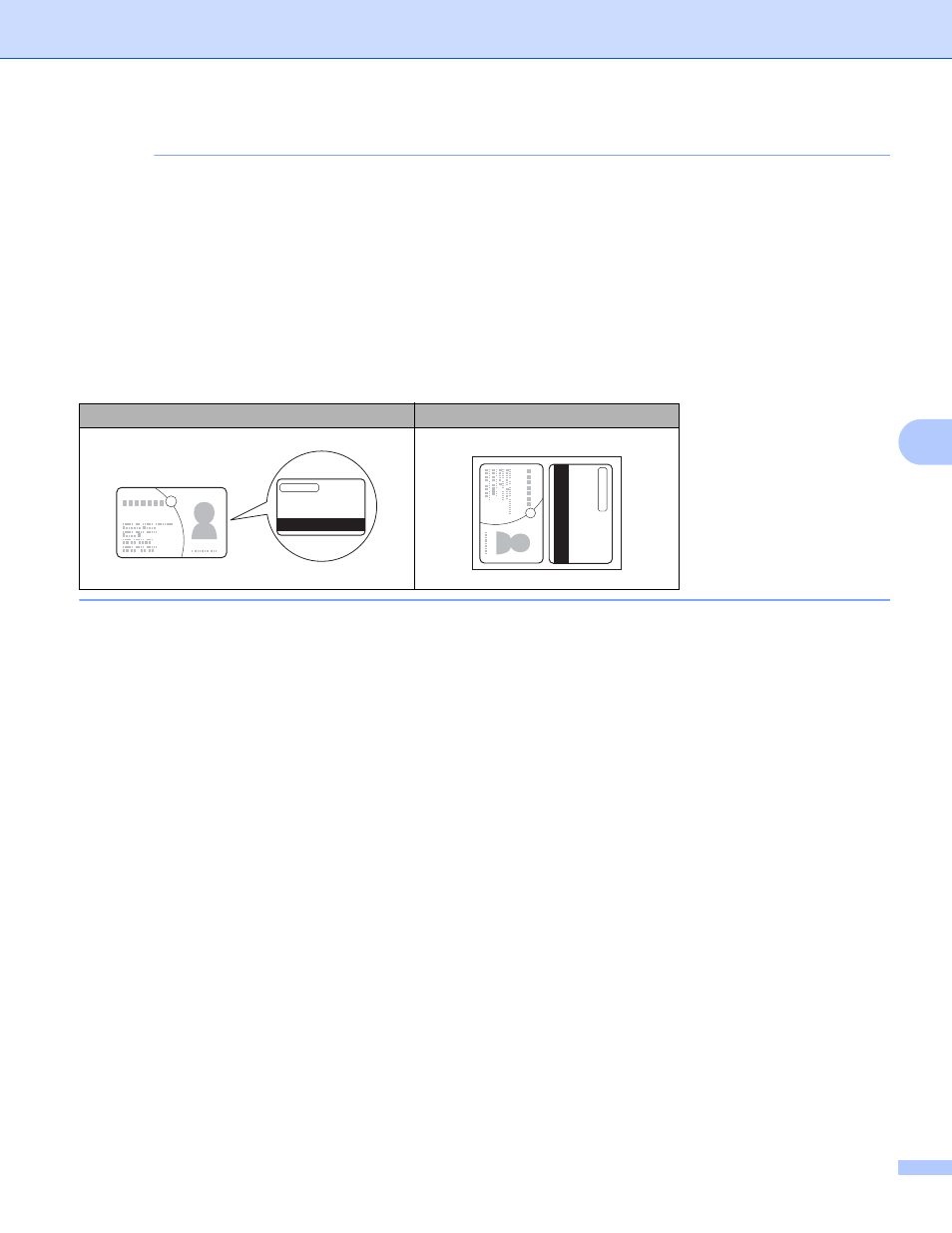
• Plastic Card Mode automatically uses these settings:
• Resolution: 600 x 600 dpi
• Document Size: 2 in 1 (Auto)
• 2-sided Scanning: On (Short-edge binding)
• Auto Deskew: Off
• Auto Image Rotation: Off
• Multifeed Detection: Off
Original Layout
Scan Result
Advertising