Panasonic Lumix GX8 User Manual
Page 106
3. Recording Modes
106
∫
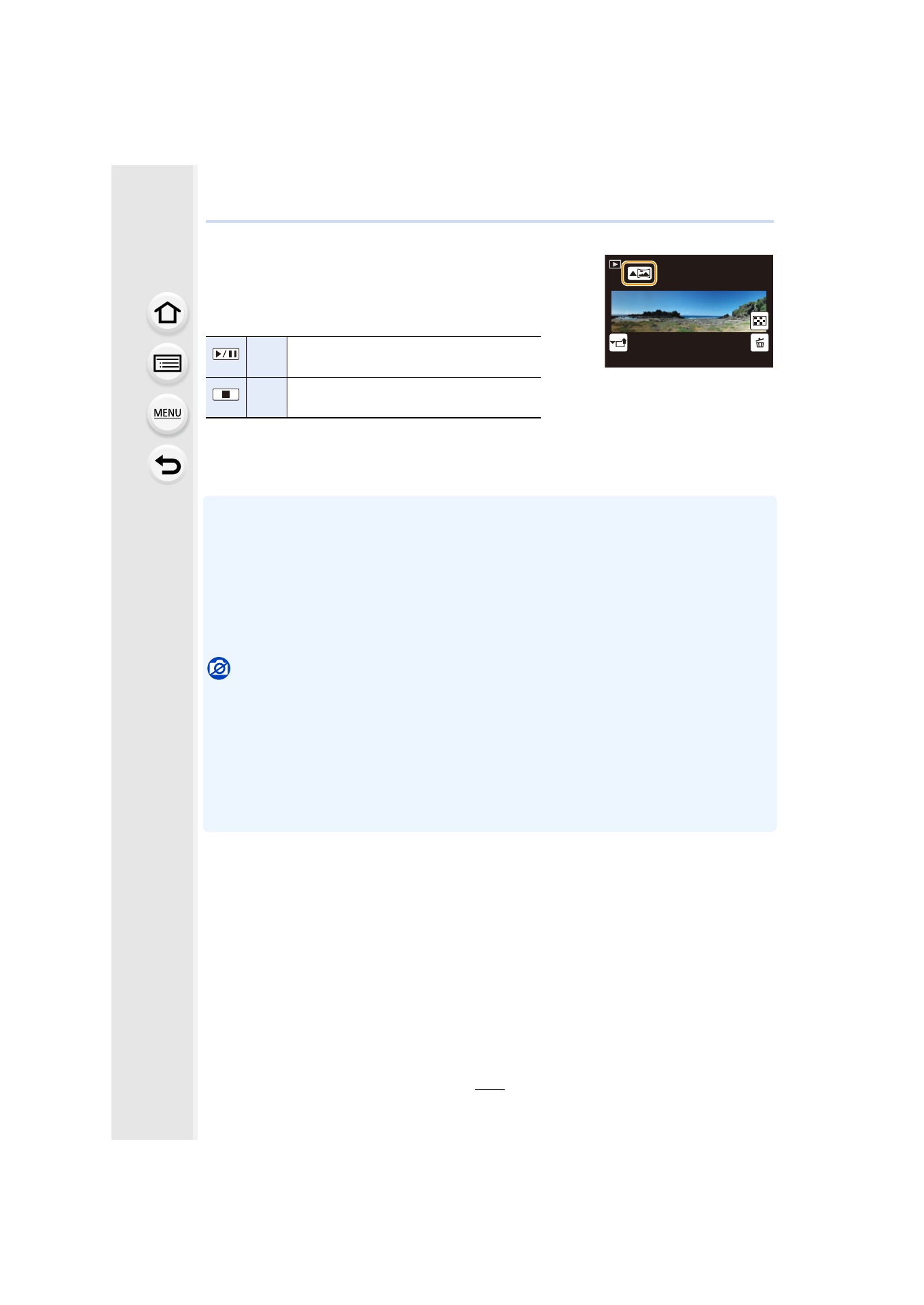
About playback
Pressing 3 will start scrolling playback automatically in the
same direction as the recording.
•
The following operations can be performed during scrolling
playback.
¢ When the playback is paused, you can scroll forwards and backwards by dragging the
screen.
When the scroll bar is touched, the playback position jumps to the touched position.
•
The optimal speed for moving the camera varies depending on the lens being used.
•
When the focal length is long, such as when a telephoto lens is attached, move the camera
slowly.
•
The focus, White Balance, and exposure are fixed at the optimum values for the first picture. As
a result, if the focus or brightness changes substantially during recording, the entire panorama
picture may not be recorded at the suitable focus or brightness.
•
When multiple pictures are combined to create a single panorama picture, the subject may
appear distorted or the connection points may be noticeable in some cases.
Not available in these cases:
•
A panorama picture may not be able to be created, or the pictures may not be combined
properly when recording the following subjects or under the recording conditions below.
–
Subjects with a single, uniform color or repetitive pattern (such as the sky or a beach)
–
Moving subjects (person, pet, car, waves, flowers blowing in the breeze, etc.)
–
Subjects where the color or patterns change in a short time (such as an image appearing on
a display)
–
Dark places
–
Locations with flickering light sources such as fluorescent lights or candles
3
Start panorama playback/Pause
¢
4
Stop
1/98
1/98
1/98
1/98
- Lumix G85 Mirrorless Camera with 12-60mm Lens Lumix DMC-G85M Lumix DMC-G85 Lumix GH5 Lumix GX80 Lumix GX85 Mirrorless Camera with 12-32mm and 45-150mm Lenses Lumix G7 Mirrorless Camera with 14-42mm and 45-150mm Lenses (Black) Lumix G7 Mirrorless Camera with 14-42mm Lens Deluxe Kit (Silver) Lumix G7 Mirrorless Camera with 14-42mm Lens (Silver) Lumix DMC-G7 body