P146) – Panasonic Lumix GX8 User Manual
Page 146
5. Focus and Brightness (Exposure) Settings
146
([Tracking])
•
[
] cannot be used with [Time Lapse Shot].
•
In the following cases, [
] operates as [Ø].
–
[Sepia]/[Monochrome]/[Dynamic Monochrome]/[Rough Monochrome]/[Silky Monochrome]/
[Soft Focus]/[Star Filter]/[Sunshine] (Creative Control Mode)
–
[Monochrome] ([Photo Style])
•
Dynamic Tracking function may not work in the following cases:
–
When the subject is too small
–
When the recording location is too dark or bright
–
When the subject is moving too fast
–
When the background has the same or similar color to the subject
–
When jitter is occurring
–
When zoom is operated
([Pinpoint])
•
In the following case, [
] operates as [Ø].
–
When recording motion pictures
–
When recording 4K photos
•
It cannot be set to [
] in the following cases.
–
[AFF]/[AFC] (focus mode)
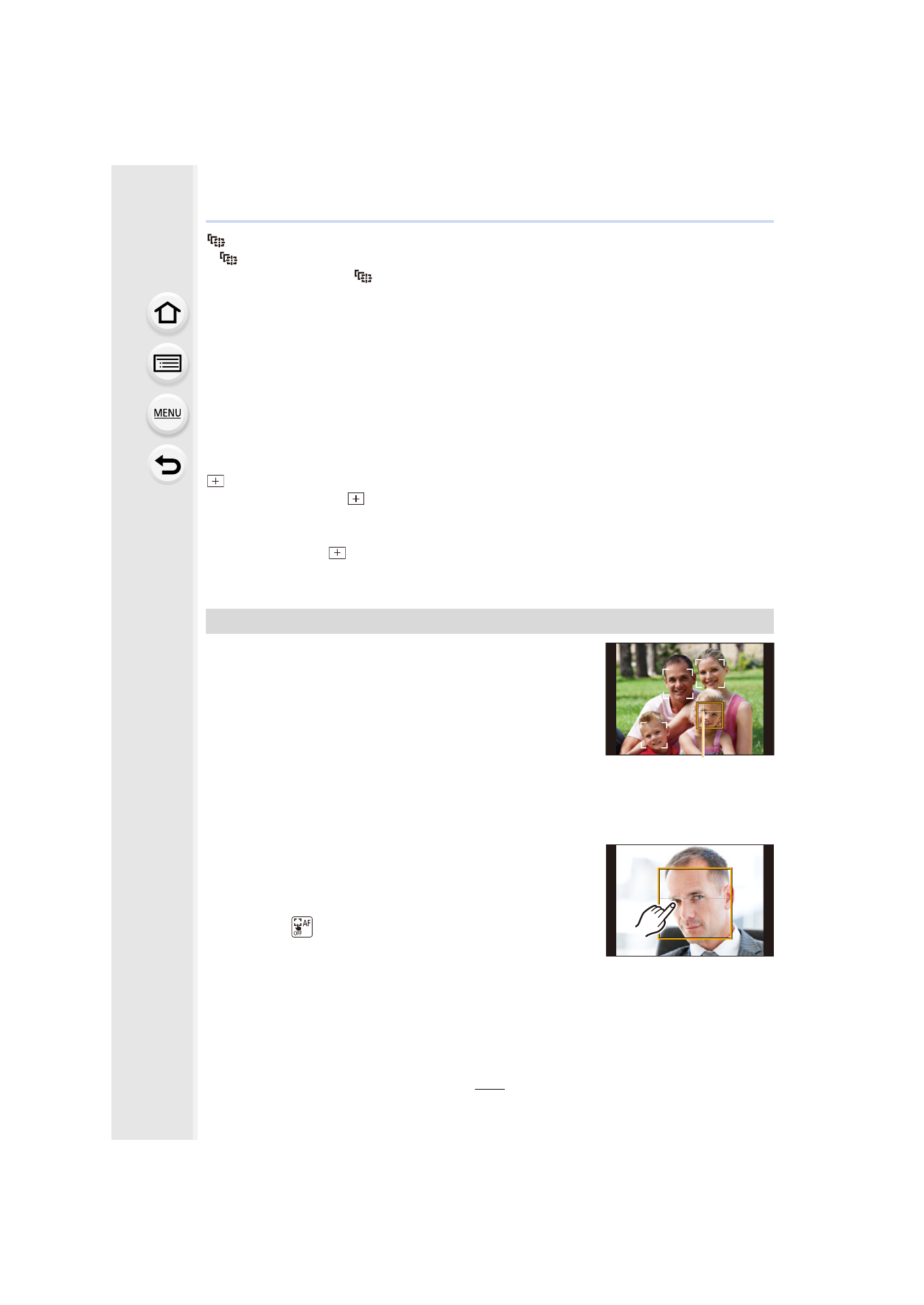
When the camera detects a face, the AF area and the mark
indicating the eye to be in focus are displayed.
A The eye to be in focus
Yellow:
When the shutter button is pressed halfway, the frame turns
green when the camera is focused.
White:
Displayed when more than one face is detected. Other faces
that are the same distance away as faces within the yellow AF areas are also focused.
∫
Changing the eye to be in focus
Touch the eye to be in focus.
•
Touch the eye in the yellow frame. If you touch any other
location, the AF area setting screen will be displayed.
•
If you touch [
] or press [MENU/SET], the eye focus setting
will be canceled.
•
If the yellow frame moves to another face or the frame
disappears after you change the composition or do something similar, the eye focus setting will
be canceled.
About [š] ([Face/Eye Detection])
A
- Lumix G85 Mirrorless Camera with 12-60mm Lens Lumix DMC-G85M Lumix DMC-G85 Lumix GH5 Lumix GX80 Lumix GX85 Mirrorless Camera with 12-32mm and 45-150mm Lenses Lumix G7 Mirrorless Camera with 14-42mm and 45-150mm Lenses (Black) Lumix G7 Mirrorless Camera with 14-42mm Lens Deluxe Kit (Silver) Lumix G7 Mirrorless Camera with 14-42mm Lens (Silver) Lumix DMC-G7 body