Panasonic Lumix GX8 User Manual
Page 35
35
2. Getting Started/Basic Operations
•
When the ambient temperature is high or motion picture is recorded continuously, the camera
may display [
] and stop the recording to protect itself. Wait until the camera cools down.
•
Depending on the recording conditions and the type of card, the number of recordable pictures
and available recording time vary.
•
MP4 motion pictures with a [Rec Quality] size of [FHD], [HD] or [VGA]:
Recording stops when the continuous recording time exceeds 29 minutes and 59 seconds or
the file size exceeds 4 GB.
–
Since the file size becomes larger with [FHD], recording with [FHD] will stop before
29 minutes 59 seconds.
•
MP4 motion pictures with a [Rec Quality] size of [4K]:
You can continue recording without interruption even if the file size exceeds 4 GB, but the
motion picture file will be divided and recorded/played back separately.
•
The maximum available continuous recording time is displayed on the screen.
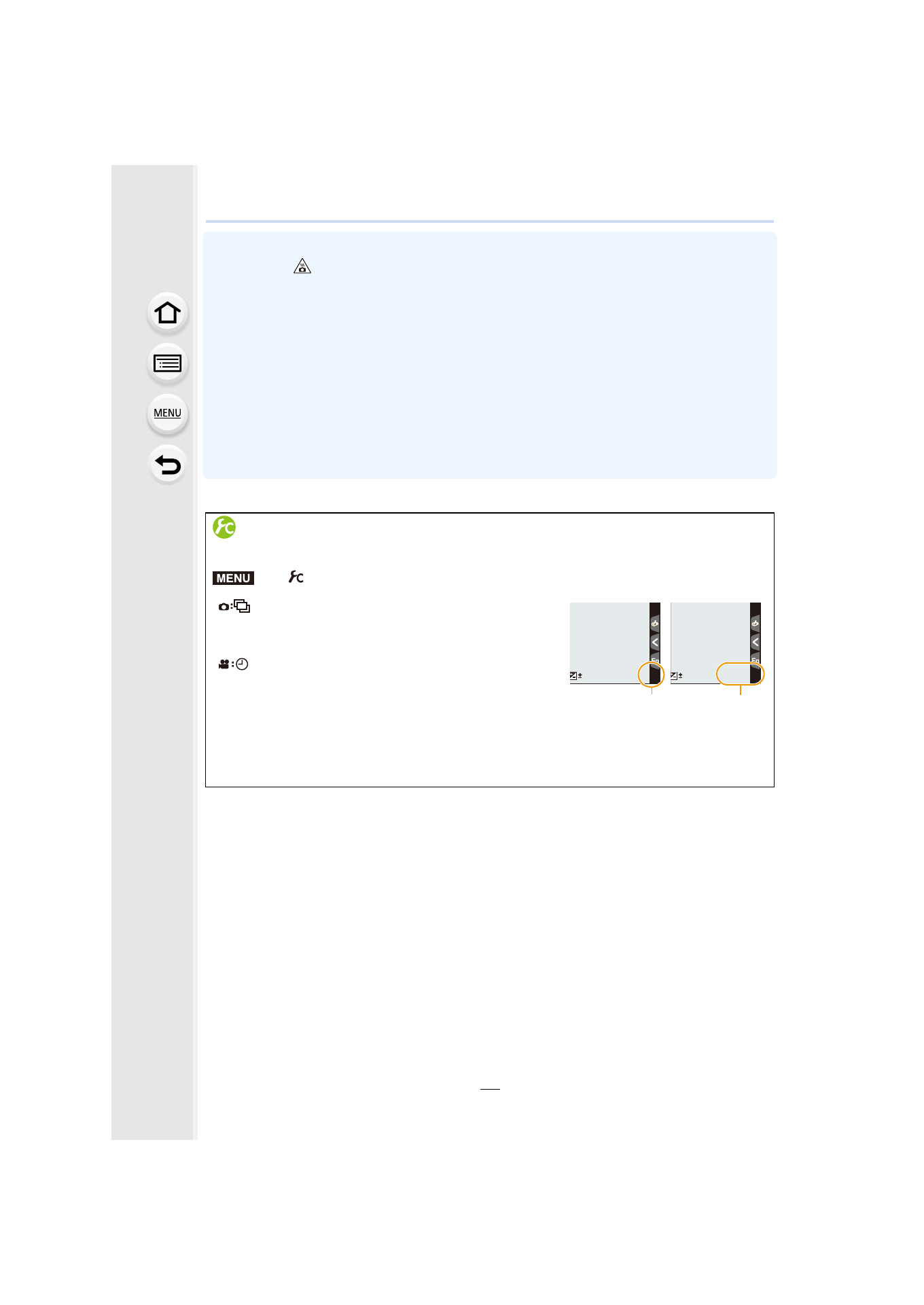
Switching the display between the number of recordable pictures and the
available recording time
>
[Custom]
>
[Remaining Disp.]
[
]
([Remaining Shots]):
This will display the number of recordable pictures for
still pictures.
[
]
([Remaining Time]):
This will display the available recording time for motion
pictures.
•
[9999i] is displayed if there are more than 10000 pictures
remaining.
A Number of recordable pictures
B Available recording time
MENU
98
98
98
0
R
5
m
04
s
R
5
m
04
s
0
A
B
- Lumix G85 Mirrorless Camera with 12-60mm Lens Lumix DMC-G85M Lumix DMC-G85 Lumix GH5 Lumix GX80 Lumix GX85 Mirrorless Camera with 12-32mm and 45-150mm Lenses Lumix G7 Mirrorless Camera with 14-42mm and 45-150mm Lenses (Black) Lumix G7 Mirrorless Camera with 14-42mm Lens Deluxe Kit (Silver) Lumix G7 Mirrorless Camera with 14-42mm Lens (Silver) Lumix DMC-G7 body