Panasonic Lumix GX8 User Manual
Page 60
2. Getting Started/Basic Operations
60
Enabling/disabling the touch operation
•
When set to [OFF], no corresponding touch tab or touch icon is displayed on the screen.
•
Touch the screen with the clean and dry finger.
•
If you use a commercially available monitor protection sheet, please follow the instructions that
accompany the sheet.
(Some monitor protection sheets may impair visibility or operability.)
•
Do not press on the monitor with hard pointed tips, such as ball point pens.
•
Do not operate with your fingernails.
•
Wipe the monitor with dry soft cloth when it gets dirty with finger prints and others.
•
Do not scratch or press the monitor too hard.
•
For information about the icons displayed on the touch screen, refer to
on
Not available in these cases:
•
The touch screen may not function normally in the following cases.
–
When touched by a gloved hand
–
When touched by a wet hand (water or hand cream, etc.)
–
When the touch screen is wet
–
When you use a commercially available monitor protect sheet
–
When touched by multiple hands or fingers at the same time
>
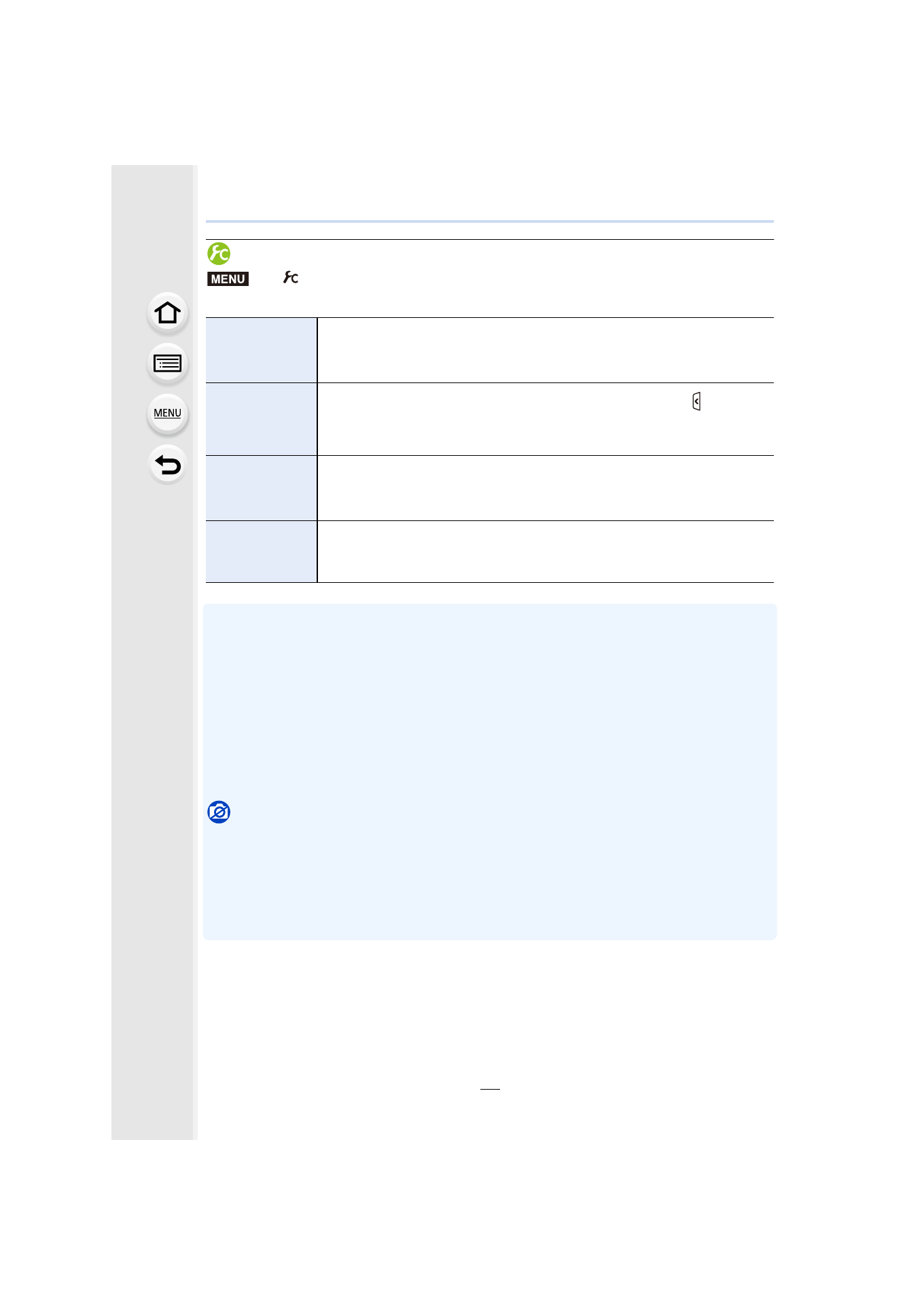
[Custom]
> [Touch Settings]
[Touch Screen]
All touch operations.
When set to [OFF], only button and dial operations can be used.
[ON]/[OFF]
[Touch Tab]
Operation to display the touch icons by touching tabs such as [ ] displayed
on the right of the screen.
[ON]/[OFF]
[Touch AF]
Operation to optimize the focus or both the focus and brightness for a
touched subject.
[AF]
/[OFF]
[Touch Pad AF]
Operation to move the AF area by touching the monitor when the viewfinder
is in use.
[EXACT]/[OFFSET]/[OFF]
MENU
- Lumix G85 Mirrorless Camera with 12-60mm Lens Lumix DMC-G85M Lumix DMC-G85 Lumix GH5 Lumix GX80 Lumix GX85 Mirrorless Camera with 12-32mm and 45-150mm Lenses Lumix G7 Mirrorless Camera with 14-42mm and 45-150mm Lenses (Black) Lumix G7 Mirrorless Camera with 14-42mm Lens Deluxe Kit (Silver) Lumix G7 Mirrorless Camera with 14-42mm Lens (Silver) Lumix DMC-G7 body