P150, P150) – Panasonic Lumix GX8 User Manual
Page 150
5. Focus and Brightness (Exposure) Settings
150
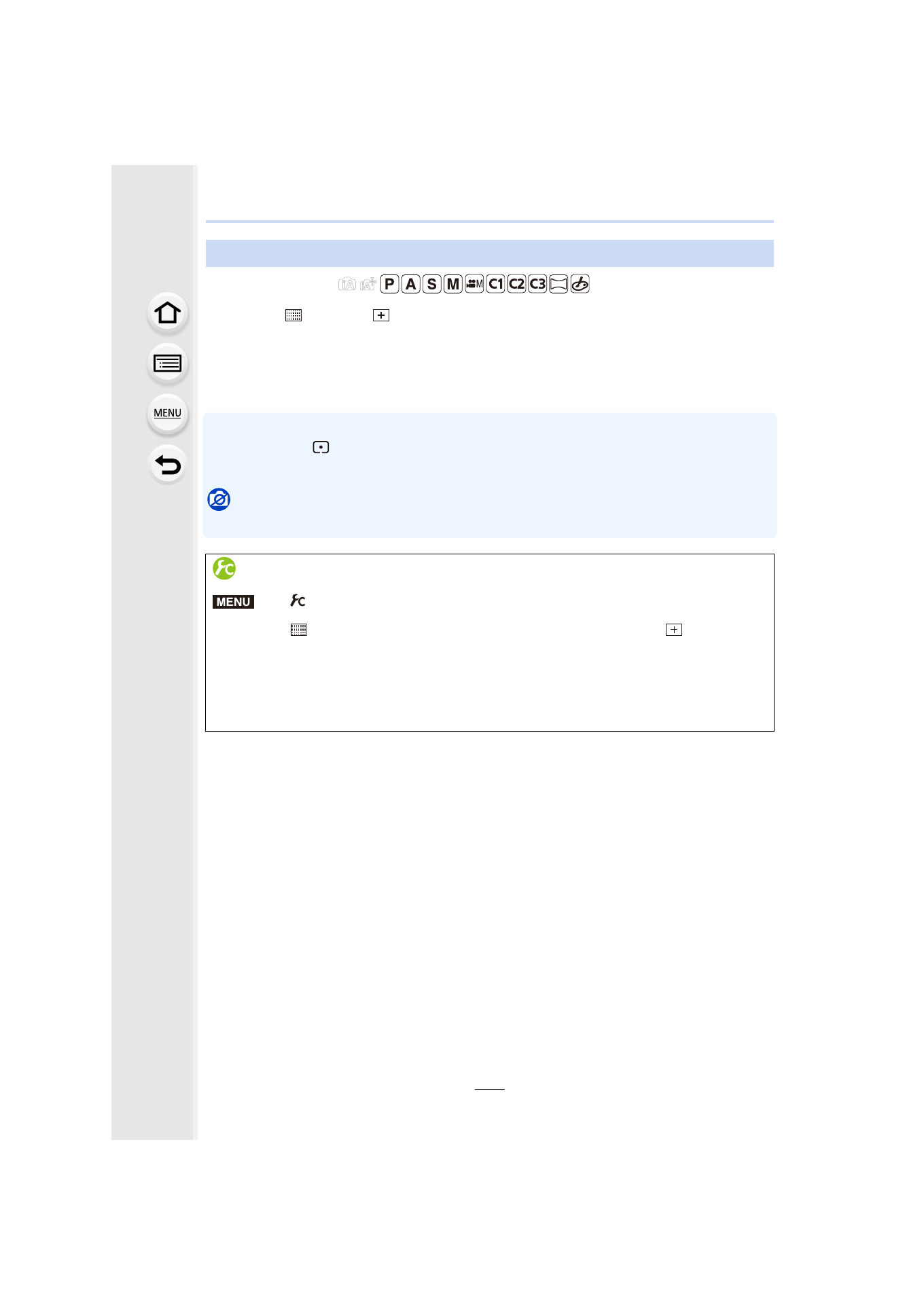
Applicable modes:
When [š], [
], [Ø], or [
] in Auto Focus Mode is selected, you can change the
position and size of the AF area.
•
Perform the operation after canceling the touch shutter function.
•
When setting with touch operation, set [Touch AF]
in
[Touch Settings] of the [Custom] menu to
[AF].
•
The spot metering target can also be moved to match the AF area when the [Metering Mode]
is set to [
].
At the edge of the screen, the metering may be affected by the brightness around the AF area.
Not available in these cases:
•
When using digital zoom, the position and size of the AF area cannot be changed.
Setting up position of the AF area/changing size of the AF area
Moving/not moving the AF area with the cursor button
>
[Custom]
> [Direct Focus Area] > [ON]/[OFF]
When [š], [
], or [Ø] is selected, the AF area can be moved; when [
] is selected,
the enlarged position can be moved.
•
To set the items that use the cursor buttons like [Drive Mode], [White Balance], or
[Sensitivity], use the Quick Menu
•
[Direct Focus Area] is fixed to [OFF] in the following case.
–
Creative Control Mode
MENU
- Lumix G85 Mirrorless Camera with 12-60mm Lens Lumix DMC-G85M Lumix DMC-G85 Lumix GH5 Lumix GX80 Lumix GX85 Mirrorless Camera with 12-32mm and 45-150mm Lenses Lumix G7 Mirrorless Camera with 14-42mm and 45-150mm Lenses (Black) Lumix G7 Mirrorless Camera with 14-42mm Lens Deluxe Kit (Silver) Lumix G7 Mirrorless Camera with 14-42mm Lens (Silver) Lumix DMC-G7 body