Panasonic Lumix GX8 User Manual
Page 320
11. Using the Wi-Fi/NFC Function
320
5
Read through the “LUMIX CLUB” terms of use and select [Agree].
•
You can switch pages by 3/4.
•
You can enlarge (2k) the display by rotating the rear dial to the right.
•
You can reset the enlarged display to its original size (1k) by rotating the rear dial to the
left.
•
You can move the position of the enlarged display with 3/4/2/1.
•
Press [
] to cancel the process without acquiring a login ID.
6
Enter a password.
•
Enter any combination of 8 to 16 characters and numbers for the password.
•
For details on how to enter characters, refer to
section on
.
7
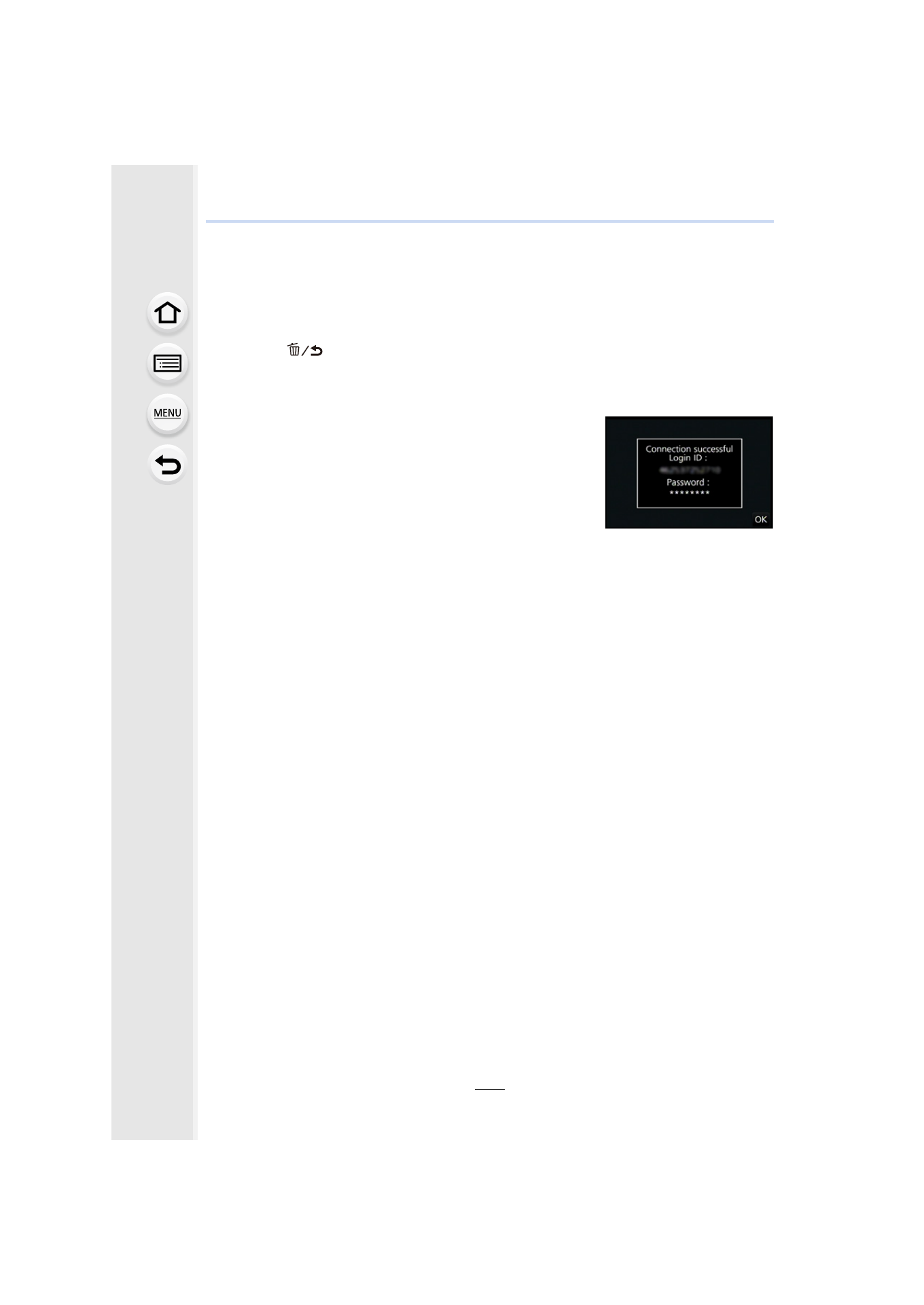
Check the login ID and select [OK].
•
Be sure to make a note of the login ID and password.
•
The login ID (12-digit number) will be displayed
automatically.
When logging in to the “LUMIX CLUB” with a computer,
you only need to enter the numbers.
•
A message is displayed when the connection is complete.
Select [OK].
•
Exit the menu after it is set.
- Lumix G85 Mirrorless Camera with 12-60mm Lens Lumix DMC-G85M Lumix DMC-G85 Lumix GH5 Lumix GX80 Lumix GX85 Mirrorless Camera with 12-32mm and 45-150mm Lenses Lumix G7 Mirrorless Camera with 14-42mm and 45-150mm Lenses (Black) Lumix G7 Mirrorless Camera with 14-42mm Lens Deluxe Kit (Silver) Lumix G7 Mirrorless Camera with 14-42mm Lens (Silver) Lumix DMC-G7 body