P244, P244) – Panasonic Lumix GX8 User Manual
Page 244
9. Recording Motion Pictures
244
Recording still pictures while recording motion
pictures
Applicable modes:
You can record still pictures while recording a motion picture. (Simultaneous recording)
∫
Setting the motion picture priority or still picture priority mode
Applicable modes:
Recording method for the still pictures taken while recording a motion picture can be set
with [Picture Mode] in the [Motion Picture] menu.
During motion picture recording, press the
shutter button fully to record a still picture.
•
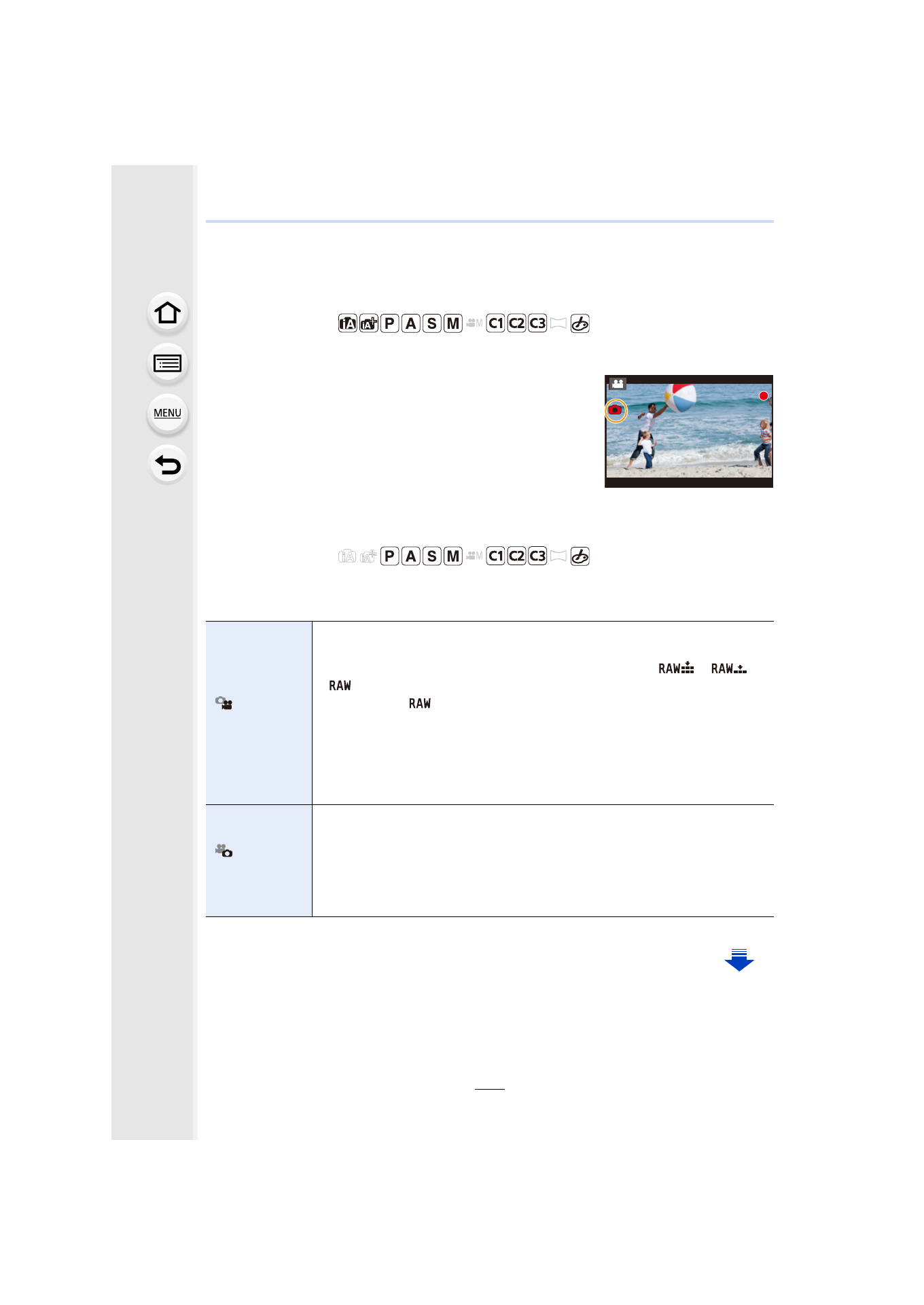
Simultaneous recording indicator is displayed while recording
still pictures.
•
Recording with the Touch Shutter function
is also
available.
[
]
([Video Priority])
•
Pictures will be recorded with a picture size of [S] (2 M).
The picture quality may be different to [S] (2 M) of standard pictures.
•
Only JPEG images are recorded when [Quality] is set to [
], [
] or
[
].
(When set to [
], still pictures will be recorded in [Quality] of [A].)
•
Up to 40 still pictures can be recorded during recording of the motion
picture.
(Up to 10 pictures when [MP4] is set to [4K/100M/30p] or [4K/100M/24p])
•
In [Miniature Effect] of Creative Control Mode, there may be a slight delay
between fully pressing the shutter button and recording.
[
]
([Photo Priority])
•
Pictures will be recorded with the set picture size and quality.
•
The screen will go dark while recording pictures. A still picture will be
recorded in the motion picture during that period, and audio is not recorded.
•
Up to 10 still pictures can be recorded during recording of the motion
picture.
(Up to 5 pictures when [MP4] is set to [4K/100M/30p] or [4K/100M/24p])
13
13
13
- Lumix G85 Mirrorless Camera with 12-60mm Lens Lumix DMC-G85M Lumix DMC-G85 Lumix GH5 Lumix GX80 Lumix GX85 Mirrorless Camera with 12-32mm and 45-150mm Lenses Lumix G7 Mirrorless Camera with 14-42mm and 45-150mm Lenses (Black) Lumix G7 Mirrorless Camera with 14-42mm Lens Deluxe Kit (Silver) Lumix G7 Mirrorless Camera with 14-42mm Lens (Silver) Lumix DMC-G7 body