When sending images to pc, P313, P313) – Panasonic Lumix GX8 User Manual
Page 313
313
11. Using the Wi-Fi/NFC Function
When sending images to PC
•
Create a PC user account [account name (up to 254 characters) and password (up to
32 characters)] consisting of alphanumeric characters. An attempt to create a receive folder
may fail if the account includes non-alphanumeric characters.
∫
When using “PHOTOfunSTUDIO”
1
Install “PHOTOfunSTUDIO” to the PC.
•
For details on hardware requirements and installation, read
.
2
Create a folder that receives images with “PHOTOfunSTUDIO”.
•
To create the folder automatically, select [Auto-create]. To specify a folder, create a new
folder, or set a password to the folder, select [Create manually].
•
For details, refer to the operating instructions of “PHOTOfunSTUDIO” (PDF).
∫
When not using “PHOTOfunSTUDIO”
(For Windows)
Supported OS: Windows Vista/Windows 7/Windows 8/Windows 8.1
Example: Windows 7
1
Select a folder you intend to use for receiving, then right-click.
2
Select [Properties], then enable sharing of the folder.
•
For details, refer to the operating instructions of your PC or Help on the OS.
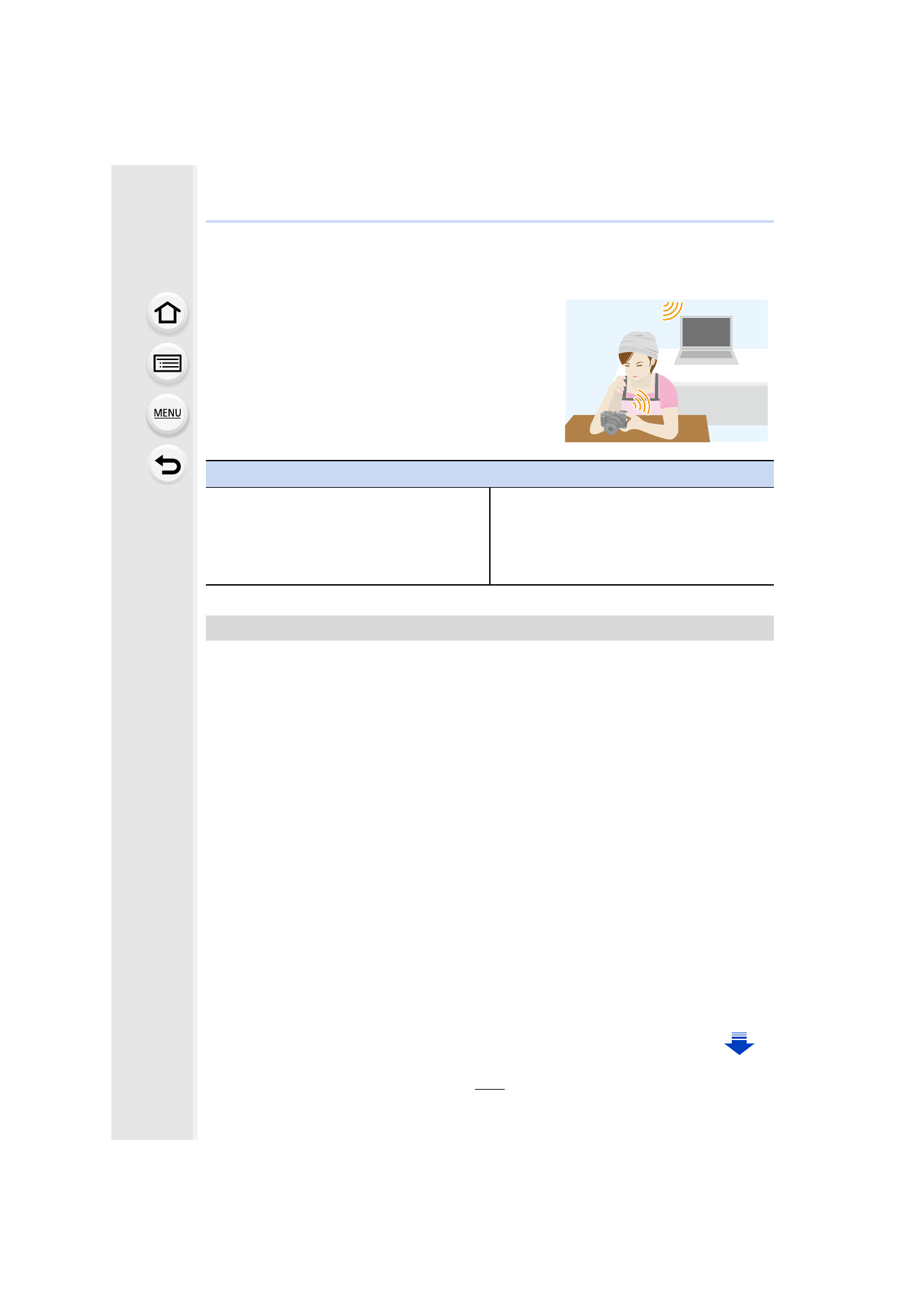
You can send pictures and motion pictures recorded
with this unit to a PC.
Preparations
(On the camera)
•
If the workgroup of the destination PC has
been changed from the standard setting, you
also need to change the setting of this unit in
[PC Connection].
(On your PC)
•
Turn the computer on.
•
Prepare folders for receiving images on the
PC before sending a picture to the PC.
To create a folder that receives images
- Lumix G85 Mirrorless Camera with 12-60mm Lens Lumix DMC-G85M Lumix DMC-G85 Lumix GH5 Lumix GX80 Lumix GX85 Mirrorless Camera with 12-32mm and 45-150mm Lenses Lumix G7 Mirrorless Camera with 14-42mm and 45-150mm Lenses (Black) Lumix G7 Mirrorless Camera with 14-42mm Lens Deluxe Kit (Silver) Lumix G7 Mirrorless Camera with 14-42mm Lens (Silver) Lumix DMC-G7 body