Panasonic Lumix GX8 User Manual
Page 256
10. Playing Back and Editing Images
256
•
The recording date of the picture selected in the playback screen becomes the date selected
when the Calendar screen is first displayed.
•
You can display the Calendar between January 2000 and December 2099.
•
If the date is not set in the camera, the recording date is set as January 1st, 2015.
•
If you take pictures after setting the travel destination in [World Time], the pictures are
displayed by the dates at the travel destination in Calendar Playback.
∫
To return to Normal Playback
Press 3/4/2/1 to select a picture and then press [MENU/SET].
Displaying Pictures by Recording Date (Calendar Playback)
1
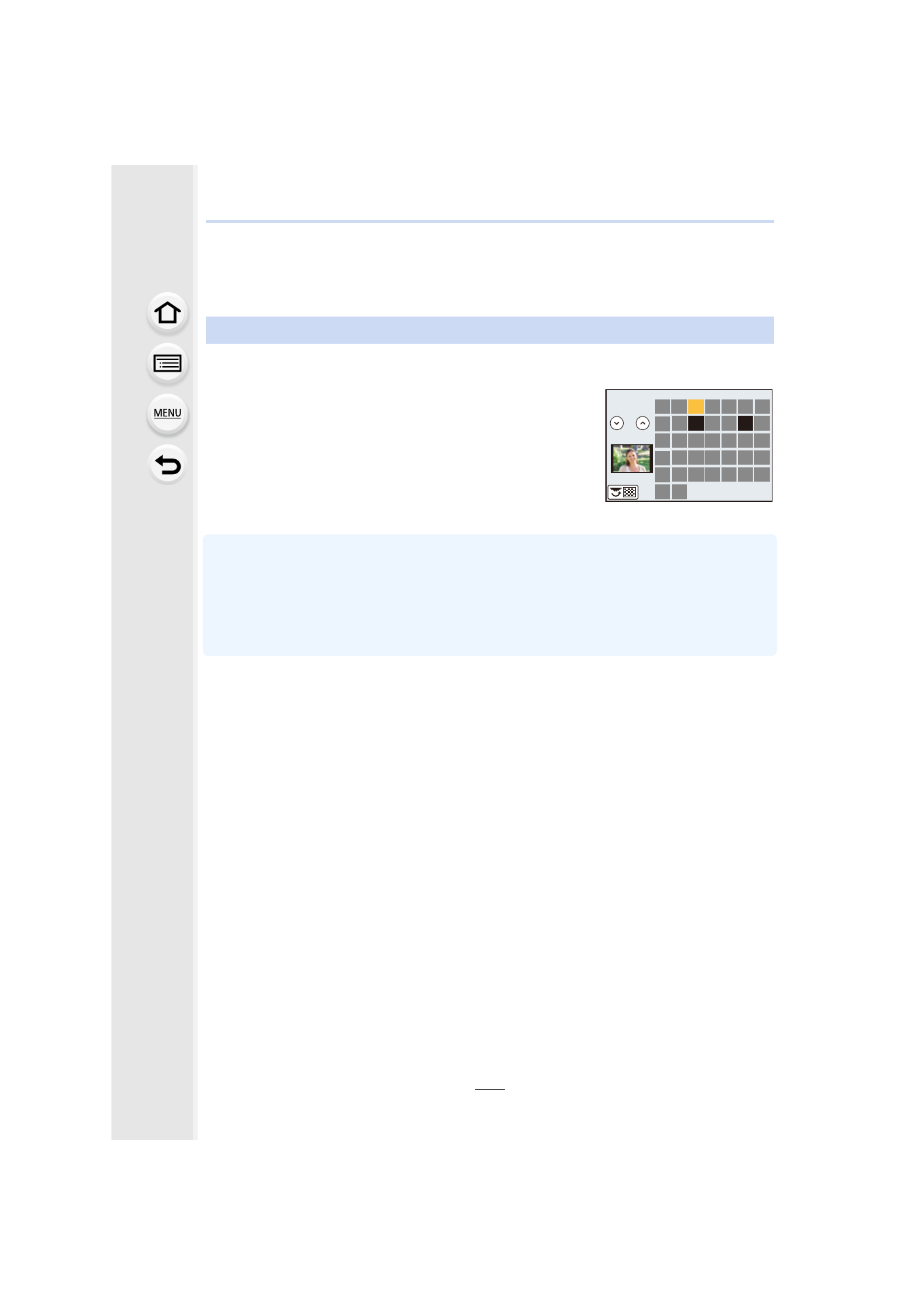
Rotate the rear dial left to display the Calendar screen.
2
Press 3/4/2/1 to select the recording date and
press [MENU/SET].
•
Only the images recorded on that date will be displayed.
•
Rotate the rear dial left to return to the Calendar screen
display.
3
Press 3/4/2/1 to select a picture and then press
[MENU/SET].
- Lumix G85 Mirrorless Camera with 12-60mm Lens Lumix DMC-G85M Lumix DMC-G85 Lumix GH5 Lumix GX80 Lumix GX85 Mirrorless Camera with 12-32mm and 45-150mm Lenses Lumix G7 Mirrorless Camera with 14-42mm and 45-150mm Lenses (Black) Lumix G7 Mirrorless Camera with 14-42mm Lens Deluxe Kit (Silver) Lumix G7 Mirrorless Camera with 14-42mm Lens (Silver) Lumix DMC-G7 body