Title edit, Text stamp, Title edit] • [text stamp – Panasonic Lumix GX8 User Manual
Page 271: P271, P271)
271
10. Playing Back and Editing Images
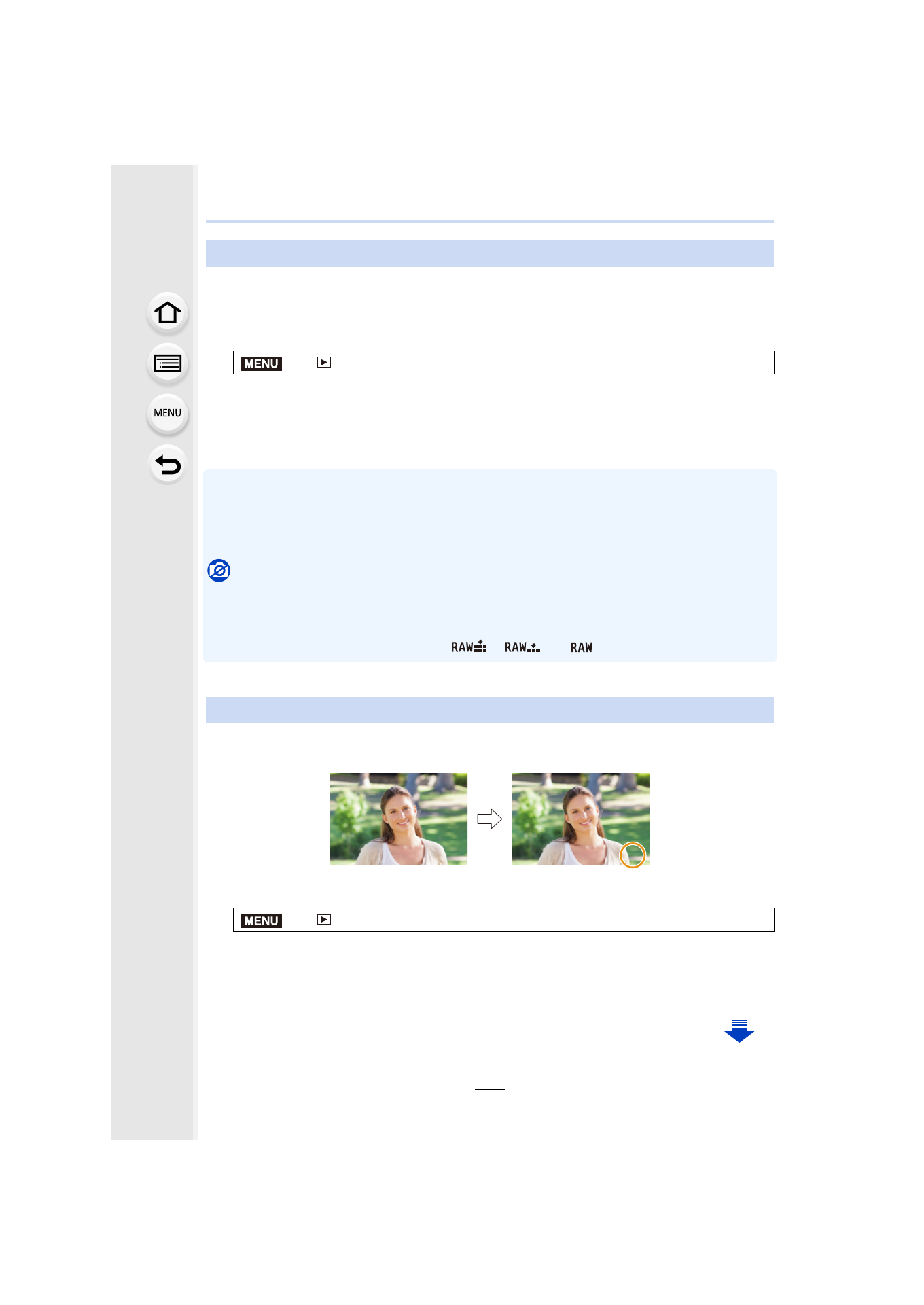
You can add text (comments) to pictures. After text has been registered, it can be stamped
in prints using [Text Stamp]
.
1
Select the menu.
2
Select the picture.
•
[’] is displayed for pictures with titles already registered.
3
•
Exit the menu after it is set.
•
To delete the title, erase all the text in the text input screen.
•
You can print out texts (comments) using the “PHOTOfunSTUDIO” bundled software on the
DVD (supplied).
•
You can set up to 100 pictures at one time with [Multi].
Not available in these cases:
•
This function is not available in the following cases:
–
Motion pictures
–
4K burst files
–
Images recorded with [Quality] set to [
], [
] or [
]
You can stamp recording information on recorded images.
1
Select the menu.
2
Select the picture.
•
[‘] appears on screen if the picture is stamped with text.
3
Press 3/4 to select [Set], and then press [MENU/SET].
[Title Edit]
>
[Playback]
> [Title Edit] > [Single]/[Multi]
[Text Stamp]
>
[Playback]
> [Text Stamp] > [Single]/[Multi]
MENU
LISA
LISA
LISA
MENU
- Lumix G85 Mirrorless Camera with 12-60mm Lens Lumix DMC-G85M Lumix DMC-G85 Lumix GH5 Lumix GX80 Lumix GX85 Mirrorless Camera with 12-32mm and 45-150mm Lenses Lumix G7 Mirrorless Camera with 14-42mm and 45-150mm Lenses (Black) Lumix G7 Mirrorless Camera with 14-42mm Lens Deluxe Kit (Silver) Lumix G7 Mirrorless Camera with 14-42mm Lens (Silver) Lumix DMC-G7 body