Smartphone/tablet, P301, P301) – Panasonic Lumix GX8 User Manual
Page 301: Camera (p301)
301
11. Using the Wi-Fi/NFC Function
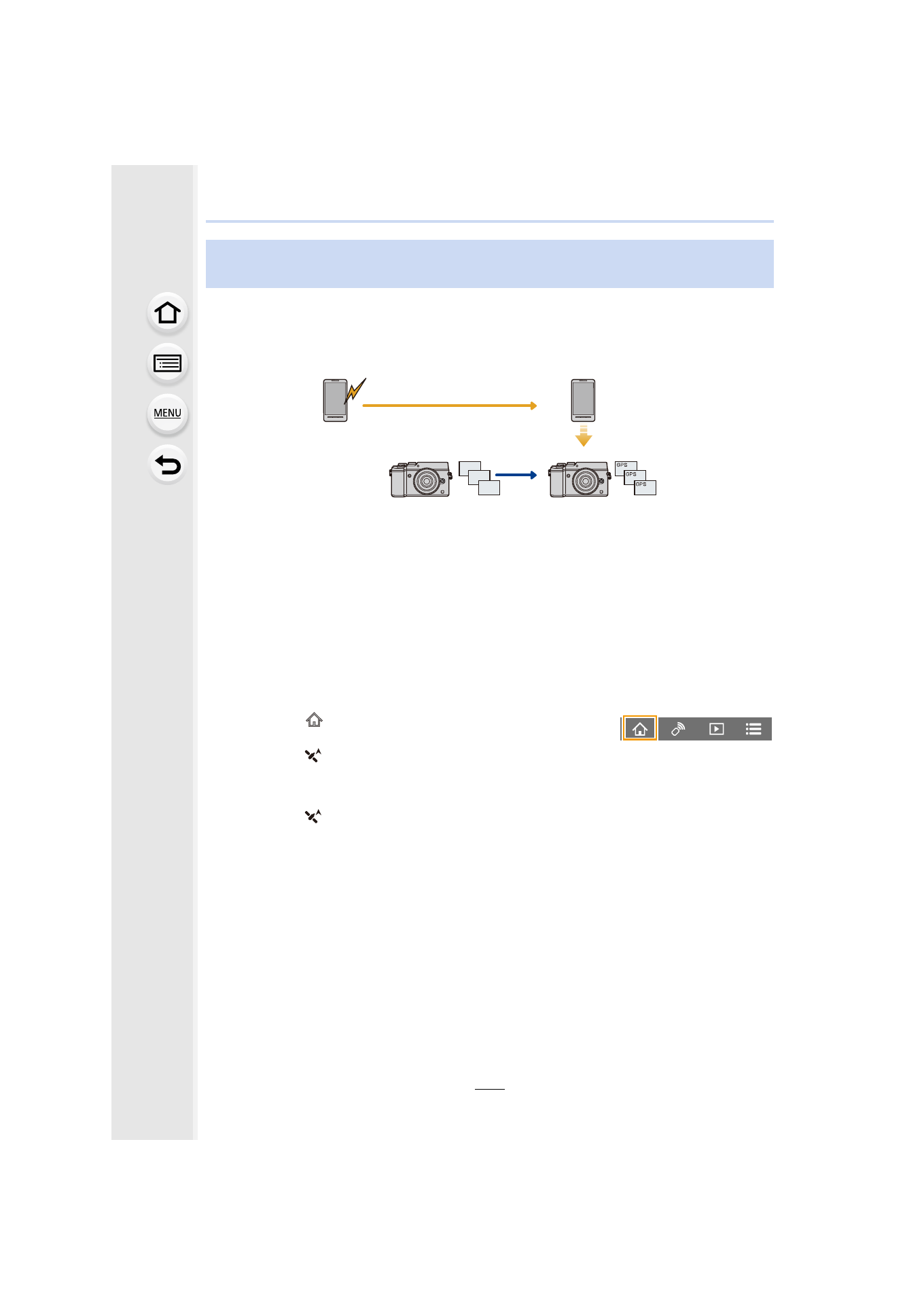
You can send location information acquired with a smartphone to the camera. After
sending the information, you can also write it on images stored in the camera.
•
Once the location information is sent to the camera, you can also write it on images by
performing [Location Logging]
•
Location information different from that at the time of recording may be written. Keep the
following points in mind:
–
Set the camera’s [Home] setting in [World Time] to your region.
–
Once you start recording location information with your smartphone, do not change the
camera’s [Home] setting in [World Time].
•
Location information cannot be written on images that were recorded when the clock was not
set.
∫
Recording location information and images
1
Start recording location information with the smartphone.
1 Start “Image App”.
2 Select [
].
3 Select [Geotagging].
4 Select [
] to start recording location information.
2
Record images with the camera.
3
Stop recording the location information with the smartphone.
1 Select [
] to stop recording the location information.
Adding location information to images stored in the camera from a
smartphone/tablet
2
1
4
3
- Lumix G85 Mirrorless Camera with 12-60mm Lens Lumix DMC-G85M Lumix DMC-G85 Lumix GH5 Lumix GX80 Lumix GX85 Mirrorless Camera with 12-32mm and 45-150mm Lenses Lumix G7 Mirrorless Camera with 14-42mm and 45-150mm Lenses (Black) Lumix G7 Mirrorless Camera with 14-42mm Lens Deluxe Kit (Silver) Lumix G7 Mirrorless Camera with 14-42mm Lens (Silver) Lumix DMC-G7 body