Grass Valley GV STRATUS v.3.1 User Manual
Page 129
Advertising
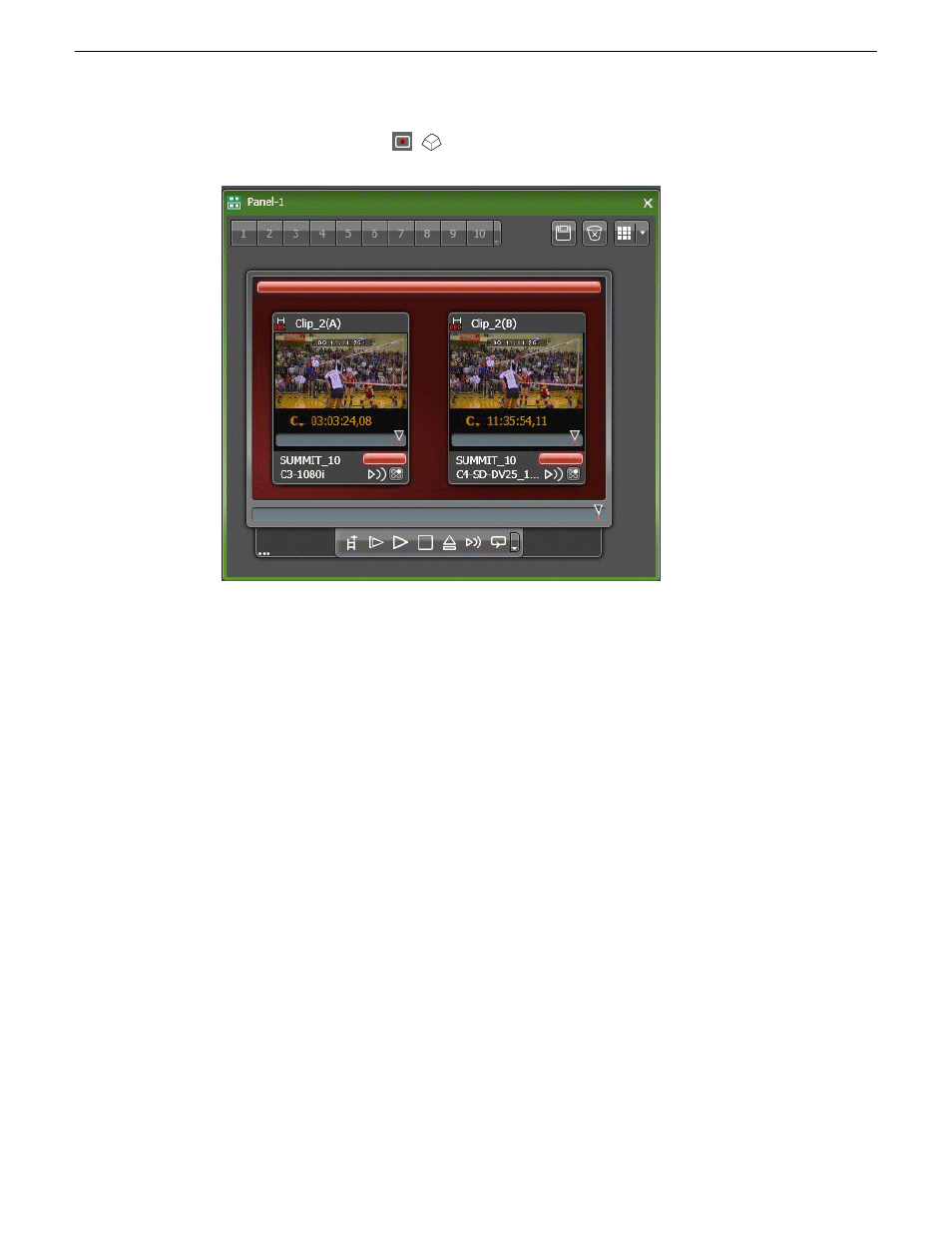
4. Click the
Record
button.
(
F12
)
The following occurs:
•
Recording begins on all channels in the gang.
•
The clips record to the current working bin.
•
The Channel Panel automatically assigns an
Angle
property for each clip.
Related Topics
About keyboard shortcuts and input focus in a Channel Panel
on page 145
Configuring Channel Panel User Preferences
on page 117
Recording on an individual channel in a gang using crash record
1. Launch a Channel Panel.
2. Double-click on the thumbnail of an individual channel in a gang.
The overlay transport controls appear.
2014 02 21
GV STRATUS User Manual
129
Working with K2 channels
Advertising
This manual is related to the following products: