Grass Valley GV STRATUS v.3.1 User Manual
Page 58
high-resolution associations (deep copy) deletes the entire asset from multiple locations. A Media
Manager has additional options to delete parts of an asset.
1. In an Asset List panel, right-click the asset you are deleting and select
Delete
.
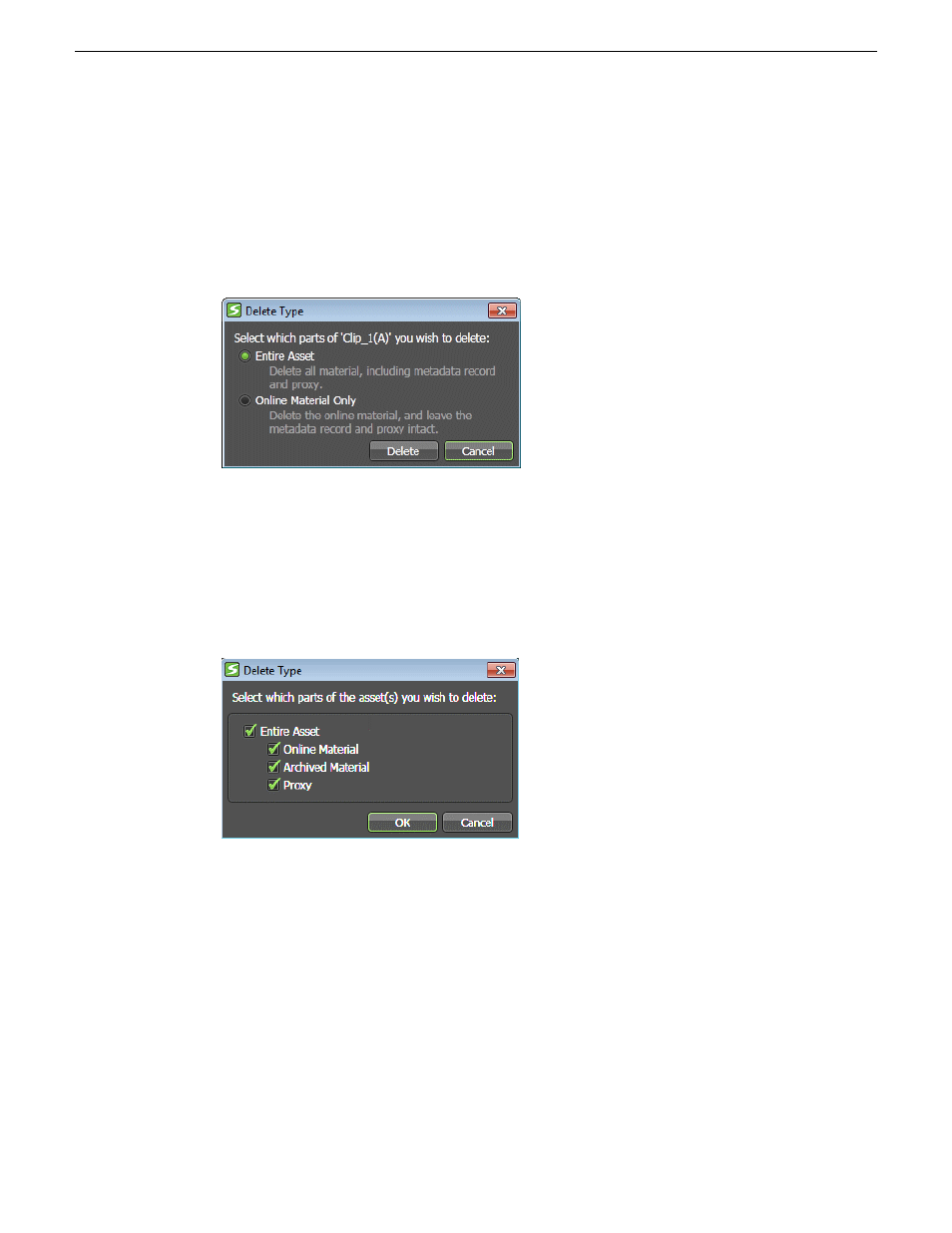
A Delete Type dialog box opens. The dialog box for Media Managers offers additional options.
2. If you are not a Media Manager, select your options as follows:
•
Entire Asset — Select this to delete the entire asset including online material and proxy.
Archived material is not deleted.
•
Online Material Only— Select this to only delete online material. Metadata, proxy, and
archived material is not deleted.
3. If you are a Media Manager, select your options as follows:
•
Entire Asset — Select this to delete the entire asset including online material, archived material,
and proxy.
•
Online Material — Select this to only delete online material of the asset on the K2
Summit/SAN system.
•
Archived Material — Select this to only delete archived material of the asset on the archived
system.
•
Proxy — Select this to only delete the proxy of the asset.
4. Click
OK
or
Delete
.
58
GV STRATUS User Manual
2014 02 21
Managing assets