FujiFilm GFX100 II Medium Format Mirrorless Camera User Manual
Page 172
144
6
T
he Shooting M
enus
Color Shading Correction
Color Shading Correction
Color (shading) variations between the
center and edges of the frame can be ad-
justed separately for each corner.
To use color shading correction, follow the
steps below.
NEXT
SET
1
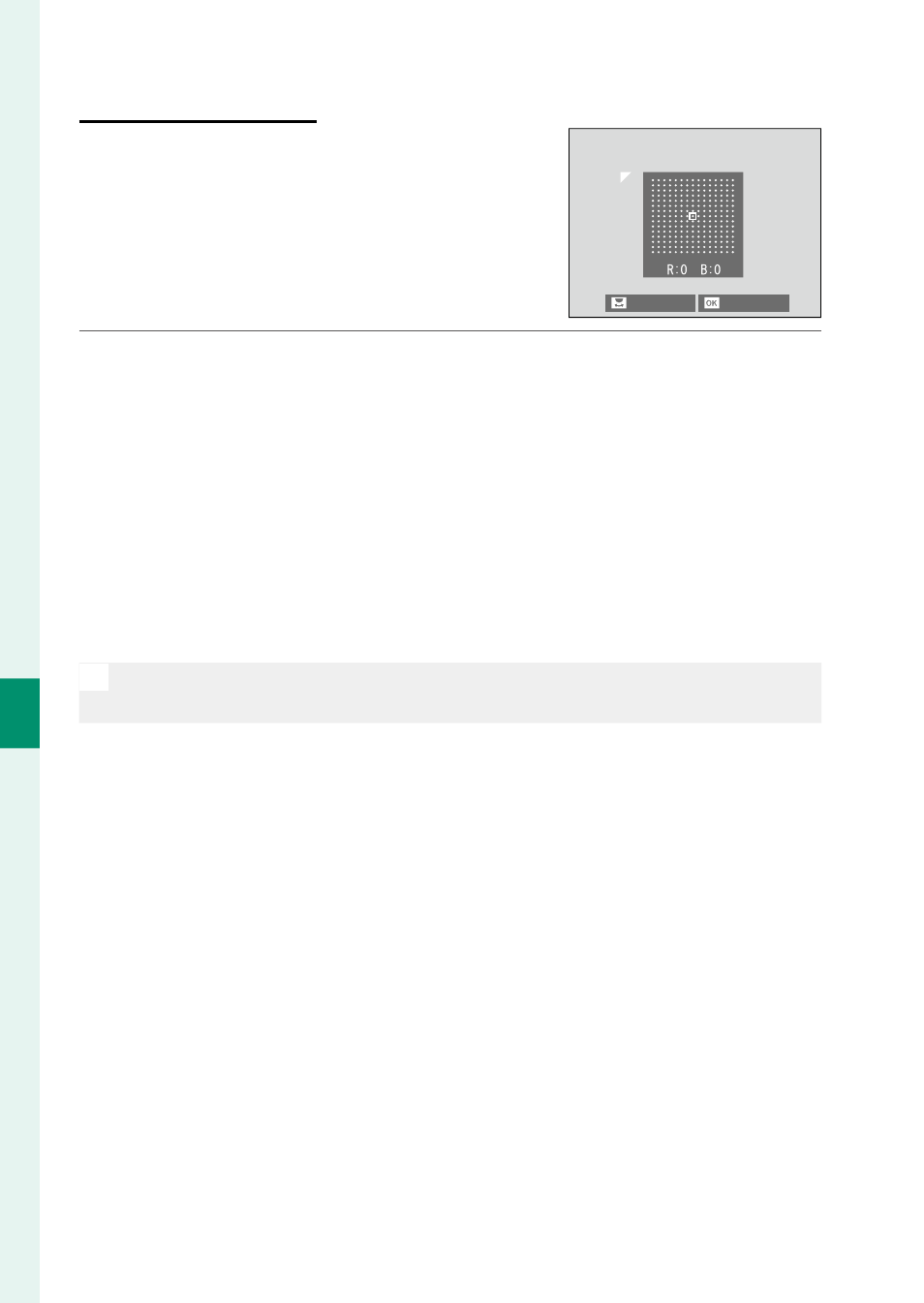
Rotate the rear command dial to choose a corner. The select-
ed corner is indicated by a triangle.
2
Use the focus stick (focus lever) to adjust shading until there is
no visible diff erence in color between the selected corner and
the center of the image.
•
Press the focus stick left or right to adjust colors on the
cyan–red axis.
•
Press the focus stick up or down to adjust colors on the
blue–yellow axis.
N
To determine the amount required, adjust color shading correction
while taking photos of blue sky or a sheet of gray paper.