1 home – PLANET GSW-4804SF User Manual
Page 23
User’s Manual of GSW-4804SF
-23-
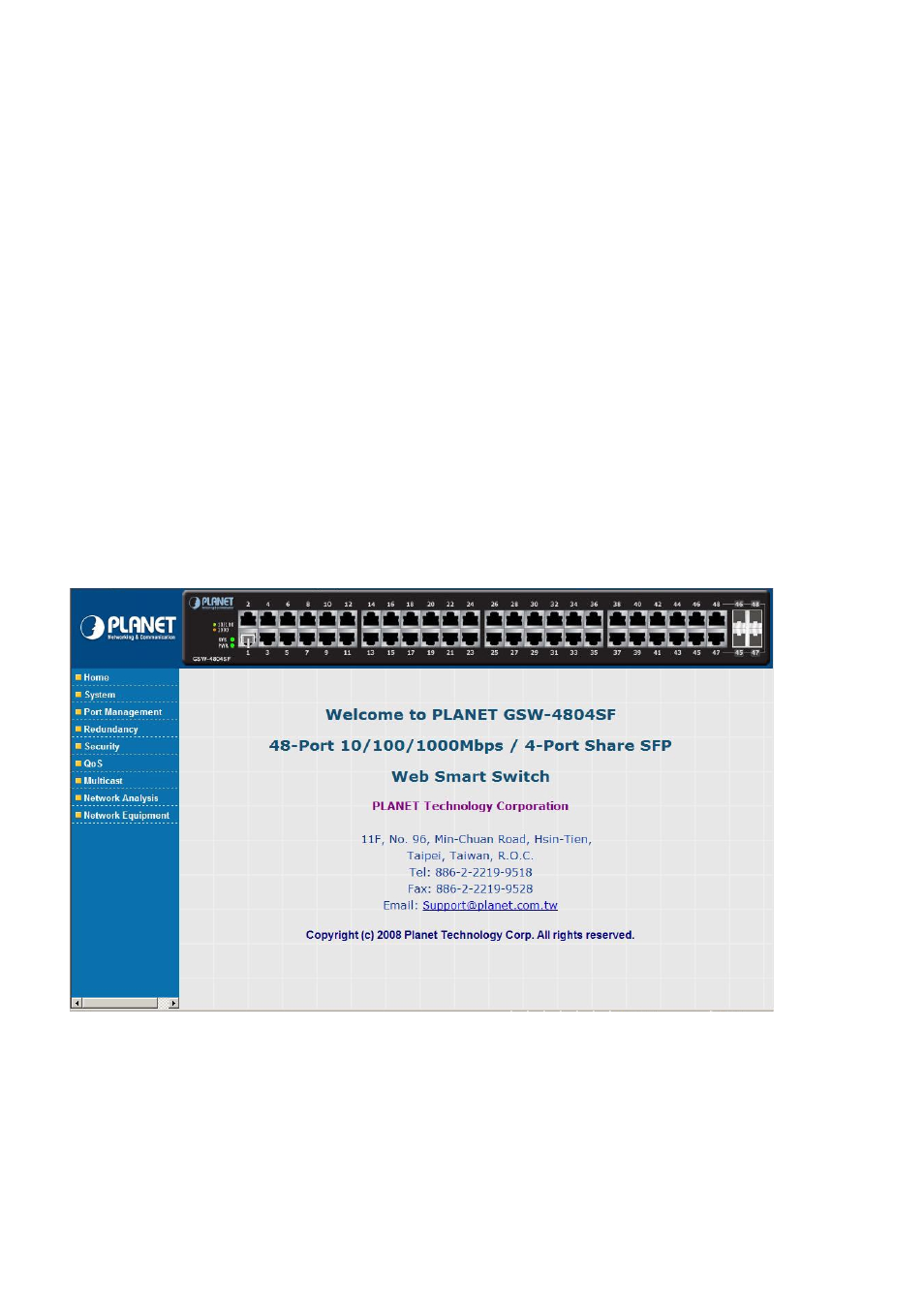
The nine items and it description shown as below:
◆
Home: Provide Web Main Screen of the Switch.
Explained in section 4.1
.
◆
System: Provide System configuration of the Switch.
Explained in section 4.2.
◆
Port Management: Provide Port Management configuration of the Switch.
Explained in section 4.3
.
◆
Redundancy: Provide Link Aggreation configuration of the Switch.
Explained in section 4.4
.
◆
Security:
Provide Security configuration of of the Switch.
Explained in section 4.5
.
◆
QoS:
Provide QoS Setting configuration of of the Switch.
Explained in section 4.6
.
◆
Multicast:
Provide IGMP Snooping configuration of of the Switch.
Explained in section 4.7
.
◆
Networking Analysis: Provide Network analysis information of of the Switch.
Explained in section 4.8
.
◆
Network Equipment:
Provide Network Equipment configuration of of the Switch.
Explained in section 4.9
.
4.1 Home
This section provides Web main screen display and the screen appears as
Figure 4-4
.
Figure 4-4
Home Web Screen