Configuring 802.11ac rates – H3C Technologies H3C WX3000E Series Wireless Switches User Manual
Page 511
490
MCS Index
Modulation
Data Rate (Mbps)
800ns GI
400ns GI
6 64-QAM
263.3
292.5
7 64-QAM
292.5
325.0
8 256-QAM
351.0
390.0
9 256-QAM
390.0
433.3
NSS is divided into the following types:
•
Mandatory NSS—Mandatory rates must be supported by the AP and the clients that want to
associate with the AP.
•
Supported NSS—Supported NSS allow some clients that support both mandatory and supported
NSS to choose higher rates when communicating with the AP.
•
Multicast NSS—Multicast NSS allow some clients that support both mandatory and multicast NSS
to transmit multicast data with configured multicast NSS.
The NSS value refers to a value range, starting from 0 and ending with the configured value. For example,
if you enter 5, the value range for NSS is 0 to 5.
When configuring multicast rate for 802.11ac radio, you need to specify the multicast NSS and multicast
VHT-MCS.
Configuring 802.11ac rates
1.
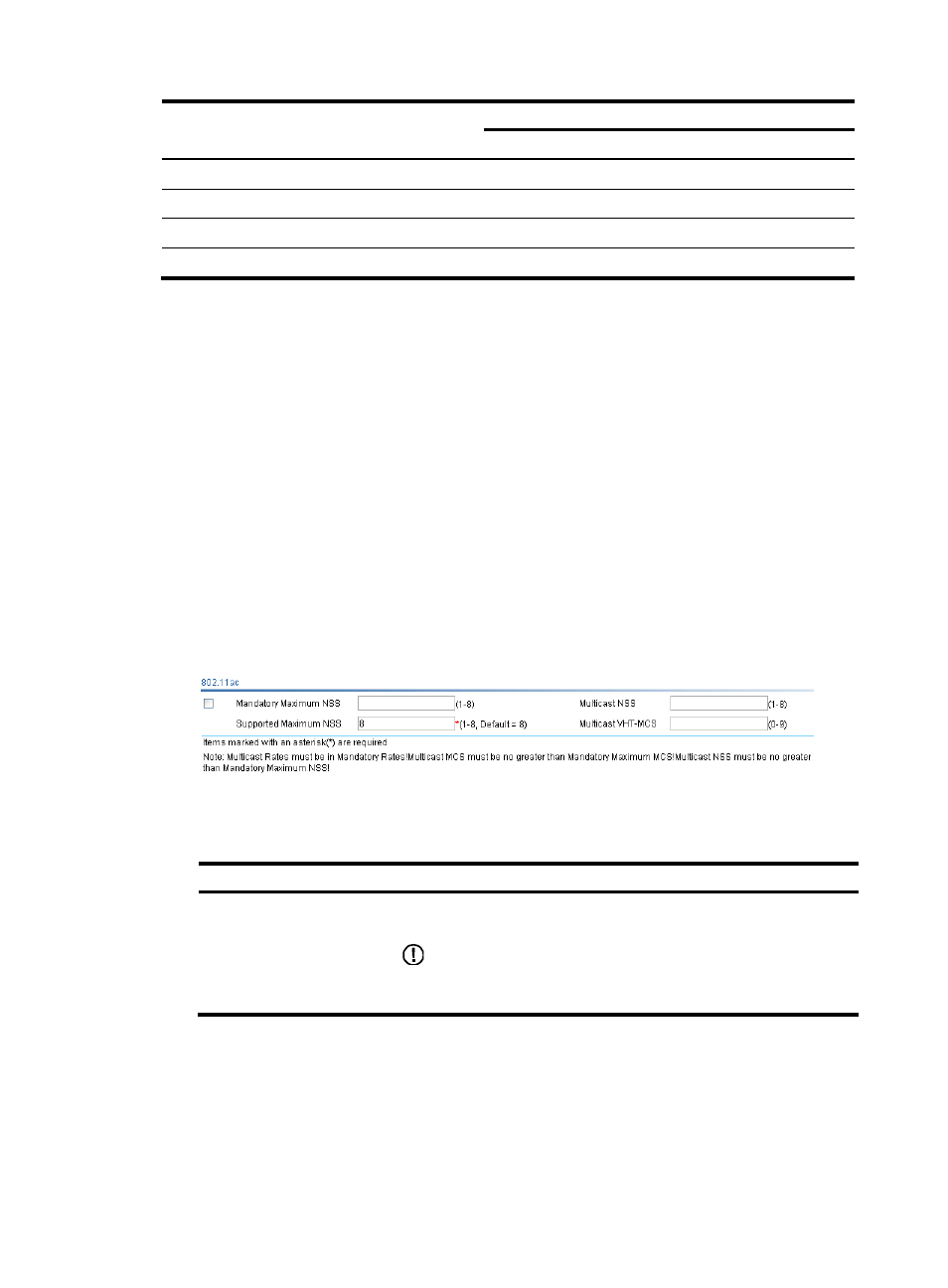
Select Radio > Rate from the navigation tree.
Figure 527 Configuring 802.11ac rate
2.
Configure the 802.11ac rate as described in
, and click Apply.
Table 156 Configuration items
Item Description
Mandatory Maximum NSS
Select Mandatory Maximum NSS and set the maximum 802.11ac
mandatory NSS.
IMPORTANT:
If you select the 802.11n and 802.11ac or 802.11ac option, you must
configure the mandatory maximum NSS.
- H3C WX5500E Series Access Controllers H3C WX3500E Series Access Controllers H3C WX2500E Series Access Controllers H3C WX6000 Series Access Controllers H3C WX5000 Series Access Controllers H3C LSUM3WCMD0 Access Controller Module H3C LSUM1WCME0 Access Controller Module H3C LSRM1WCM2A1 Access Controller Module