Displaying history record, Configuring wids – H3C Technologies H3C WX3000E Series Wireless Switches User Manual
Page 643
Advertising
622
Table 198 Field description
Type Description
Type
•
r—Rogue device.
•
p—Permitted device.
•
a—Ad hoc device.
•
w—AP.
•
b—Wireless bridge.
•
c—Client.
For example, pw represents a permitted AP while rb represents a rogue wireless bridge.
The device considers all ad hoc devices and wireless bridges as rogue devices.
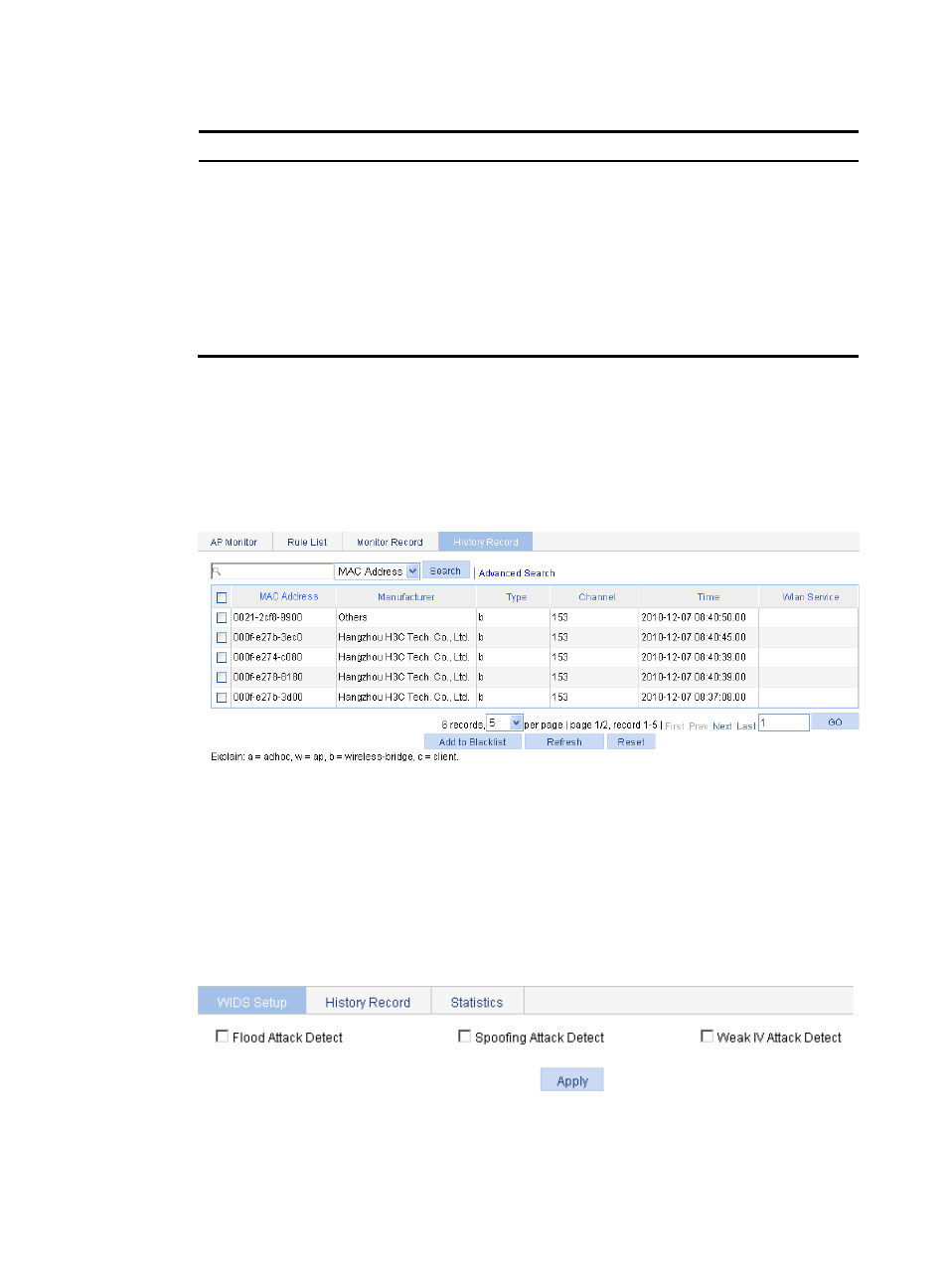
Displaying history record
1.
Select Security > Rogue Detection from the navigation tree.
2.
Click the History Record tab.
Figure 658 History record page
Configuring WIDS
Configuring WIDS
1.
Select Security > WIDS from the navigation tree.
Figure 659 Configuring WIDS
2.
On the WIDS Setup tab, configure WIDS as described in
Advertising
This manual is related to the following products:
- H3C WX5500E Series Access Controllers H3C WX3500E Series Access Controllers H3C WX2500E Series Access Controllers H3C WX6000 Series Access Controllers H3C WX5000 Series Access Controllers H3C LSUM3WCMD0 Access Controller Module H3C LSUM1WCME0 Access Controller Module H3C LSRM1WCM2A1 Access Controller Module