Registering new one-touch keys, Registering new one-touch keys -18 – TA Triumph-Adler DC 2116 User Manual
Page 54
Fax Operation (Basic Use)
2-18
Dialing the Destination Using Only One Key (One-Touch Keys)
If you register a fax number under a one-touch key in advance, you will be able to dial that number
with the touch of a key. You can also use one-touch keys to dial the destination fax number for
Encrypted Transmissions.
Registering New One-Touch Keys
Notes
•
You can designate any number of the 32 one-touch keys for use in one-touch dialing.
•
You CANNOT designate a one-touch key for Encrypted Transmission once you press the
Sub-Address key and enter a subaddress during registration of that key.
•
If you want to check the information already registered under each one-touch key, print out a
One-Touch Key List.
•
It is recommended that you register the name of the other party as well as the fax number
under each one-touch key. If you register the other party’s name as well, you will be able to use
the directory to search for their fax number.
•
If you want to cancel the procedure part way through, press the Reset key. The operation panel
will return to the initial mode settings.
1
Check the message display to make sure that the operation panel is in the initial mode for fax
operation. (See What is the “Initial Mode”? on page 1-13.)
If the fax is not in the Fax Operation mode, press the Fax key to light the Fax indicator.
2
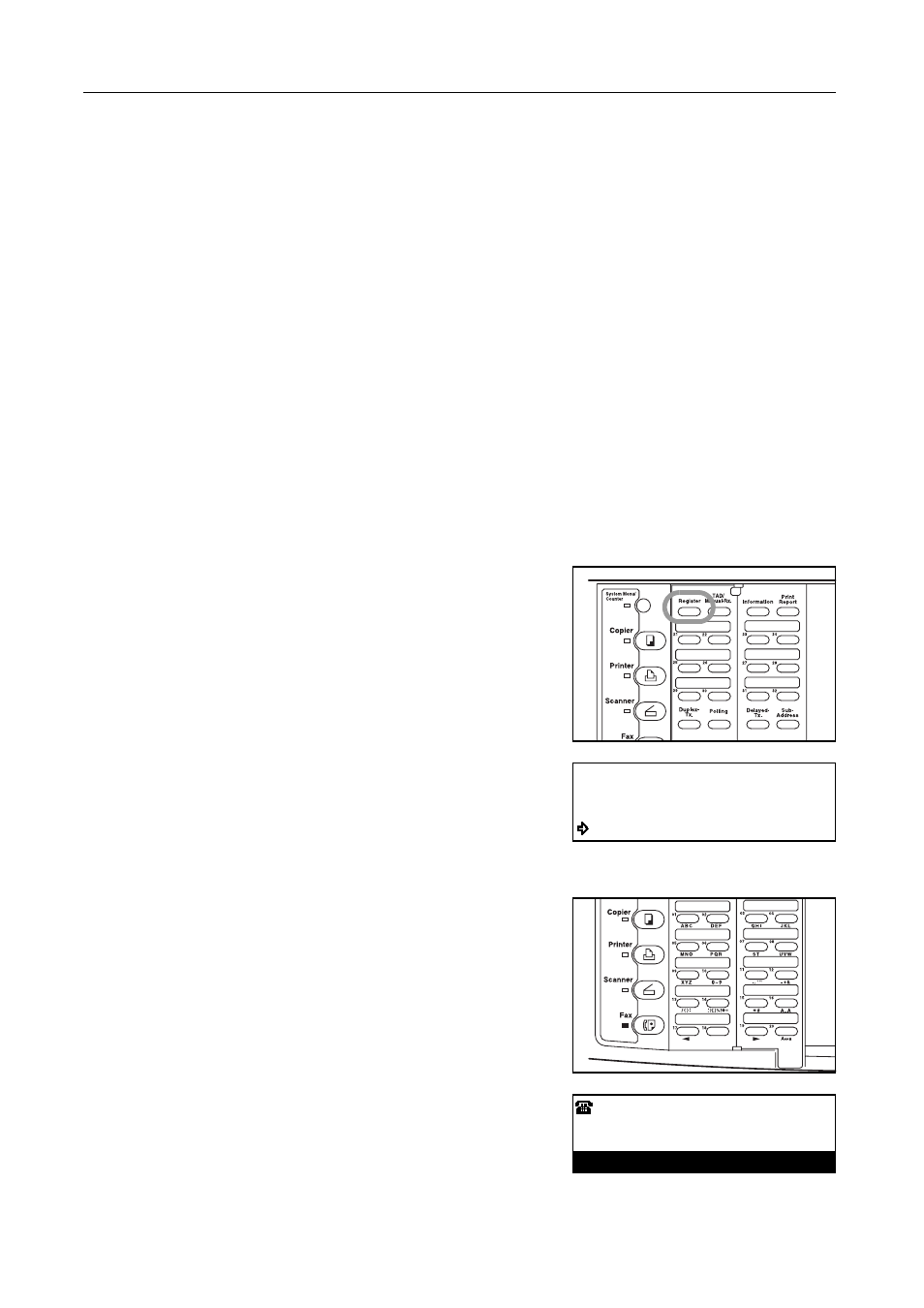
Open the cover plate to the left and press the Register
key.
3
Press the S key or the T key to select Program
1-Touch Key [Program One-Touch Key].
4
Press the Enter key.
5
Press an unregistered one-touch key.
6
Use the keypad to enter the fax number you want to
register under that one-touch key.
The fax number can be up to 32 digits in length.
Program:
End
Program 1-Touch Key
Program Abbreviated Dial
:
Enter Fax No.