Compressor – D16 Group Drumazon 2 Drum Machine 909 Emulation Plug-In User Manual
Page 11
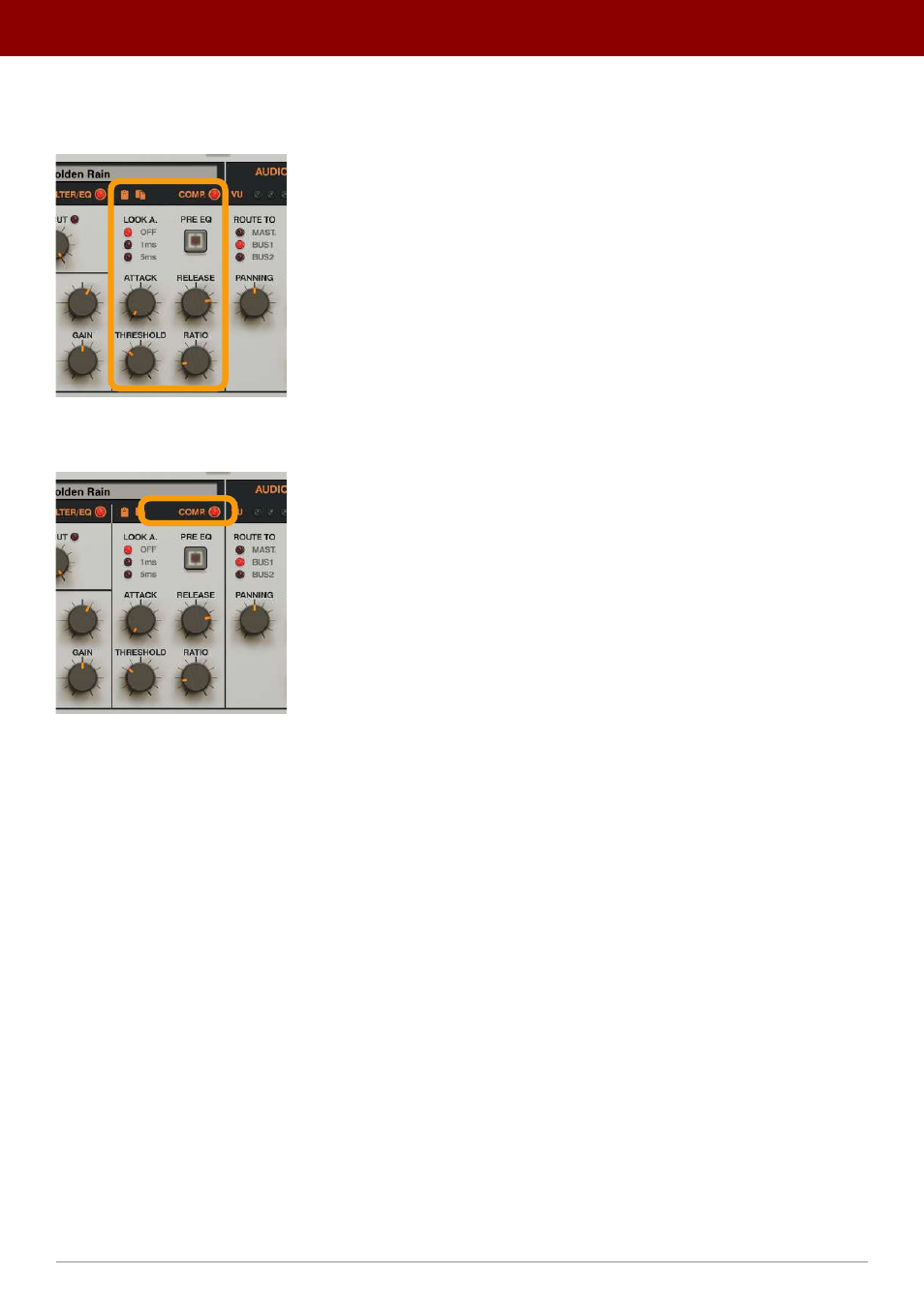
Compressor
The
Compressor
section follows the
Filter / EQ
:
The Compressor section
A toggle LED in the upper-right corner of this section
Enables
or
Disables
the effect:
Enabling / Disabling the Compressor
The compressor is controlled by the following set of parameters:
•
Look A.
- (Look ahead) Allows the compressor to “
see what’s coming
”, to better predict signal level changes and
allow for precise peak detection at the cost of latency;
•
Off
- The option is disabled (no
Look Ahead
).
•
1ms
- 1 ms look ahead.
•
5ms
- 5 ms look ahead.
•
Pre Eq
- If disabled, the sound is first processed by the
Filter / EQ
and then by the
Compressor
. If enabled, the
sound is first processed by the
Compressor
and then by the
Filter / EQ
.
•
Attack
- Sets the attack time for the compressor’s envelope between
1
and
500
ms.
•
Release
- Sets the release time for the compressor’s envelope between
1
and
500
ms.
•
Threshold
- Adjusts the amplitude detection threshold between
0
and
-48
dB.
•
Ratio
- Adjusts the compression ratio
between
1:1
and
1:20
.
11
inteRface oveRview •
The sound conTrol secTion