Author editing, Description editing – D16 Group Drumazon 2 Drum Machine 909 Emulation Plug-In User Manual
Page 66
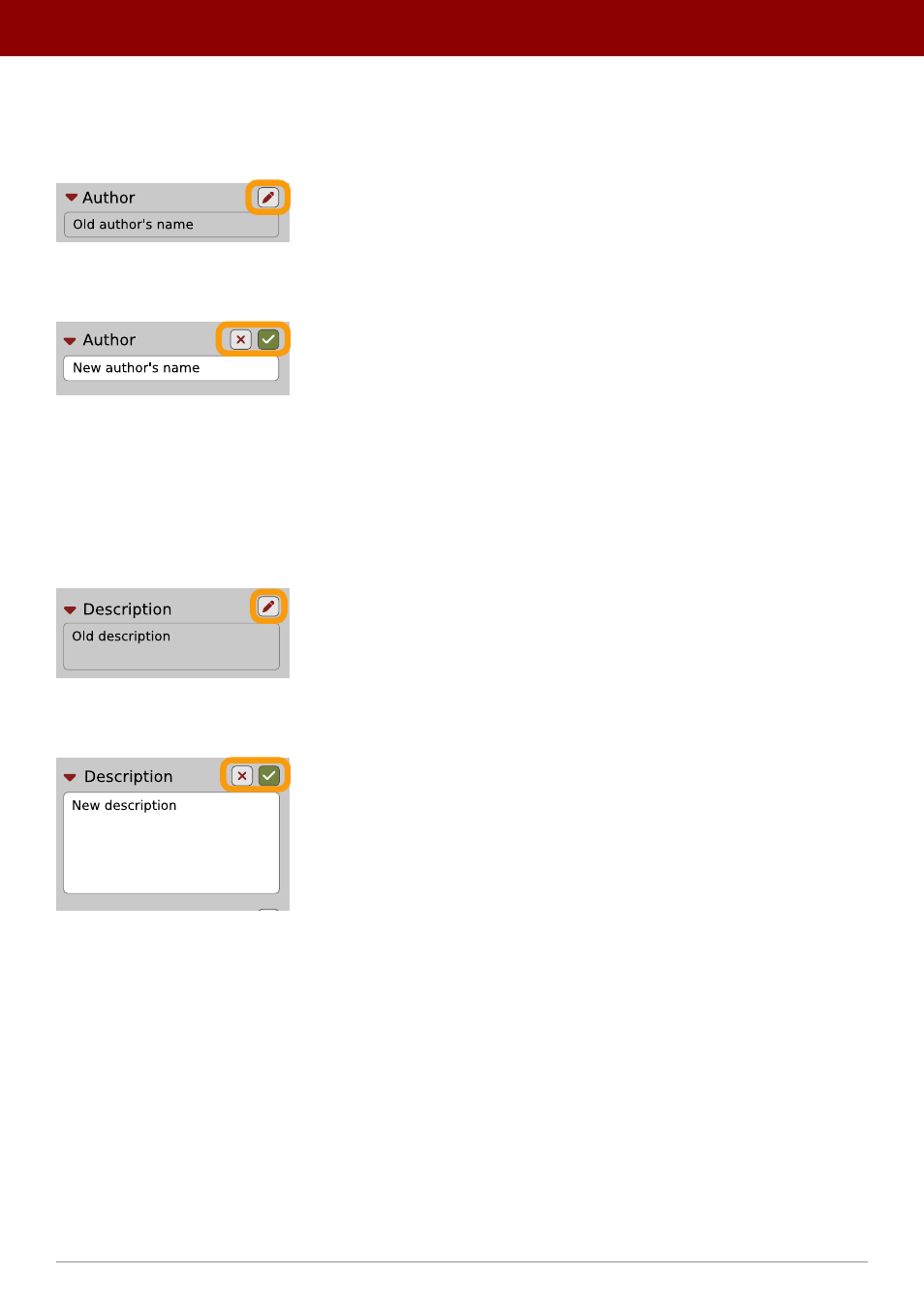
Author editing
When you select a preset or presets to change the
Author
, click the
Pencil
button next the
Author
section in the
Info
pane
to enter the
Edit mode
for the
Author
field:
Editing Author
Once you’ve finished editing the field, confirm the operation using the
OK / Cancel
buttons:
Confirming Author editing
This operation is possible for user content only.
Description editing
When you select a preset or presets to change the
Description
, click the
Pencil
button next the
Description
section in
the
Info pane
to enter the
Edit mode
for the
Description
field:
Editing Description
Once you’ve finished editing the field, confirm the operation using the
OK / Cancel
buttons:
Confirming Description editing
This operation is possible for user content only.
66
PReset management •
ediTinG PreseTs