Preliminary information – D16 Group Drumazon 2 Drum Machine 909 Emulation Plug-In User Manual
Page 3
Preliminary information
This chapter contains general advice for using the plug-in’s interface.
To do a right-click on macOS with single button mouse:
Either click your mouse while holding the CTRL key on your keyboard or use two fingers on your touchpad.
Checking the value of a parameter
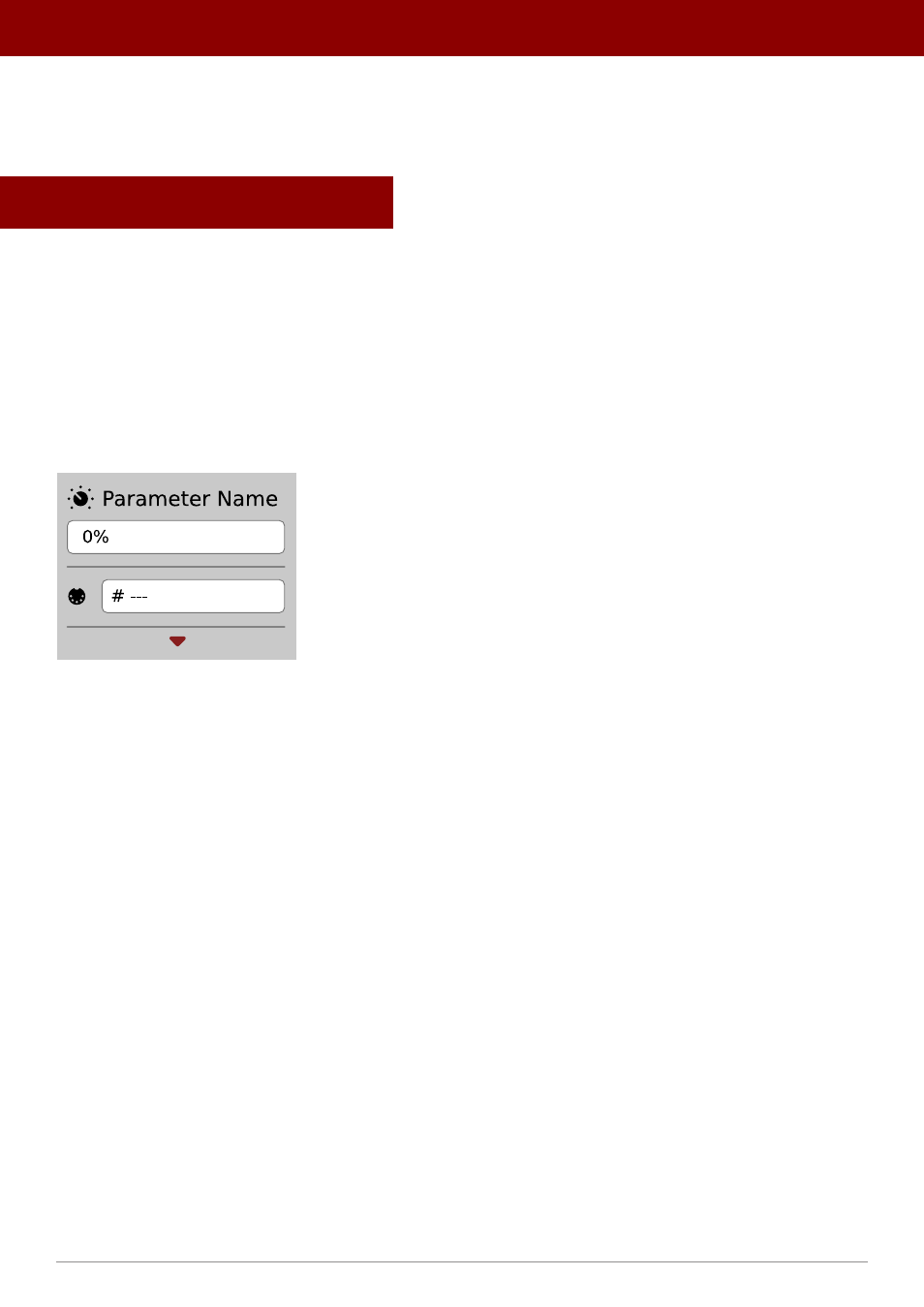
Right-click on any parameter to check its value in its context menu:
A parameter’s context menu
Note: It’s currently not possible to enter a precise value in the input box; it’s just to check the value.
Fine-tuning continuous parameters
Tweak a control (knob) while holding the CTRL key (on Windows) or Apple CMD key (on macOS) - this will make the
tweaking more precise while moving the mouse pointer up and down.
Double-click to reset a continuous parameter’s value
Double-clicking on a parameter restores its value to the initial state, either default (right after loading the plug-in /
loading it along with a project file) or from the most recently loaded preset.
3
PReliminaRy infoRmation •