Flam – D16 Group Drumazon 2 Drum Machine 909 Emulation Plug-In User Manual
Page 39
Starting from the left, we have the following values:
•
None
- Articulation disabled, regular notes
•
Flam
•
Sub Step x 2
- Subdivision with 2 notes
•
Sub Step x 3
- Subdivision with 3 notes
•
Sub Step x 4
- Subdivision with 4 notes
In the
Sequence
editor,
Articulated
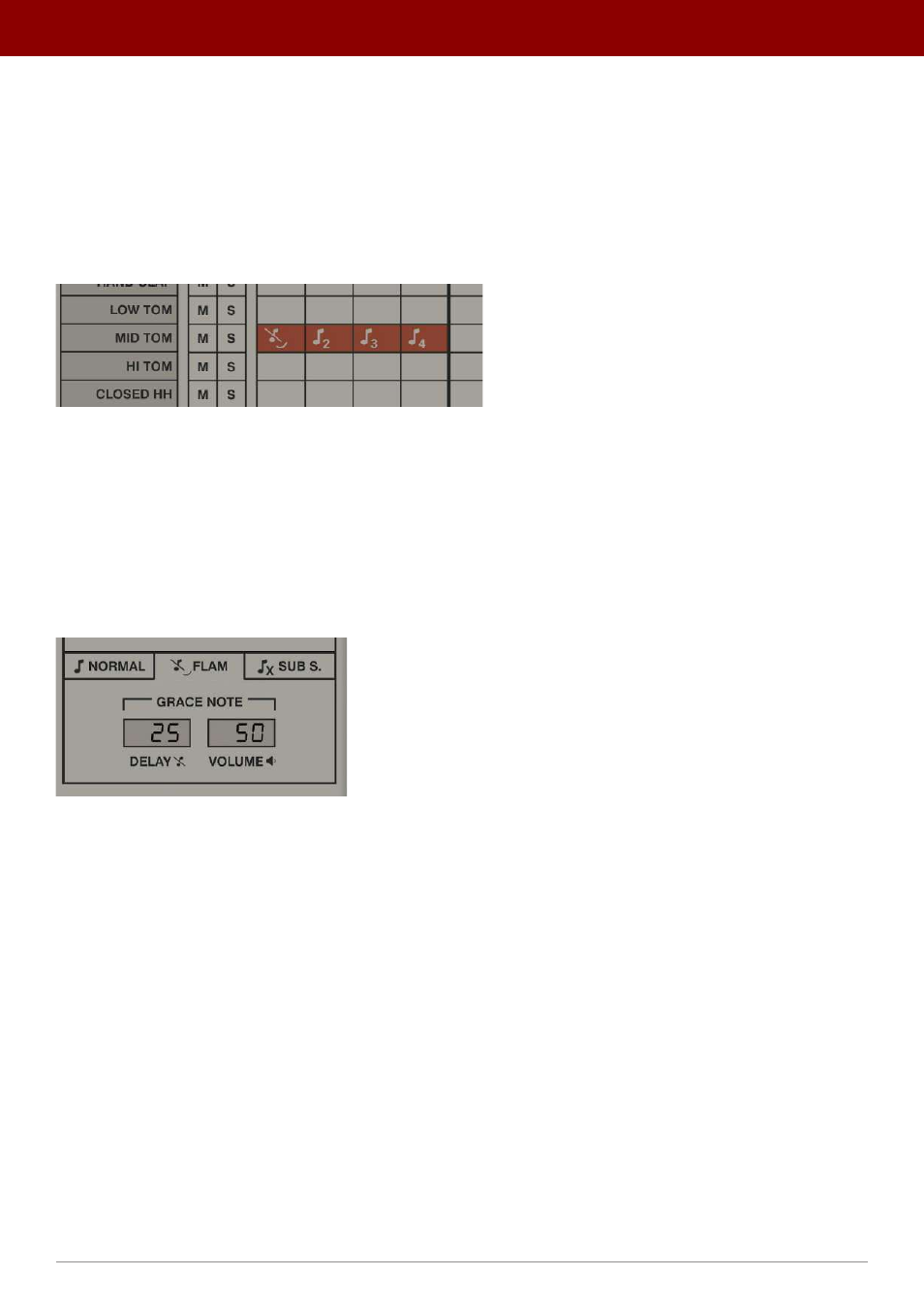
steps are indicated with an appropriate icon:
Steps with Articulation enabled
Alternatively, you can quickly change articulation for a step by right-clicking over that step in the editor. This will change
the step to the next articulations in the sequence, in the same order as can be seen in the toolbar.
Flam
A
Flam
is a double triggering of a sound with a short delay between each trigger. In musical terms, it’s equivalent to
inserting a grace note before a main note. Parameters for the
Flam
articulation are controlled from the
Flam
tab in the
bottom part of
Pattern Properties
and defined for each pattern:
Flam tab in Pattern Properties
The
Flam
tab has two parameters:
•
Delay
- Sets the offset between the grace note and the main note, measured in
Step Length
. A 100% value
means that offset is a half-step long.
•
Volume
- Sets the loudness of the grace note, measured against the step’s volume. For example, a 50% value
means that the added grace note is half as loud as the main note that follows.
39
inteRface oveRview •
Play modes