Editing presets, Preset selection for edit, Preset renaming – D16 Group Drumazon 2 Drum Machine 909 Emulation Plug-In User Manual
Page 63
Editing presets
You can perform certain actions on presets, such as adjusting
Groups
and
Tags
, deletion, renaming the presets as well
as their export or import. One should bear in mind, however, that some operations are only allowed on user presets but
not on
Factory
content.
Preset selection for Edit
Some operations can be done on more than one preset, so you’re allowed to select more than one preset at once; in the
Results
section, you can choose a preset or a set of presets in the following ways:
•
Click a preset
- Selects (and loads) one preset from the list.
•
Win (
Ctrl
+
Click the preset
), Mac (
Cmd
+
Click the preset
) - Adds another preset to an already chosen
preset or a set of presets.
•
Shift
+
Click the preset
- Selects a range of presets from the last chosen preset to the preset clicked with the
Shift key
.
•
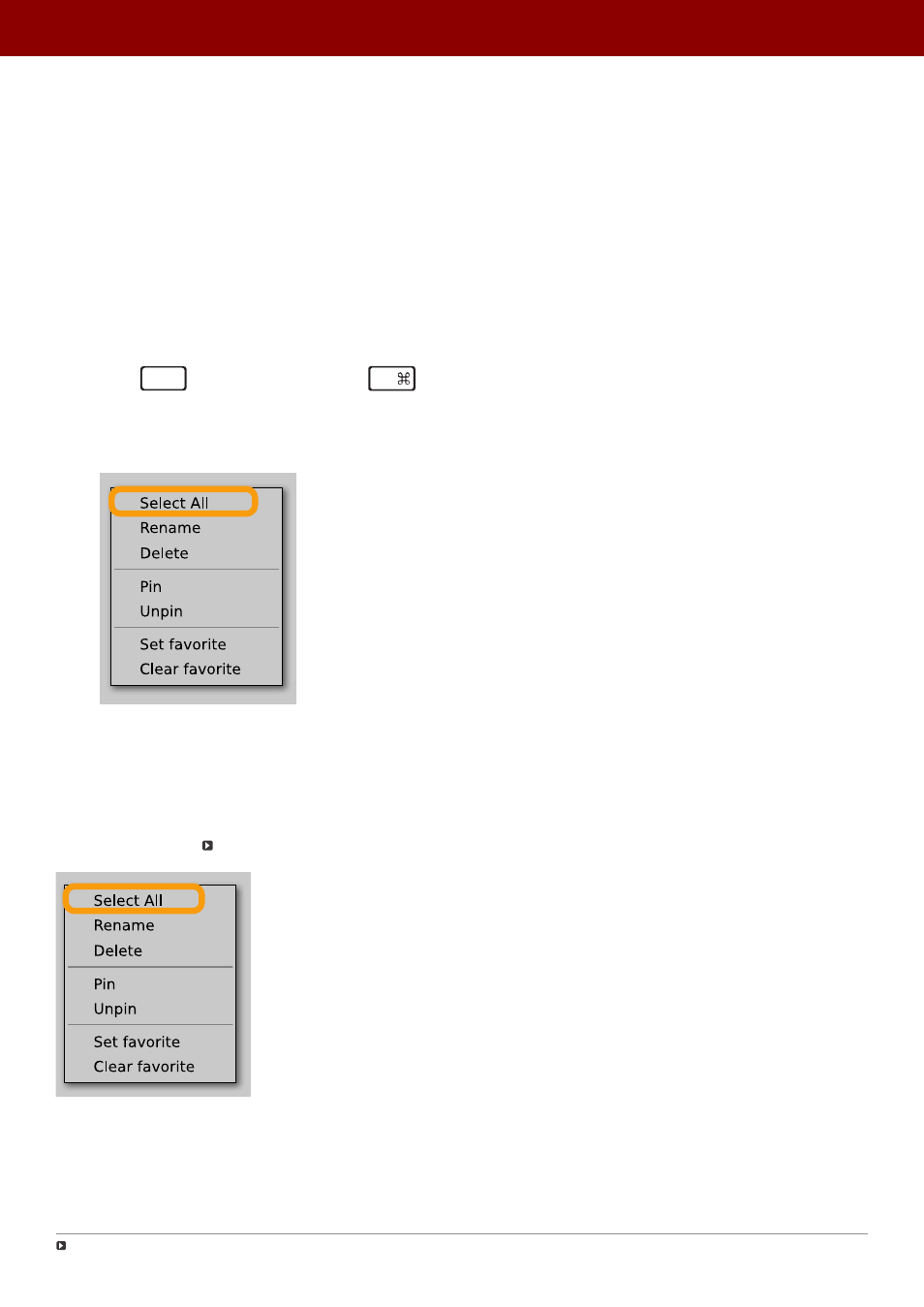
Right-Click on any
Preset
in the
Results
section and choose the
Select All
option - this selects all presets:
Selecting all presets
Preset renaming
On a selected preset
, right-click to open the context menu and select the
Rename
option:
Preset renaming
The option is available only for individual presets and won’t work on a selection of two or more presets.
63
PReset management •
ediTinG PreseTs