Size, System scale, Quality settings – D16 Group Drumazon 2 Drum Machine 909 Emulation Plug-In User Manual
Page 52
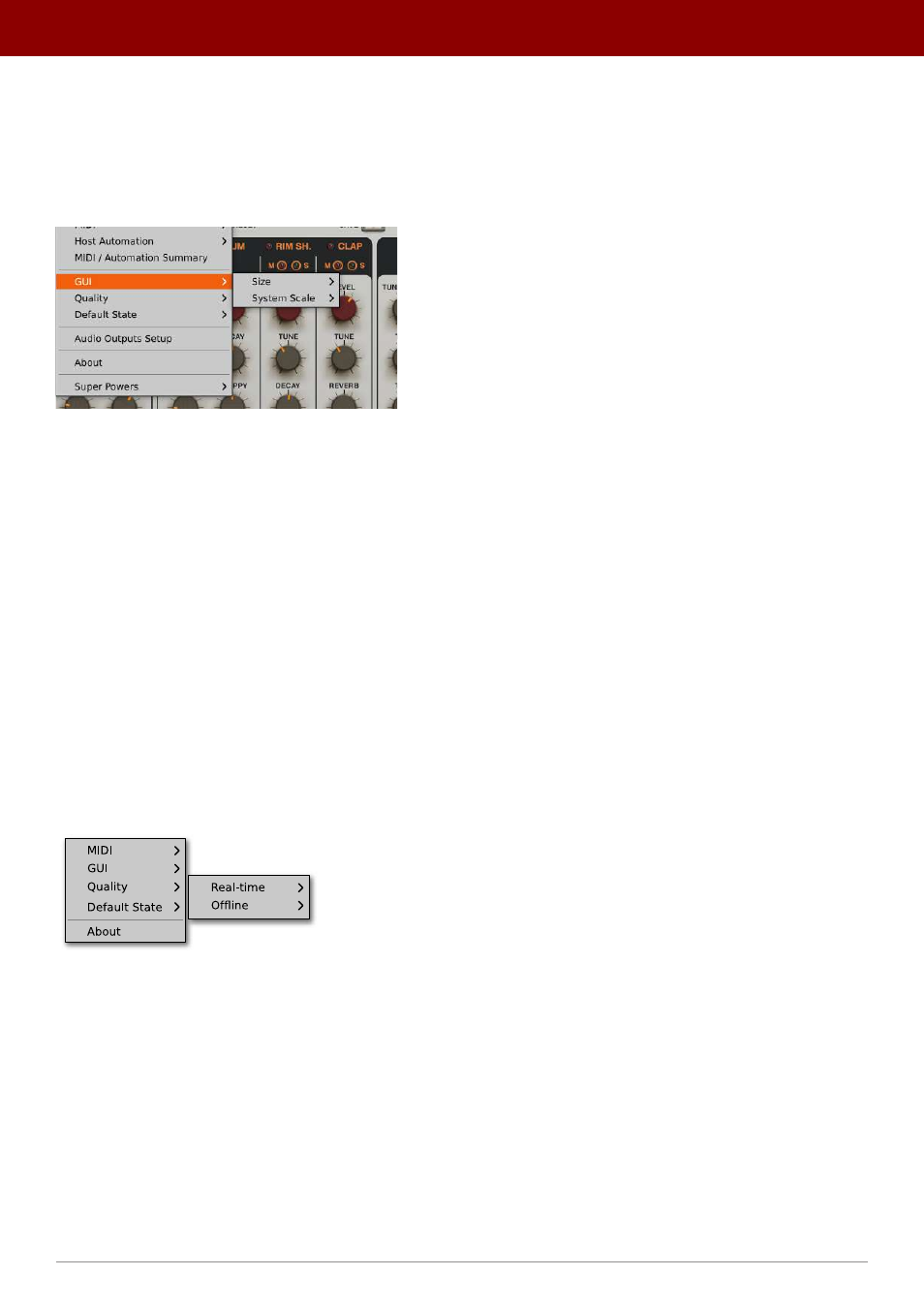
GUI
The
Size
and
System Scale
options are accessible from the GUI submenu under the
Options
menu in the upper-left
corner of the plug-in. With these, you can adjust the look of the plug-in to suit the pixel density and resolution
of your screen, and make some tweaks to the look.
The GUI Size and look options
Size
This option lets you choose one of several default skin sizes to best match the plugin to the resolution of your computer
monitor.
System Scale
System Scale
controls the rescale factor for the whole plug-in. For the best visual results, you should set it to the exact
value from your system settings (screen properties).
Quality settings
The
Quality
submenu under
Cog
icon in upper-left corner allows to choose sound quality for
Real-time
or
Offline
modes.
Quality settings
The higher the quality, the bigger the impact on the CPU.
52
oPtions •
Gui