Midi learn, Linking a parameter to midi cc – D16 Group Drumazon 2 Drum Machine 909 Emulation Plug-In User Manual
Page 49
Advertising
MIDI learn
Right-click any plug-in parameter to open the context menu:
A context menu
Left-clicking outside the menu area closes it automatically.
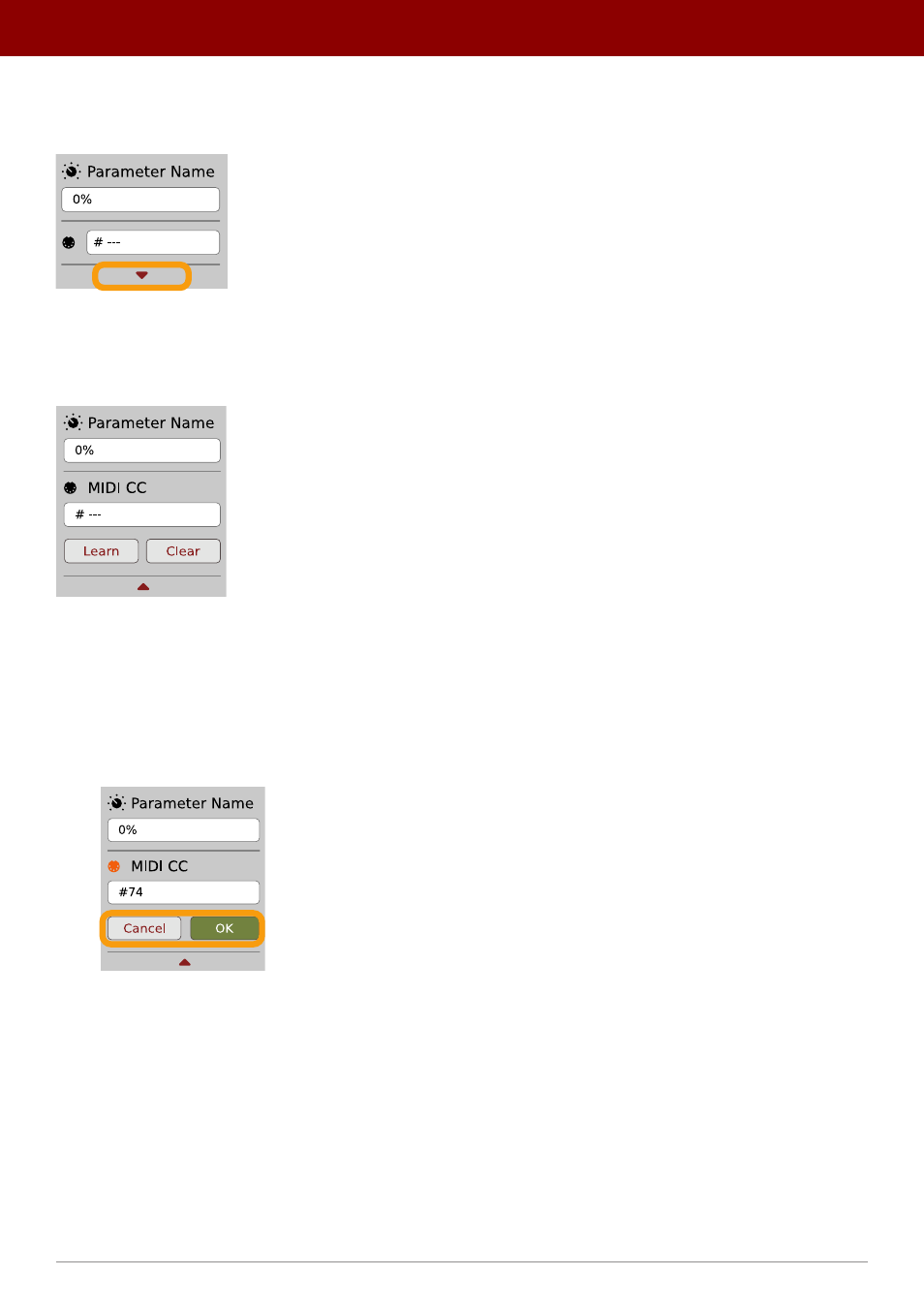
Clicking the bottom arrow expands the menu and displays all available options:
An expanded context menu
Linking a parameter to MIDI CC
The
Learn
function enables a quick assignment of physical controllers (from a MIDI controller) to plug-in parameters.
1.
Click the
Learn
button to put the plug-in into a pending state before moving any MIDI CC controller.
2.
Once the CC is recognized, click
OK
to save the change or click the
Cancel
button to restore the previous setting.
Linking a parameter to MIDI CC
49
oPtions •
midi and ParameTer auTomaTion
Advertising