Default settings, Changing default settings, Restoring factory defaults – D16 Group Drumazon 2 Drum Machine 909 Emulation Plug-In User Manual
Page 53
Default settings
You can save your current settings so that the plug-in will default to them for each new instance, or restore the plug-
in to load with its factory settings.
Changing default settings
1.
Click the
Cog
icon in the left-upper corner of the plugin.
2.
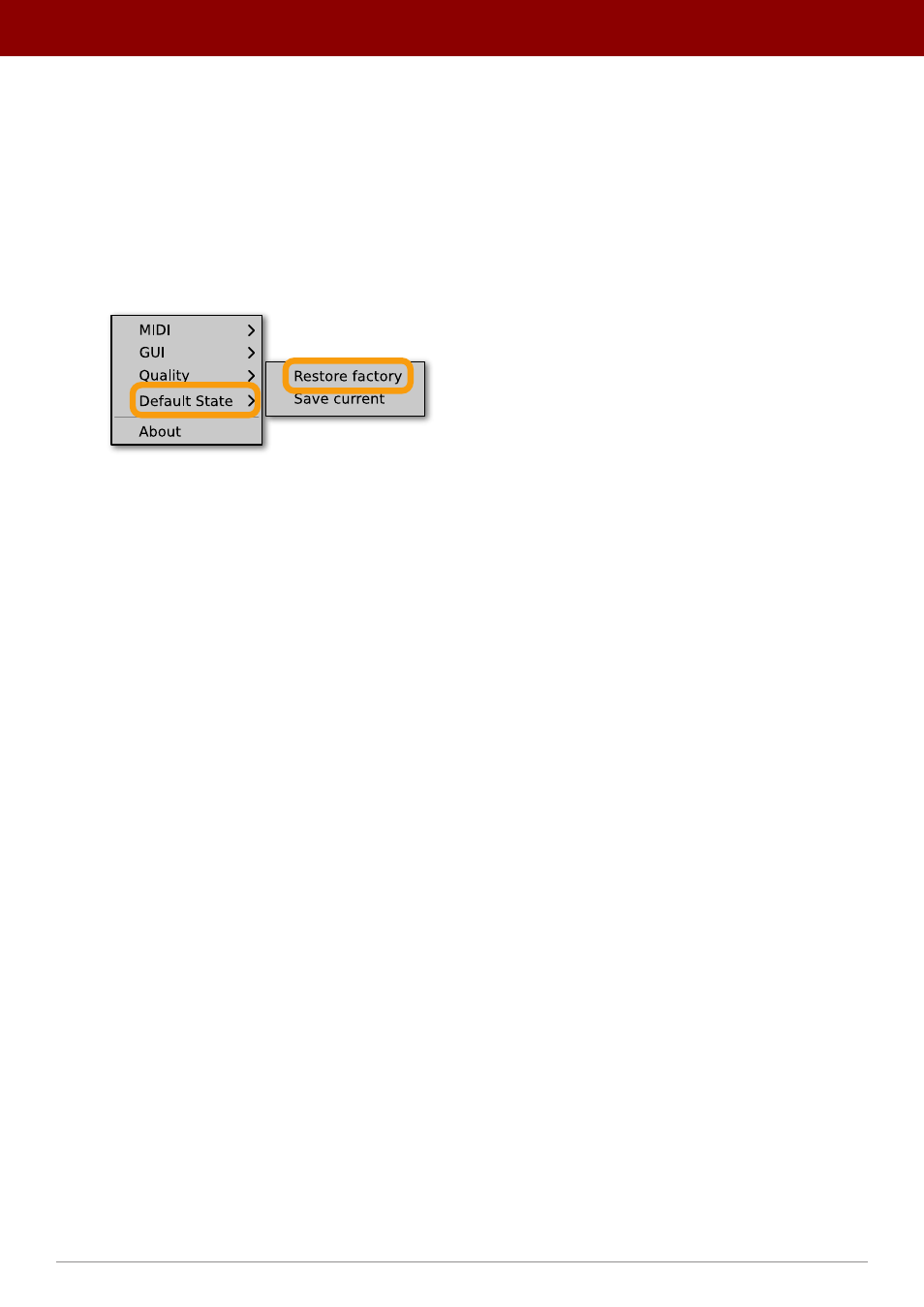
Go to the
Default State
submenu and choose the
Save current
option.
Changing the default state of the plug-in
With this option, the current plug-in state will be saved as the default / initial state for when you insert a new instance
of the plug-in.
The plug-in state includes: sound parameters (default preset), views, preset filters, sound quality settings,
loaded / created MIDI CC map and GUI settings.
Restoring factory defaults
To return the default state for new instances to factory settings:
1.
Click the
Cog
icon in the left-upper corner of the plugin.
2.
Go to the
Default State
submenu and choose the
Restore factory
option.
53
oPtions •
defaulT seTTinGs