Options, Midi and parameter automation, Midi output – D16 Group Drumazon 2 Drum Machine 909 Emulation Plug-In User Manual
Page 48
Options
This chapter concerns all the additional plug-in settings that aren’t stored with any preset type. These settings are exclu-
sively stored within a DAW session but can also be saved and loaded using the options described later in this chapter.
MIDI and parameter automation
This chapter describes everything about communication between the DAW (host) and the plug-in regarding MIDI
or parameter automation options.
MIDI output
By default,
Drumazon 2
bypasses the MIDI messages it receives, meaning every MIDI event that goes into the plug-in
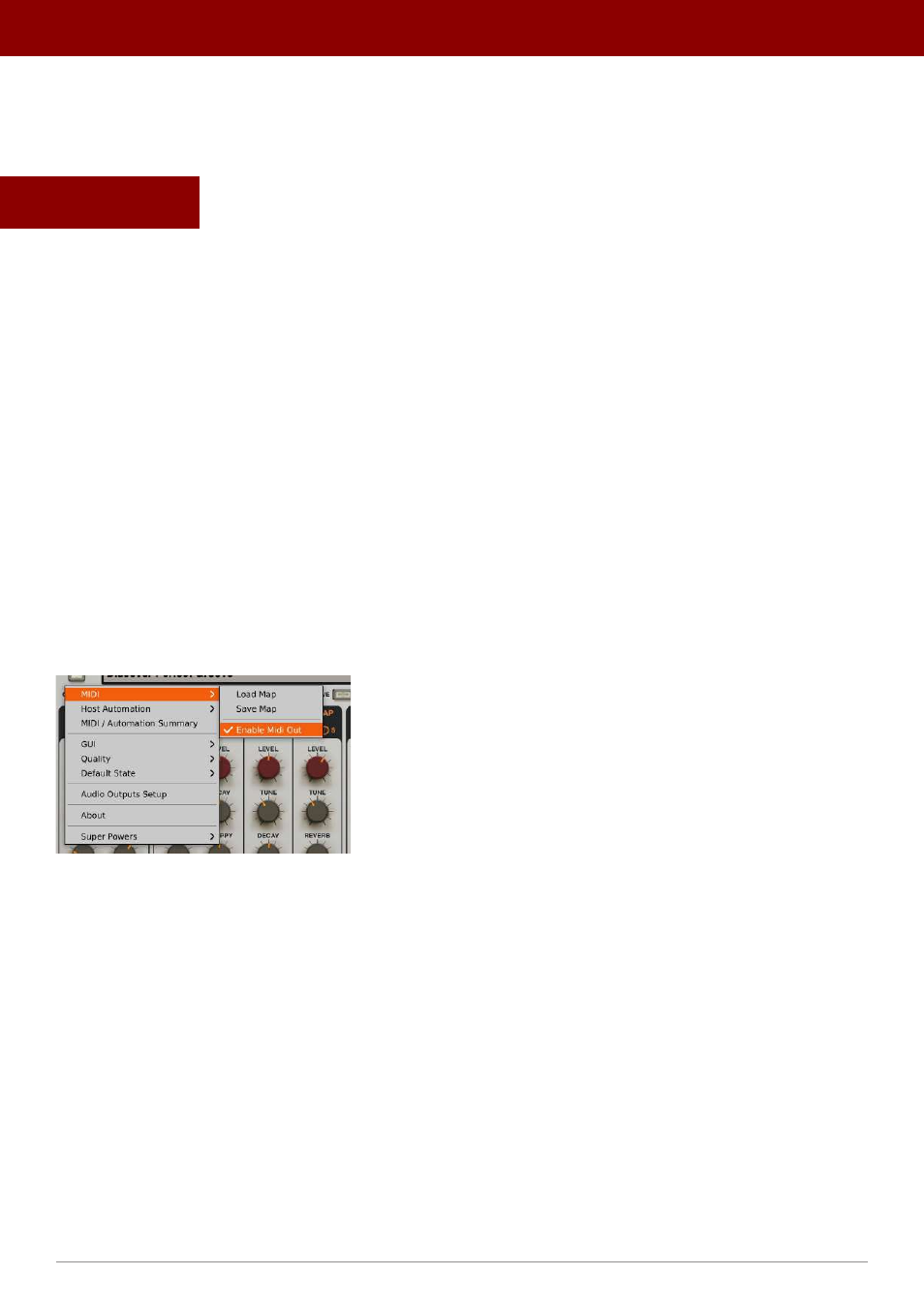
is also sent out from the plug-in (which you can use to feed another MIDI track). If this functionality causes issues with
your DAW (such as creating unwanted MIDI loopbacks) you can disable
Drumazon 2
MIDI Output
by clicking
the
Options
button and unchecking the
MIDI -> Enable MIDI Out
option.
The Enable MIDI Out option
48
oPtions •
midi and ParameTer auTomaTion