Accented and non-accented steps, Articulations – D16 Group Drumazon 2 Drum Machine 909 Emulation Plug-In User Manual
Page 38
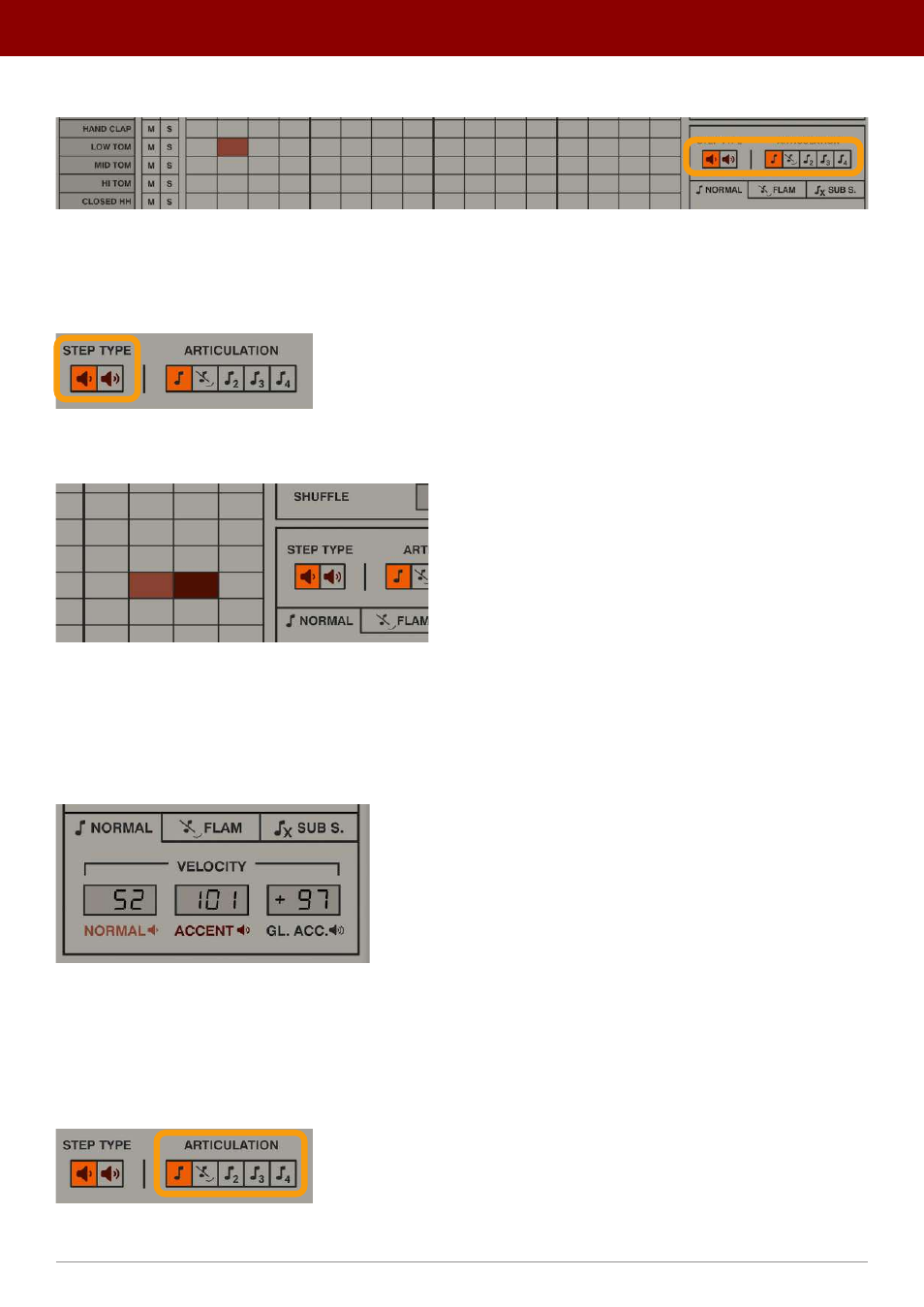
On the right side, we can find a toolbar to select which
Drawing
mode we use and which type of step we will draw:
The draw toolbar
Accented and non-accented steps
The
Step Type
radio group allows us to choose between drawing
Normal
and
Accented
steps:
The Step Type
In the
Sequence
editor, a red rectangle represents a
Normal
step while a brown rectangle is an
Accented
one:
Normal and Accented step
For efficient editing, hold the CTRL key while setting steps to draw the alternative
Step Type
. So, if you set
Step Type
to
Normal
, drawing with the CTRL key held will draw
Accented
steps instead, and vice versa.
The precise MIDI velocity values for
Accented
and
Normal
steps are defined in the
Normal
tab at the bottom of the
Pattern Properties
section:
The Normal tab in the Pattern Properties section
The
Base
and
Accent
displays can be used to edit velocity values.
Articulations
The
Articulation
radio group lets you select which type of articulation is associated with a drawn step:
The Articulation radio group
38
inteRface oveRview •
Play modes