Live mode – D16 Group Drumazon 2 Drum Machine 909 Emulation Plug-In User Manual
Page 34
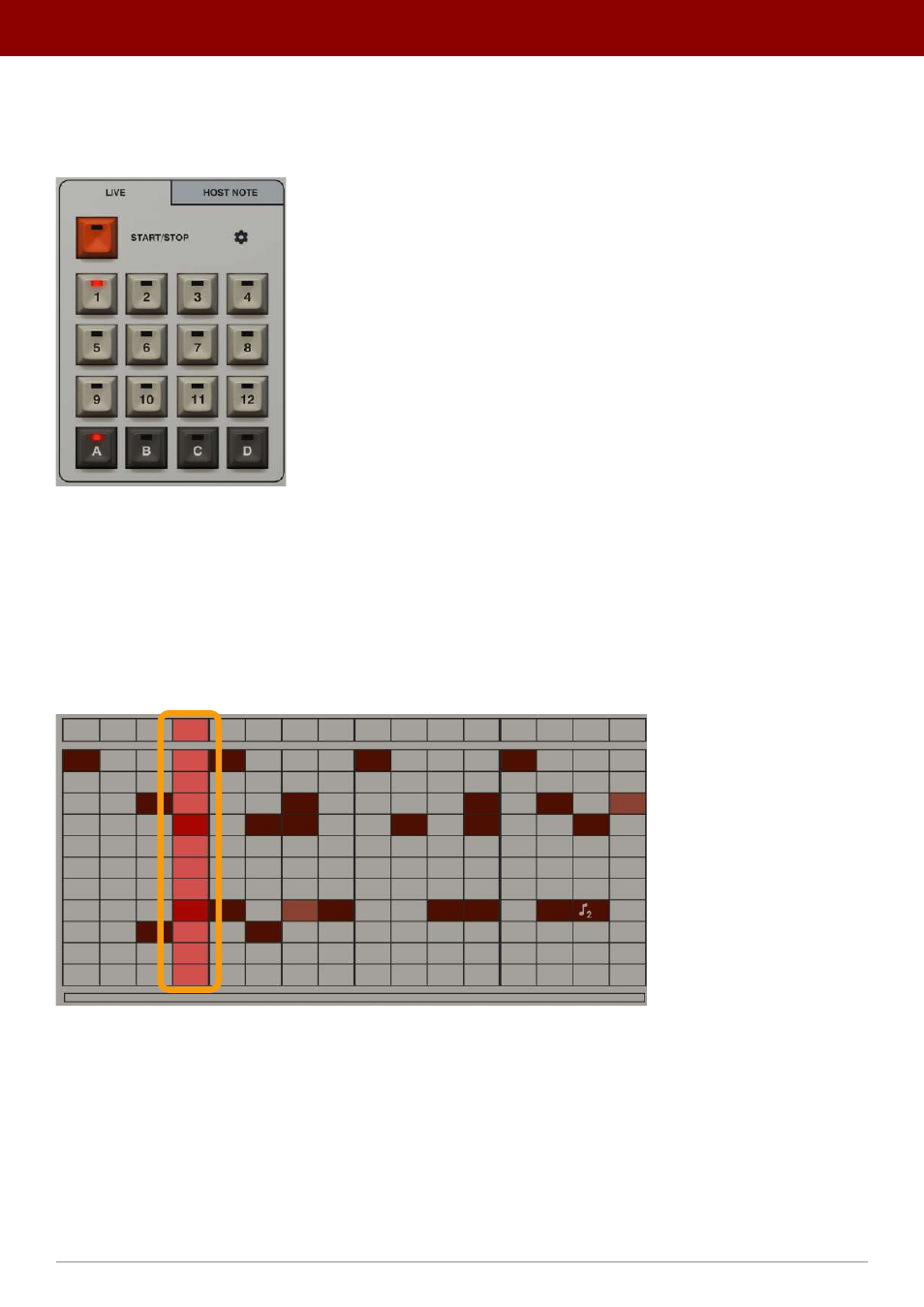
Live mode
Drumazon
is in this mode when first loaded. This is the default mode. From here, you can select patterns to be played
continuously (in a loop) using the
Pattern Selector
:
The Pattern Selector in Live mode
The
1
to
12
buttons represent
12
patterns within a single bank. There are four banks named
A
to
D
, which give
48
patterns in total. The currently selected bank and pattern in the bank are indicated by red glowing LEDs on correspond-
ing buttons.
After loading
Drumazon
, the default chosen pattern is
A-1
.
When the
Start
button is pressed, the red highlight column scrolling across the
Pattern Editor
will indicate which step
in the pattern is currently playing.
The Pattern play cursor
To select another pattern while playing, use a combination of one of the
Bank
(dark gray colored) and
Pattern
(white
colored) buttons in the
Pattern Selector
(in that order). If the next pattern is in the same bank, you can select the new
pattern using just the
Pattern
button
in the
Pattern Selector
.
The next pattern will start playing when the current pattern comes to the end of its final step. The waiting pattern will
be indicated by an LED glowing blue in the corresponding pattern button.
34
inteRface oveRview •
Play modes