Sub step, Global accent – D16 Group Drumazon 2 Drum Machine 909 Emulation Plug-In User Manual
Page 40
Sub step
Another type of articulation in
Drumazon
is subdivision, referred to here as
Sub Step
. This divides a single step into
evenly sized segments. The 2, 3 and 4 note subdivisions repeat a note 2, 3 or 4 times within the duration of a single
step.
Parameters for the
Sub Step
articulation are controlled from the
Sub S.
tab in the bottom part of
Pattern Properties
,
and the values are for an entire pattern:
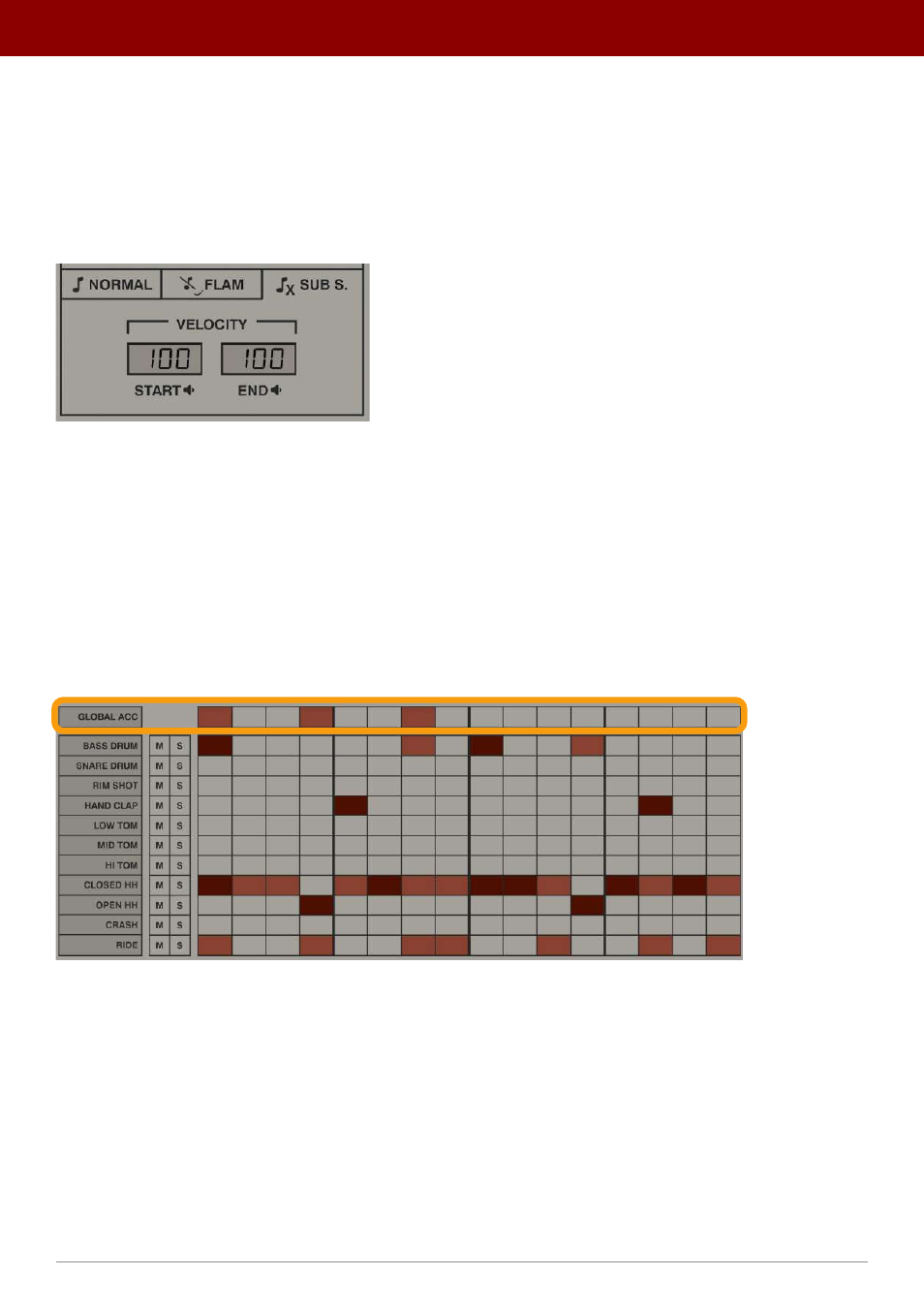
The Sub S. tab in Pattern Properties
There are two parameters, expressed as percentages:
•
Start
- Sets the start volume, compared to the step volume.
•
End
- Sets the end volume, compared to the step volume.
The parameters describe the initial and final volume for the series of
Sub Step
notes, and volume for any in-between
notes changes gradually between the two values.
Global accent
The
Global Accent
row is used to accent all parts / tracks on a given step:
The Global Accent track
For
Global Accent
, steps are set / drawn the same way as any other track using the
Sequence
editor, except the value is
either
On
or
Off
(no accents nor articulations are available).
To control the
Global Accent’s
boost or, in other words, how much louder globally accented steps will be, you need to
use the
Gl. Acc.
parameter on the
Normal
tab in
Pattern Properties
column:
40
inteRface oveRview •
Play modes