Pattern properties, Pattern edit functions – D16 Group Drumazon 2 Drum Machine 909 Emulation Plug-In User Manual
Page 41
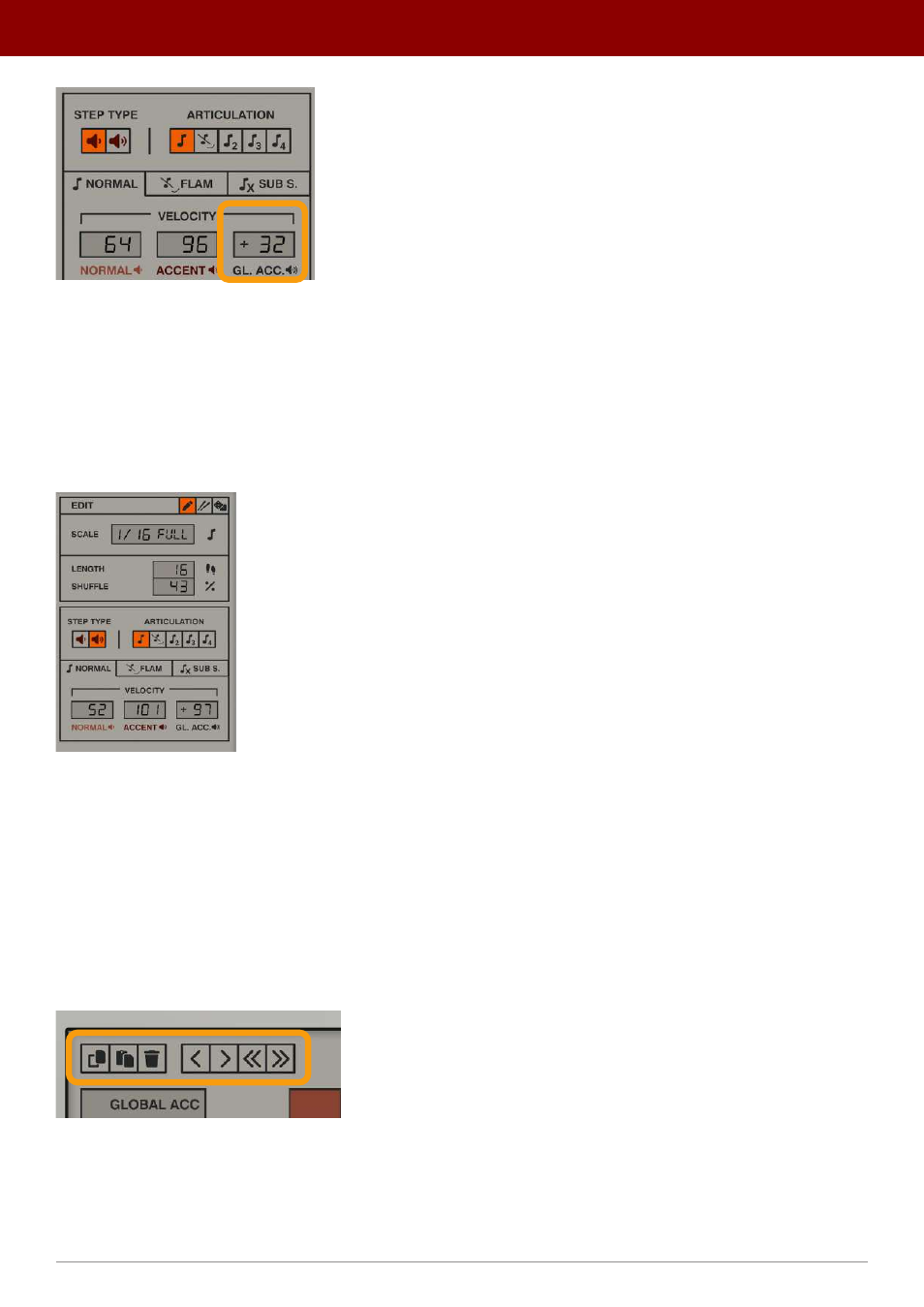
The Global Accent boost
The
Global Accent
parameter’s value is added to existing velocity values for all enabled steps in a column, and if an
instrument has an
Accent
on a given step and
Global Accent
is also added to that step, the two values will be combined.
Pattern Properties
The column located to the right of the grid contains properties and edit functions for the currently selected / edited
pattern:
The Pattern Properties section
You can adjust the following properties:
•
Scale
- Sets the duration of a single step, relative to the tempo. The first part sets the note value, from
1/64th
up
to
1/4th
, and the second part is a note value modifier (
Full
,
Dotted
,
Triplet
).
•
Length
- Sets pattern length, up to
64
steps.
•
Shuffle
- Adjusts the swing effect amount.
Pattern edit functions
In the upper part of pattern editor there’s little toolbar with few useful edit functions;
The Pattern edit functions
Some of them are disabled because they operate only on selected tracks (so you need to select a track or tracks before
using them).
41
inteRface oveRview •
Play modes