Results – D16 Group Drumazon 2 Drum Machine 909 Emulation Plug-In User Manual
Page 57
Advertising
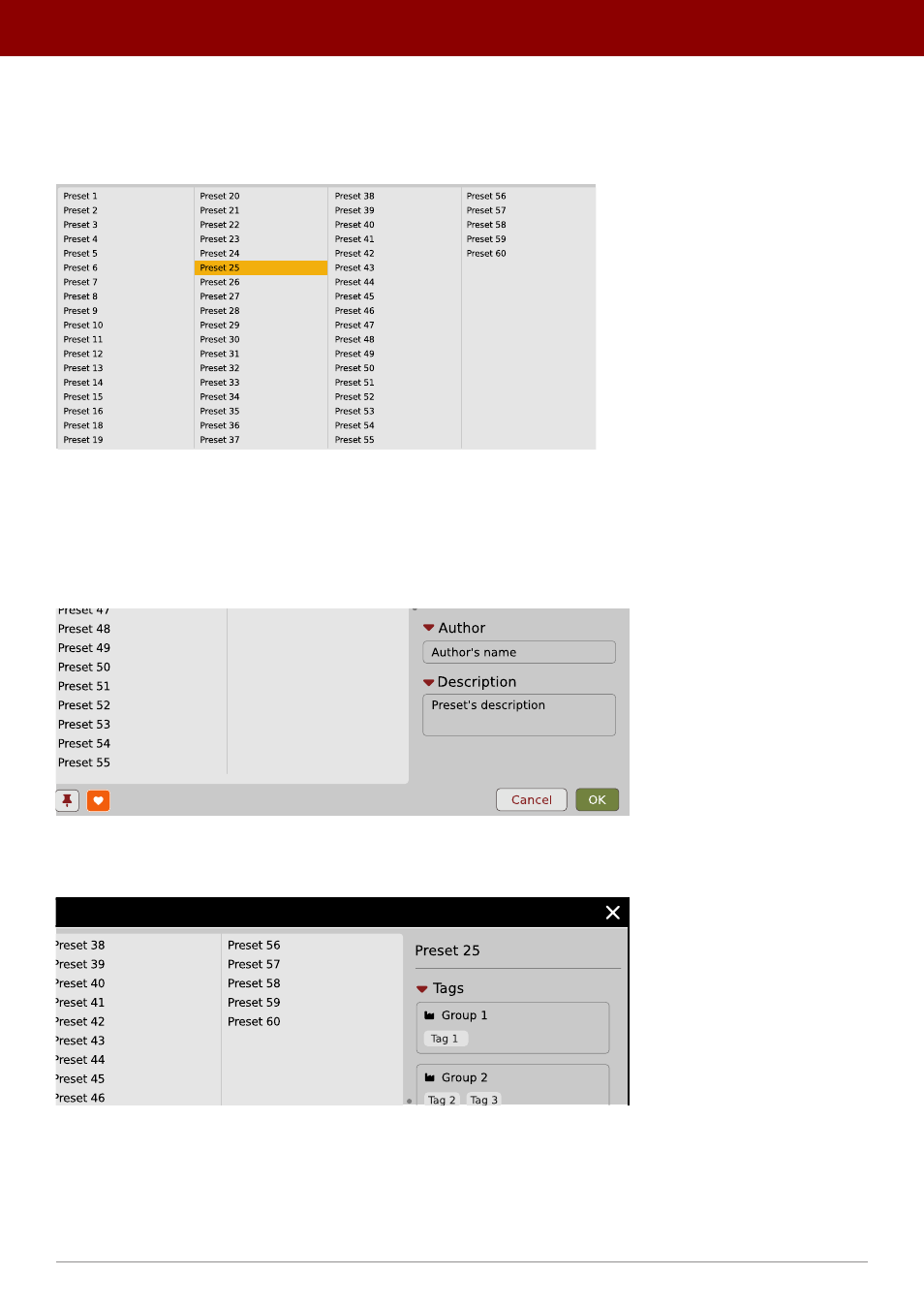
Results
This is a list of presets from chosen
Sources
that meet the filtering criteria. The basic function of this section is to
browse and load presets. It can also be used for editing, which is described later.
The Results list
•
Click
any name to choose and load the preset.
•
Double-click
the name to choose, load the preset and close the browser.
Hitting the
OK
button confirms loading a preset and closes the browser. Using
Cancel
closes the browser but reverts all
parameter changes that loading a new preset might have caused.
The OK and Cancel buttons in the browser
Using the
X
icon has the same effect as the
OK
button:
Close Browser window
57
PReset management •
BrowsinG PreseTs
Advertising