Preset deletion, Tags editing – D16 Group Drumazon 2 Drum Machine 909 Emulation Plug-In User Manual
Page 64
Advertising
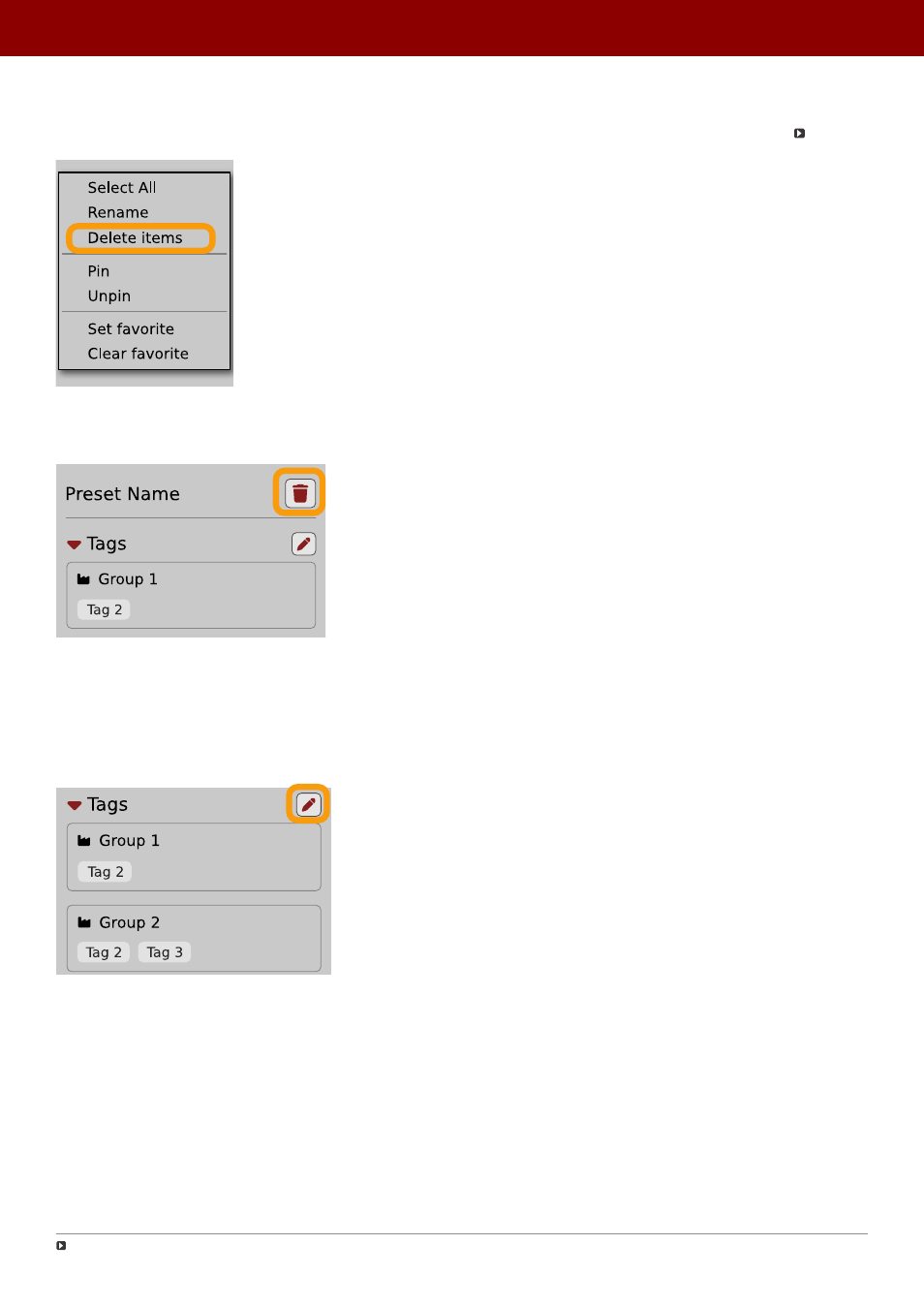
Preset deletion
Once you have selected one or more presets, right-click to open the context menu and select the
Delete items
option:
Deleting presets
Alternatively, you can use the
Trash bin
button in the
Info pane
to delete selected presets:
The Trash bin button
Tags editing
When you select a preset or presets to change their tags, click the
Pencil
button next the
Tags
section in the I
nfo pane
to enter
Edit mode
for the
Tags
:
Entering the Tag edit mode
Or
Delete
option (depending on how many presets have been selected).
64
PReset management •
ediTinG PreseTs
Advertising