Preset filtering using groups and tags, Basic actions, Group operator – D16 Group Drumazon 2 Drum Machine 909 Emulation Plug-In User Manual
Page 58
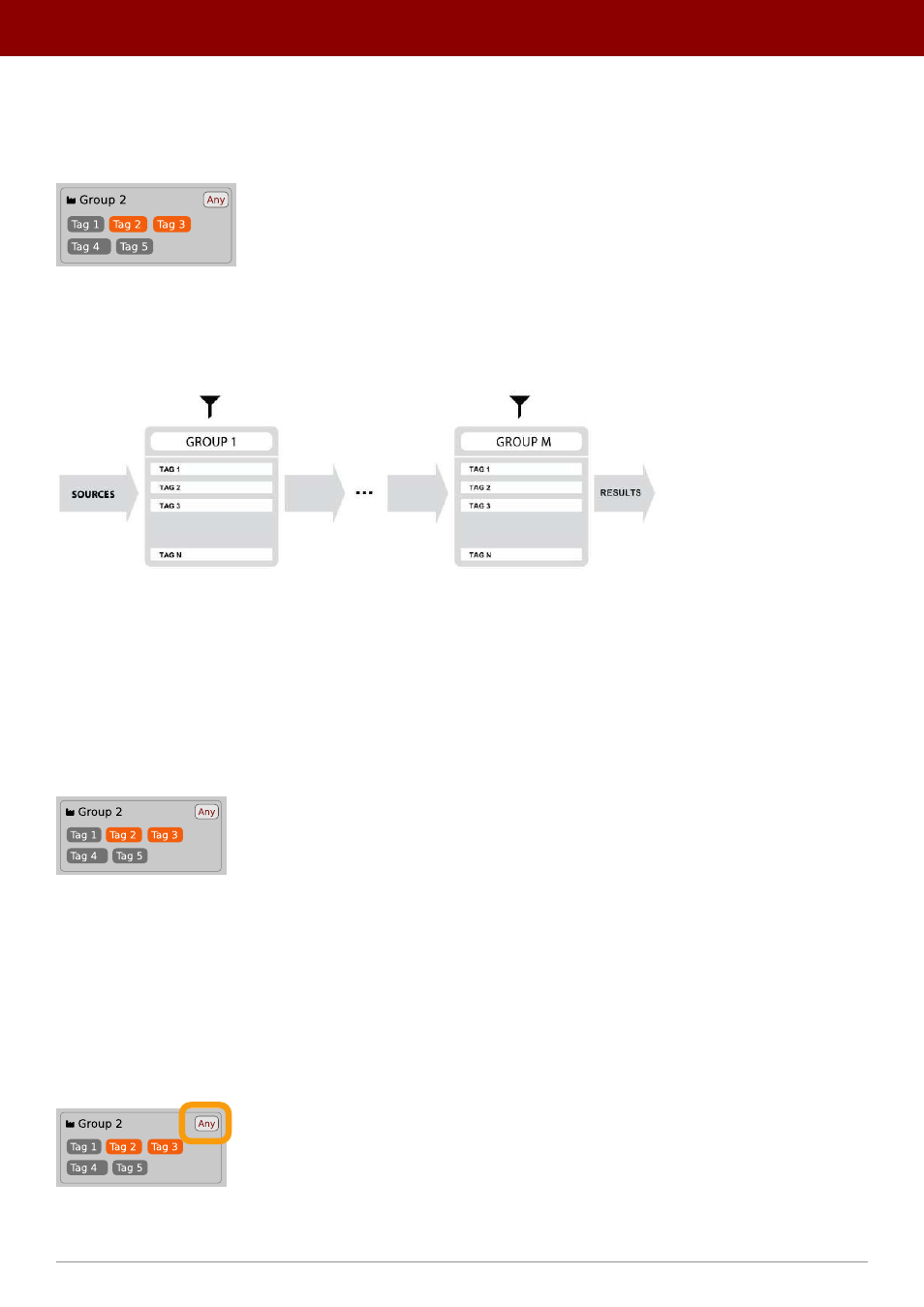
Preset filtering using Groups and Tags
The
Filter
section contains
Groups
of
Tags
. Each Group is represented by a rectangle with the
Group
name + set of
Tags
inside.
Group 2 with two tags set (Tag 2 and Tag 3)
The filtering process cascades from top to bottom. This means that all presets available in the selected
Sources
are
filtered by selected
Tags
from the first
Group
(uppermost one), then the
Group
below and so on, until filtered by the last
active
Group
(the bottom one).
Preset Filtering with the use of Groups
The result of the cascade filtering process is listed in the middle column, the
Results
/ presets list section. You can also
consider the
Results
list as an intersection of preset sets, found by filtering through every individual
Group
.
Basic Actions
Tags
work as toggle buttons. Click to
activate / deactivate
a
Tag
; a gray background color means that the
Tag
is inactive,
and orange means that the
Tag
is
active
.
Group 2 with two tags set (Tag 2 and Tag 3)
If at least one
Tag
in a
Group
is active, then the
Group
(filter) also becomes active, otherwise the
Group
chosen doesn’t
affect the filtering process at all.
Group operator
When a single
Tag
is active in a
Group
, only presets having that
Tag
set are displayed in the
Results
.
If two or more
Tags
in a
Group
are active, the
Results
depend on the
Operator
chosen for the
Group
:
A Group operator
58
PReset management •
BrowsinG PreseTs