Copy / paste / clear tracks, Shift left / right – D16 Group Drumazon 2 Drum Machine 909 Emulation Plug-In User Manual
Page 42
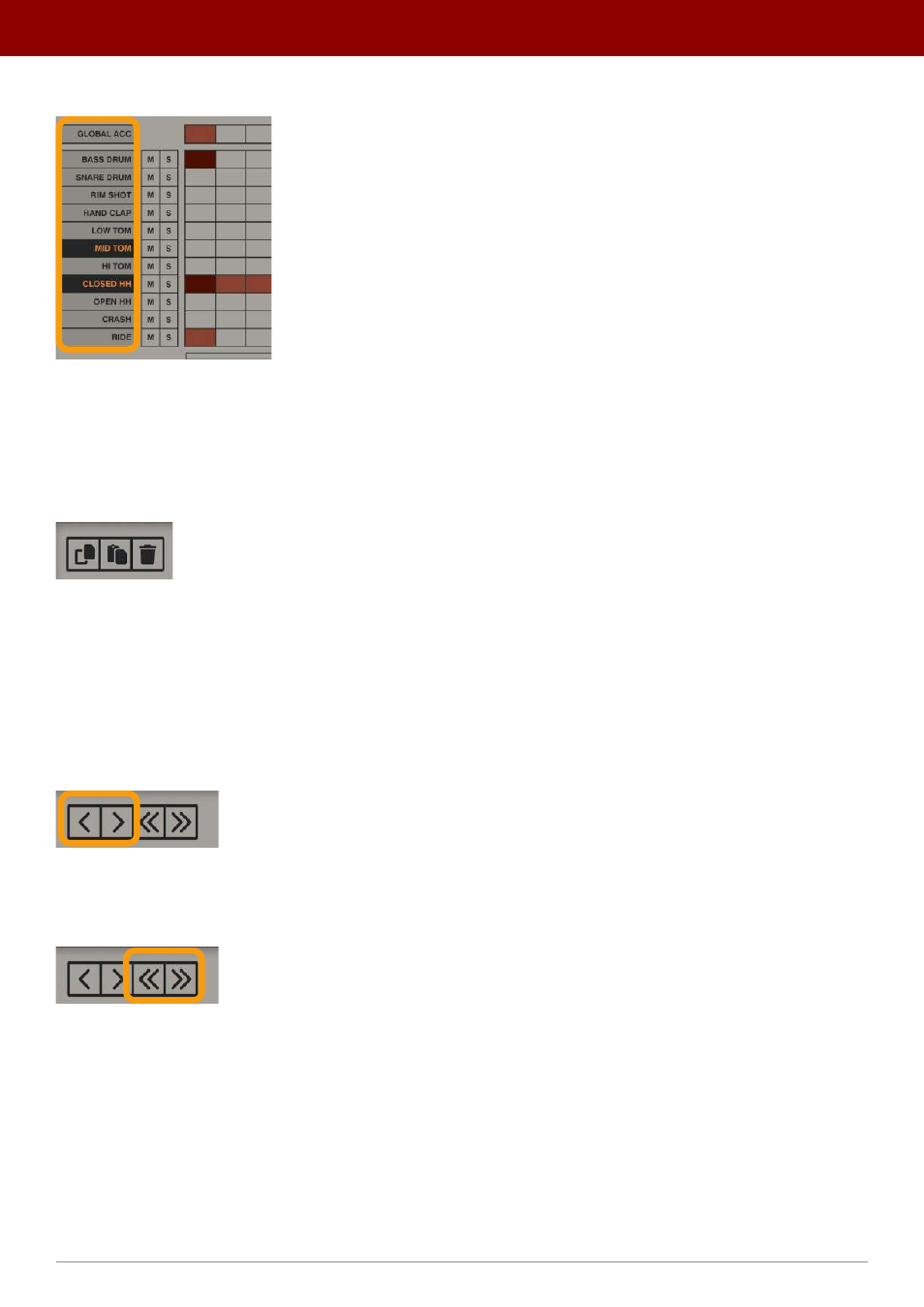
To select a track for editing, click on a desired instrument name in the column on the left:
Selecting tracks
To select more than one track, hold the CTRL key while clicking.
Copy / Paste / Clear tracks
The first three buttons offer basic edit functions such as
Copy
,
Paste
and
Delete
track contents:
The Copy, Paste and Delete buttons
•
Copy
- Copies selected tracks to a buffer.
•
Paste
- Pastes the buffer contents onto selected tracks. If you copied more than one track into the buffer, you
need to select the same number of destination tracks for every track to paste into the pattern editor. If you select
fewer destination tracks, only that number of tracks will be pasted.
•
Clear
- Removes the contents of selected tracks.
Shift left / right
The Shift Left, Shift Right buttons for selected tracks
These buttons shift the contents of selected tracks in the X axis (time), to the left or right. Pressing once shifts the
selected contents by one step.
The Shift Left, Shift Right buttons for the entire pattern
The next two buttons shift the contents of the entire pattern (all tracks), to the left or right. This function doesn’t
require any track selection.
42
inteRface oveRview •
Play modes