Editing custom groups, Unassigned tags – D16 Group Drumazon 2 Drum Machine 909 Emulation Plug-In User Manual
Page 71
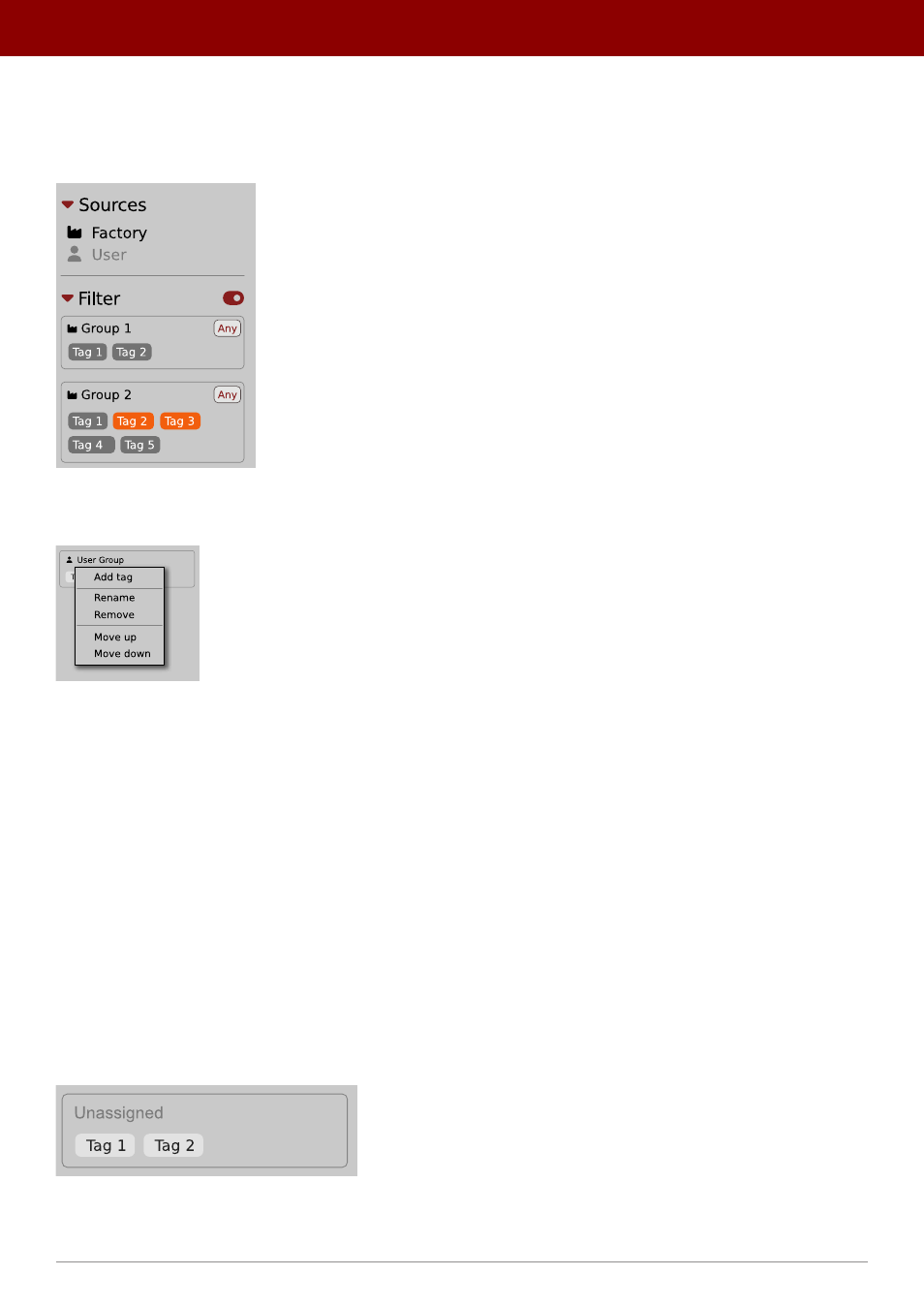
Editing custom Groups
There are a few edit options available for a user to perform on their own
Groups
. Click on a
Group’s
name in the
Filter
section:
The Filter section
You will see a context menu with the following options:
Edit options for a user Group
•
Add Tag
- Adds a new tag to the
Group
(described earlier).
•
Rename
- Changes the
Group’s
name.
•
Remove
- Deletes the
Group
, possible only when all
Tags
in the
Group
have also been removed.
•
Move up
- Moves a
Group
up in the
Filter
. Possible unless the
Group
is already the topmost one.
•
Move down
- Moves a
Group
down in the
Filter
. Possible unless the
Group
is the last one.
These operations are possible only on user
Groups
.
Groups
in the
Filter
are ordered with
Groups
from
Factory
content first, then user groups below.
You can edit user
Groups
in either the
Info Pane
(right column, while
Edit mode
for
Tags
is enabled) or
Filter
(left column).
Unassigned Tags
When you receive content from a collaborator who uses different
Tags
and
Groups
, some Tags may show as
Unassigned
. This happens if the filter structure made by a preset’s author is different.
Unassigned Tags
You can move the
Tags
across your
Groups
to make them fit your scheme, or re-tag the collaborator content entirely.
71
PReset management •
creaTinG cusTom TaGs and GrouPs sTrucTure