Tap mode – D16 Group Drumazon 2 Drum Machine 909 Emulation Plug-In User Manual
Page 47
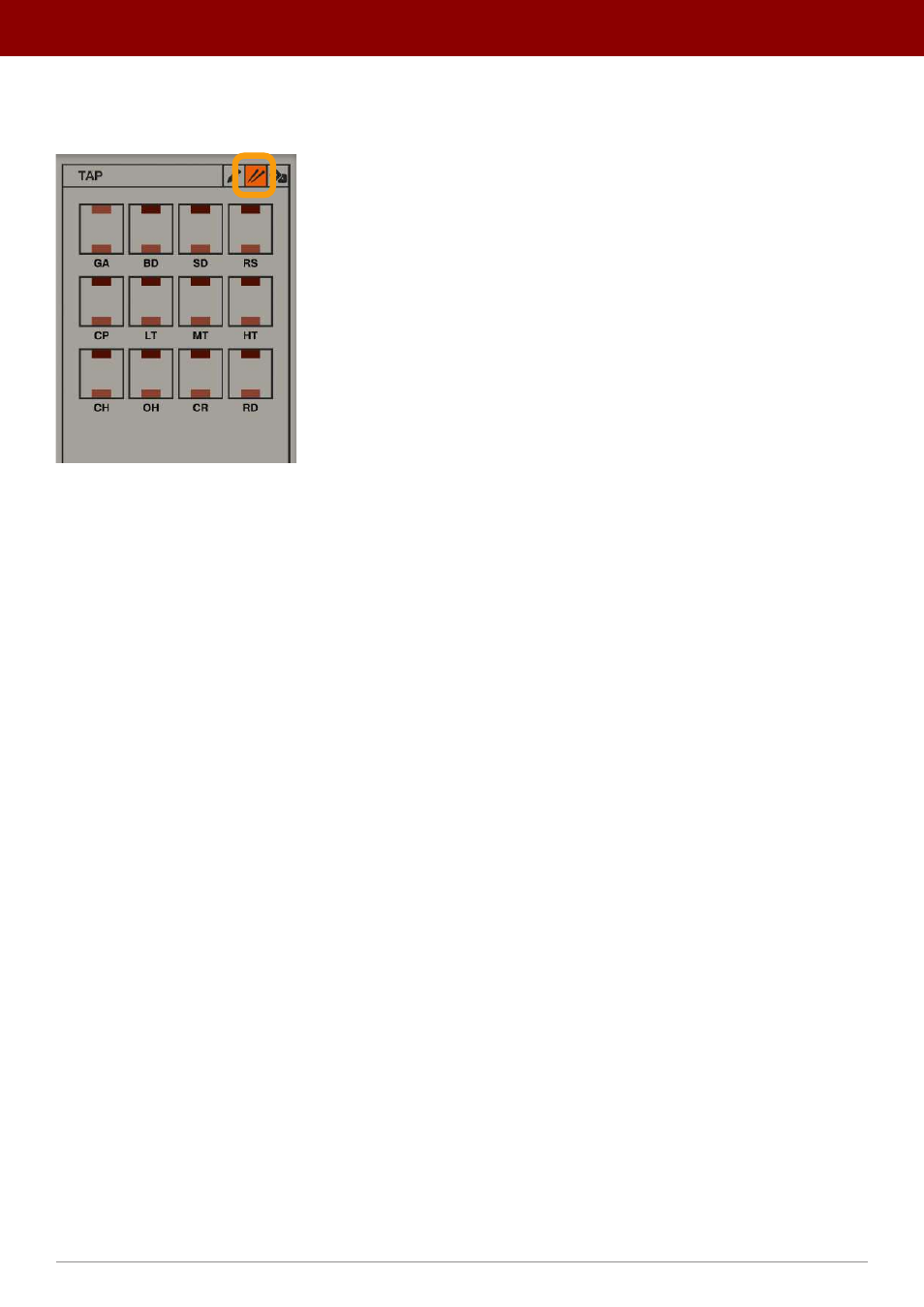
Tap mode
Tap
mode allows patterns to be recorded live. To enter
Tap
mode, select the
Tap tab
in
Pattern Properties
:
The Tap mode tab
Here, you will find
Pad
buttons that allow you to record steps while playing. Note that recording steps is only possible
when the sequencer is running.
Pressing the upper half of a
Pad
records
Accented
steps and pressing the lower half,
Normal
steps. The
Pad
correspond
-
ing to
Global Accents
is an exception, since the
Global Accent
track has only single state steps (no
Accents
).
Alternatively, you can record steps using your MIDI keyboard. In
Tap
mode,
Drumazon
listens to MIDI Input and records
steps according to the predefined Drum MIDI Map (see the
External Mode
chapter). Hitting a key with a velocity > 64
registers an
Accented
step; hitting a key with a velocity below that threshold will
register a
Normal
step.
47
inteRface oveRview •
Play modes