Info pane – D16 Group Drumazon 2 Drum Machine 909 Emulation Plug-In User Manual
Page 61
Advertising
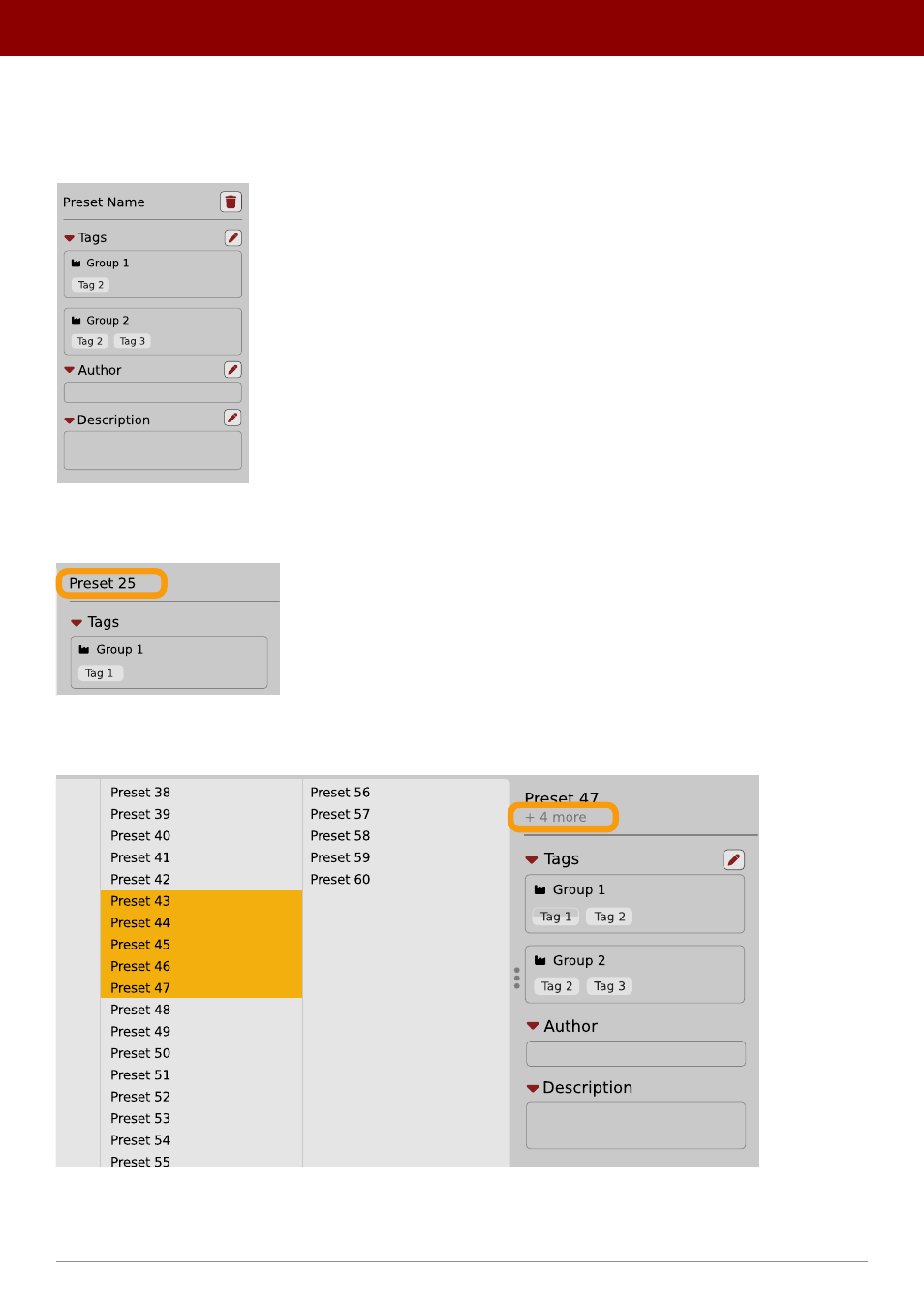
Info pane
The column to the right shows information about the selected preset or presets. It also provides access to some of the
preset editing functions.
The Info pane
There’s a preset name at the top.
The Preset name in the Info pane
Additionally, if you’ve selected more than one preset there’s information about how many more have been selected:
Selecting more than one preset
61
PReset management •
BrowsinG PreseTs
Advertising