Sources, Filter, Groups and tags – D16 Group Drumazon 2 Drum Machine 909 Emulation Plug-In User Manual
Page 56
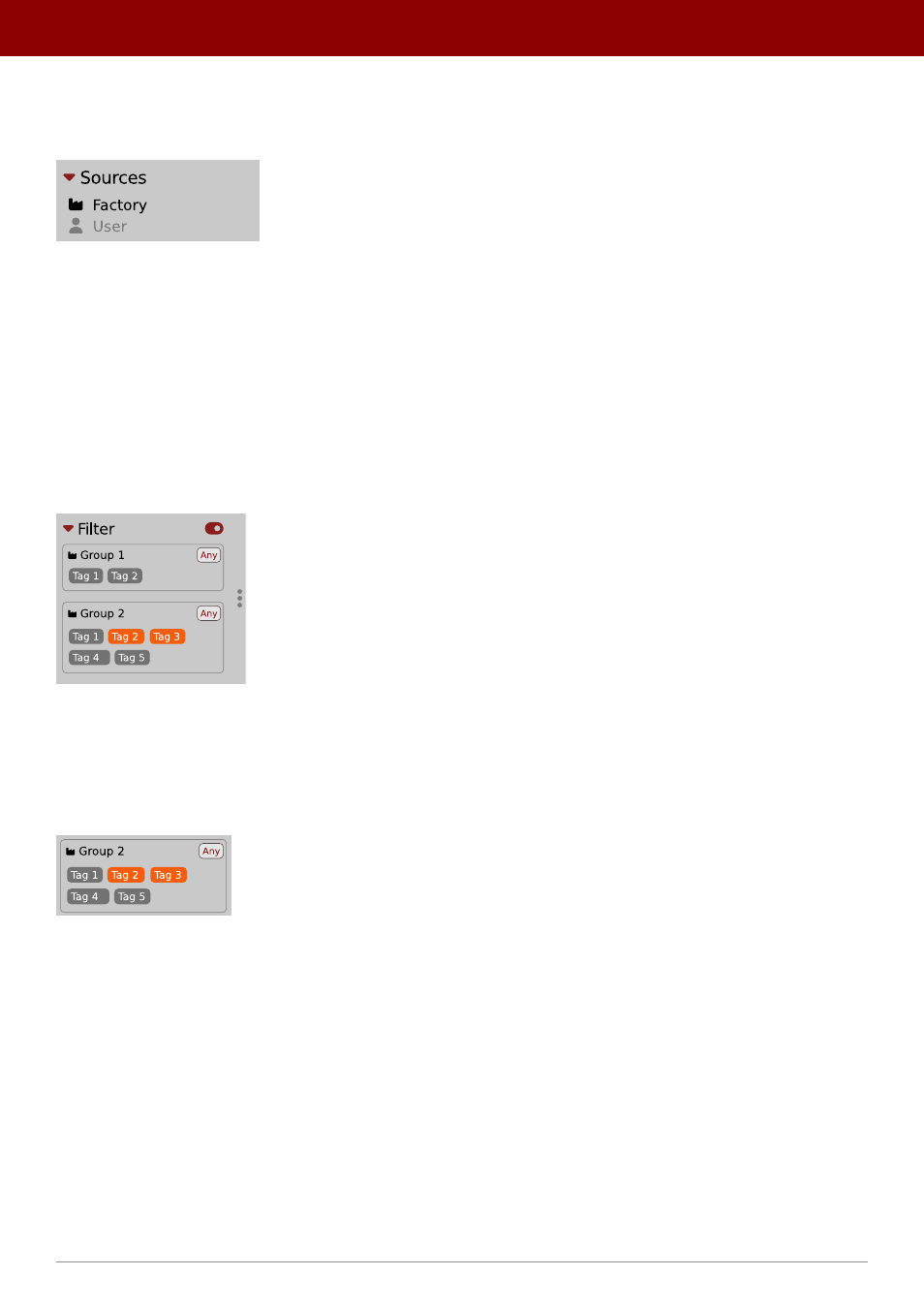
Sources
In this section, you can choose a
Source / Source(s)
that you want to browse presets from.
Preset Sources
There are two resources to choose from:
•
Factory
- Delivered together with the plug-in and cannot be modified (read-only).
•
User
- Created by the user and can be freely modified or shared with other users.
Choosing any of them will cause the results to narrow to the presets from one resource.
Filter
The section below is the
Filter
, which represents a preset filtering system using
Groups
and
Tags
to browse the content.
The Filter section
Groups and tags
Each
Preset
is described by a few common
Groups
. Within each of them there may be one or more
Tags
from a particu-
lar set.
The Filter group
Presets from the
Factory
resource were assigned
Groups
and
Tags
when they were created.
Groups
and
Tags
describe the content clearly, taking into account the plug-in’s purpose.
Editing of the
Groups
and
Tags
for
Factory
content is limited. User presets can be described with the same
Groups
and
Tags
as
Factory
content, or you may define additional
Tags
within factory
Groups
and even create your own
Groups
with your own
Tags
to describe your own presets.
The only limitation is that a user cannot remove factory
Groups
or
Tags
from
Factory
content.
56
PReset management •
BrowsinG PreseTs