6 managing comware-based access controllers – H3C Technologies H3C Intelligent Management Center User Manual
Page 101
79
6 Managing Comware-based access
controllers
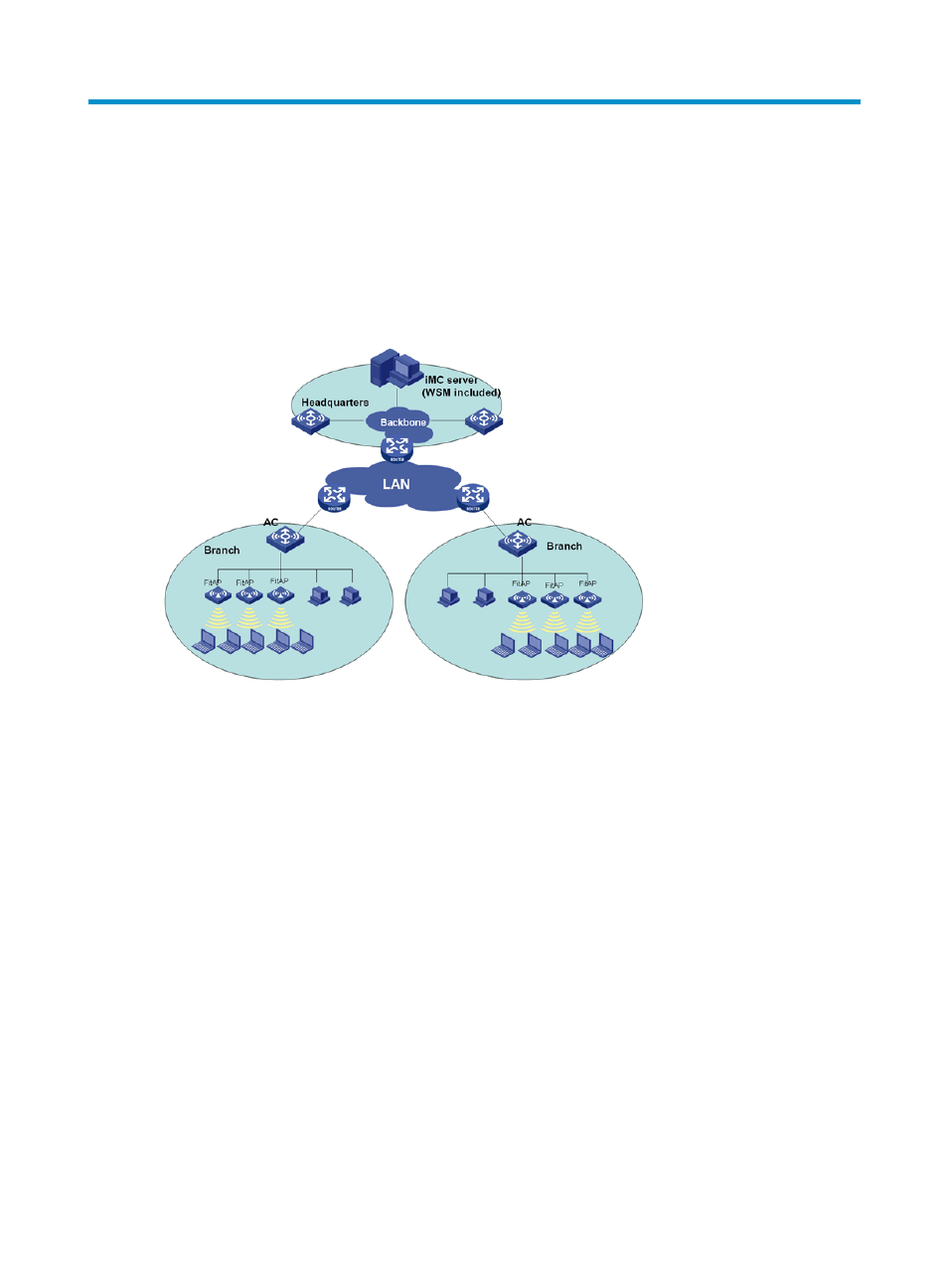
WSM enables administrators to create and manage AC + fit AP networks through ACs. IMC WSM
automatically manages all ACs that are added to the IMC Platform.
Figure 51 AC + fit AP network
Before you create a new AC + fit APs network in WSM, complete the following tasks:
•
Configure the AC so that it can access the network.
•
Connect fit APs to the access device, and make sure the fit APs and the AC can reach each other.
•
Configure an SNMP community on the AC, and add the AC to the IMC Platform.
HP recommends the following procedures for managing the AC + fit APs network:
1.
Optional: Add fit AP groups, and classify the fit APs into groups. For more information about
configuring fit AP groups, see "
."
2.
Configure global parameters for the AC. For more information, see "
3.
Optional: Add radio policies for the AC, and bind the radio policies to the radios on each
managed fit AP so the radios can operate correctly. For more information, see "
."
4.
Optional: Configure the same parameters for multiple radios in batches on the AC to reduce
repetitive operations and improve efficiency. For more information, see "
5.
Add WLAN logical interfaces for the AC and modify the port security mode and VLAN for them.
For more information, see "
Configuring WLAN logical interfaces
."